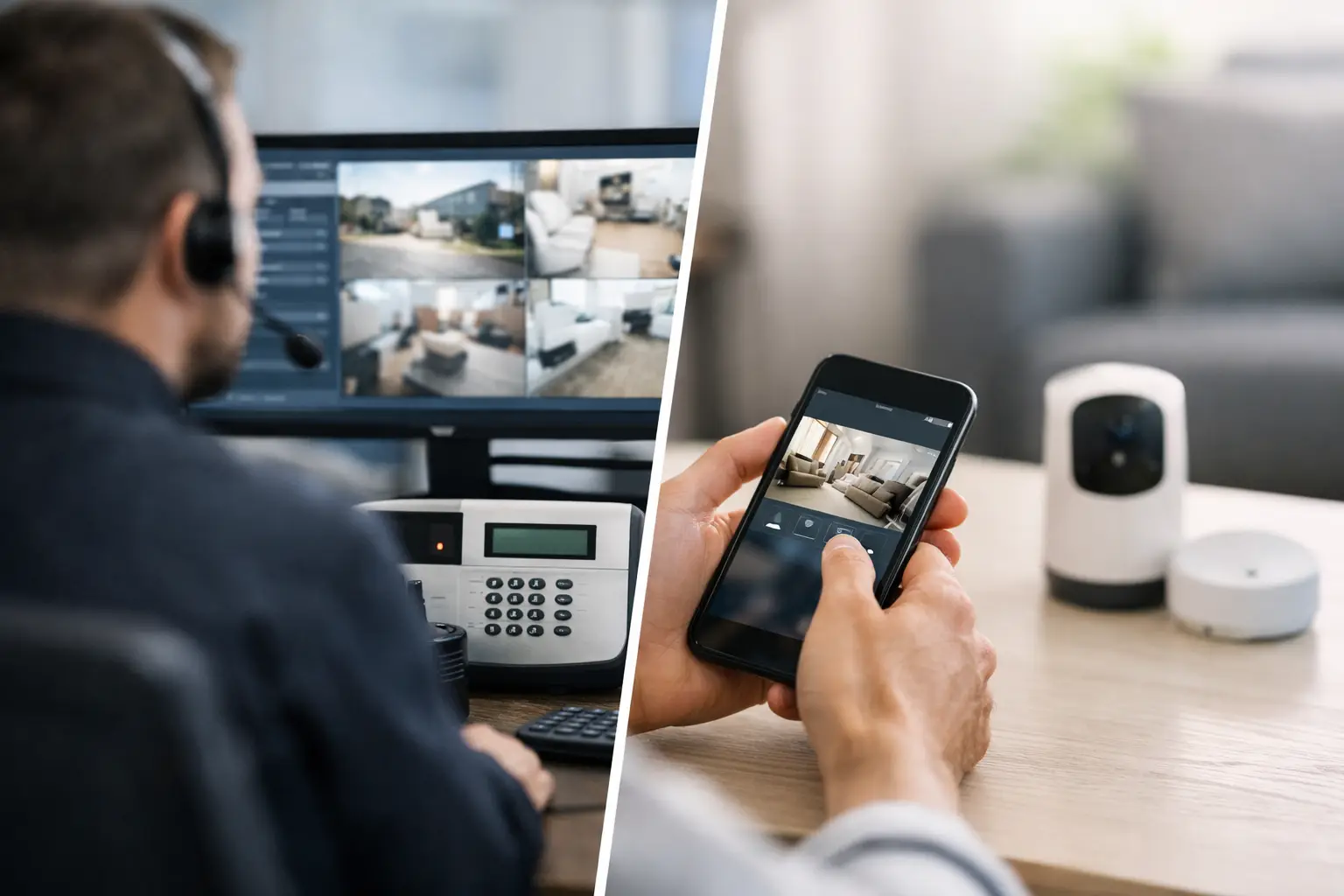
A security alert at 2:15 a.m. creates one immediate question: who is responsible for acting on it? That is the practical difference in alarm monitoring vs self monitoring. One option routes alarm signals to a professional monitoring center that follows an established response procedure. The other sends notifications directly to you or your team, leaving the next step in your hands.
For a homeowner, the right answer may depend on travel schedules, family routines, and tolerance for monthly costs. For a business or managed property, it often comes down to coverage, documented procedures, and whether someone can reliably respond after hours. The best system is not simply the one with the most features. It is the one that matches the way the property is actually operated.
What Professional Alarm Monitoring Does
Professional monitoring connects an alarm panel to a central station staffed around the clock. When a burglary, panic, fire, environmental, or supervisory signal is received, the monitoring center follows the account instructions on file. Depending on the event and system configuration, that can mean calling listed contacts, requesting emergency dispatch, or both.
The central advantage is continuity. A monitored system does not rely on a property owner noticing a phone alert, having cell service, being awake, or being available to make decisions. The monitoring center has the property address, emergency contact list, and response instructions organized before an event occurs.
That does not mean monitoring guarantees police, fire, or medical response. Local agencies determine their own dispatch policies, and many jurisdictions require alarm permits or verification procedures. It does mean a trained operator is responsible for processing the signal according to the plan, even if the owner is on a flight, in a meeting, or asleep.
Professional monitoring is commonly a strong fit for commercial locations, vacant properties, second homes, short-term rentals, and households where occupants are frequently away. It is also valuable when a system includes life-safety devices such as monitored smoke, heat, carbon monoxide, water, or panic alerts.
How Self Monitoring Works
Self monitoring sends system activity to an app, text message, email, or other user-managed notification channel. You may receive a push alert when a door opens, a camera detects motion, a water sensor activates, or the alarm goes off. From there, you decide what to do.
This approach gives the owner direct control. You can review live video, contact a neighbor, call an employee, or request emergency assistance yourself. It can work well for people who are regularly available, comfortable using mobile apps, and willing to manage alerts without outside support.
The limitation is simple: notification is not response. An alert may arrive while your phone is on silent, out of battery, out of service, or buried under other notifications. If several people share responsibility, it is easy for everyone to assume someone else has handled the issue.
Self monitoring also requires a clear plan for false alarms and real events. A camera clip can help you decide whether an alert needs action, but reviewing footage takes time. During an intrusion or emergency, the person receiving the alert may be stressed, uncertain, or unable to contact authorities from their current location.
Alarm Monitoring vs Self Monitoring: The Response Difference
The decision usually turns on response responsibility. With professional monitoring, the monitoring provider is assigned to receive and process qualifying alarm events. With self monitoring, the owner or designated user is assigned that role.
For a small office, consider an alarm triggered after closing. A self-monitored setup may notify the owner and manager. If both are unavailable, no one may see the alert until later. A professionally monitored system can follow an established call list and request dispatch based on the account's instructions.
For a homeowner, the difference may be less noticeable during normal hours. You may see a doorbell camera alert quickly and handle it yourself. The value of professional monitoring becomes clearer when the event occurs during a vacation, overnight, during a medical emergency, or while the entire household is occupied.
There is also a middle ground. Some security platforms support professional monitoring while still providing the owner with app controls, live notifications, smart lock access, and camera viewing. This arrangement keeps daily control in the owner's hands while assigning emergency signal handling to a central station.
Cost Is More Than the Monthly Fee
Self monitoring generally has lower recurring costs. After equipment and installation, the main ongoing expenses may be cloud storage, cellular connectivity, or premium app features. That lower cost is attractive when the property has limited risk or an owner is willing to take an active role.
Professional monitoring adds a monthly service charge, often alongside cellular communication service. The amount varies based on the system, device types, required supervision, account setup, and service level. Fire and commercial systems may have additional inspection, testing, and compliance requirements.
The useful comparison is not just equipment cost versus monthly cost. Consider the cost of a missed alert, delayed response, false-alarm management, or sending staff to investigate an event at night. For a business, professional monitoring may reduce the operational burden placed on managers and employees. For a second home, it can provide coverage when no local contact is available.
Insurance is another factor worth checking. Some carriers offer discounts for qualifying monitored security or fire systems, but requirements vary. Ask the insurer what documentation, device types, and monitoring certifications are needed before factoring a discount into the decision.
Reliability Depends on the Entire System
Neither monitoring model can compensate for poorly designed equipment or unreliable communication. The alarm panel needs dependable power, battery backup, appropriate sensors, and a communication path that can report events when the primary internet connection fails.
For many properties, cellular backup is a practical part of the design. A system that depends only on Wi-Fi or a local internet connection can lose communication during an outage. In Florida, where severe weather and power interruptions can affect a property, backup power and cellular communication deserve serious consideration.
Camera alerts are useful, but they should not be treated as a complete alarm strategy. Video analytics can reduce unnecessary notifications, yet cameras may be affected by lighting, positioning, network conditions, and detection settings. Door and window contacts, motion detectors, glass-break sensors, environmental sensors, and access control can provide different layers of awareness.
Professional monitoring also depends on accurate account information. Contact lists, passcodes, site addresses, gate instructions, and response procedures need regular updates. A monitored account with outdated contacts can still create avoidable delays. Organized service and account management are part of system reliability, not an administrative afterthought.
Choosing the Right Model for Your Property
Self monitoring may be a good fit when the property is occupied, alerts are likely to be seen quickly, and the owner wants to minimize recurring expenses. It can also work well as an added layer for lower-risk areas, such as a garage, storage room, or secondary entrance where video verification is useful.
Professional monitoring is often the better choice when no single person can commit to answering alerts at all hours. That includes busy families, frequent travelers, retail locations, offices, warehouses, multifamily common areas, and properties with life-safety devices. It is especially worth considering if the consequences of a delayed response are significant.
For businesses, assign responsibility before selecting a model. Who receives an alert? Who has keys or access credentials? Who can verify video? Who is authorized to request emergency response? Who updates the call list when staff changes? If those answers are not clear, self monitoring can become unreliable even with good equipment.
For homeowners, think beyond a typical weekday. Consider what happens when everyone is traveling, when a phone is lost, when a caregiver is at the house, or when a water sensor triggers while you are away. The right decision should cover the exceptions, not only the routine.
Start With a Response Plan, Then Build the System
A well-designed security system starts with the property and the response plan, not a box of devices. Determine which events matter most, who needs to know about them, and what should happen after an alarm. Then select the right mix of intrusion detection, cameras, access control, smart automation, backup communication, and monitoring service.
For properties in Miami, Orlando, and Tampa, 1 Stop Security can help organize that process from system design through installation, configuration, and ongoing service coordination. A centralized approach matters when multiple systems need to work together without creating more work for the owner or manager.
Choose the option that gives the right person a clear job when an alarm occurs. If that person is always available and prepared to act, self monitoring may be enough. If coverage cannot depend on one phone, one employee, or one household member, professional monitoring provides a more dependable operational layer.