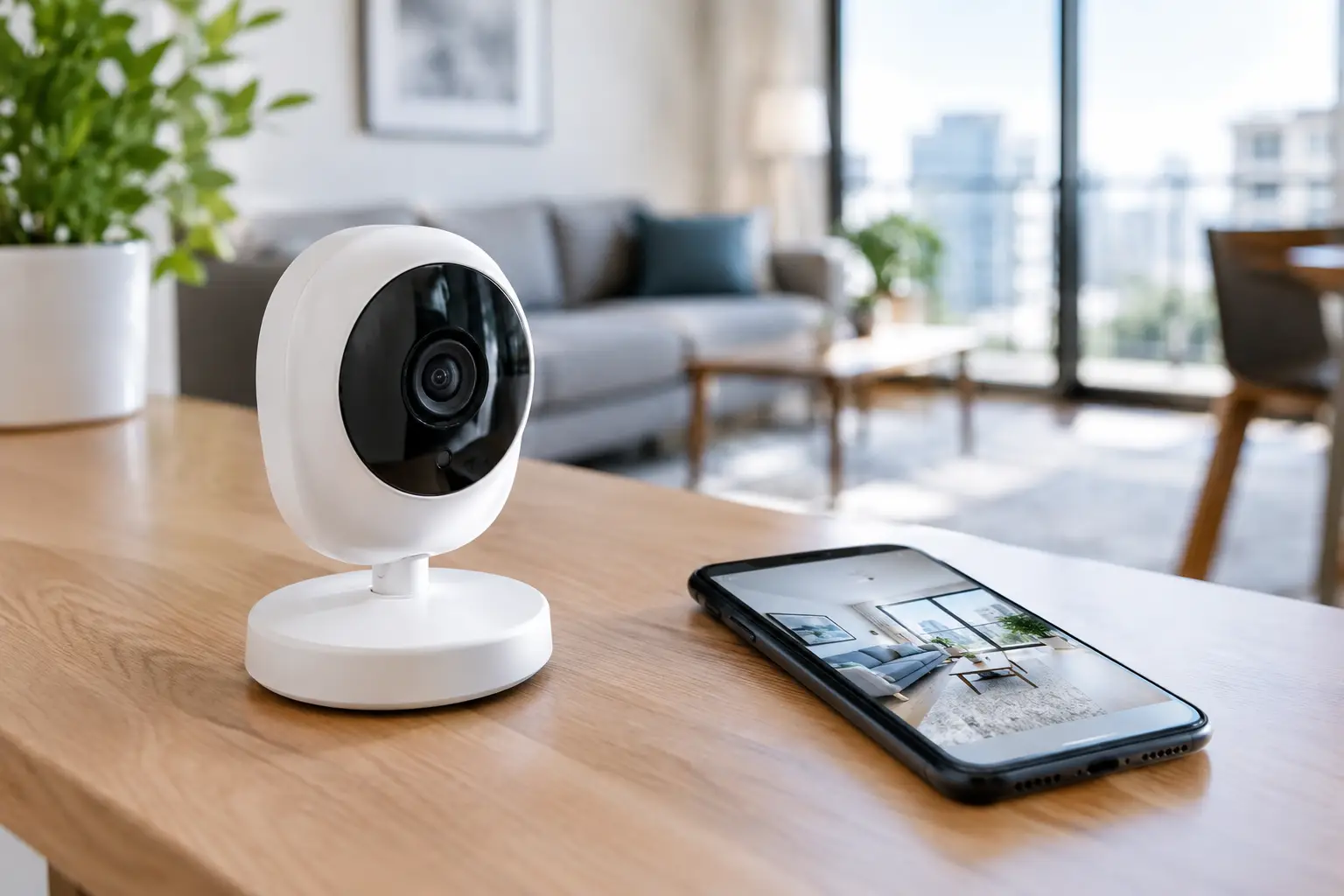
A camera pointed at your own front door can answer a simple question: who was there? A camera that captures a neighbor's doorway, hallway traffic, or a shared courtyard can create a lease dispute just as quickly. This apartment camera guide focuses on making smart security choices that protect your space without crossing privacy, building-policy, or installation lines.
Apartment security is different from securing a single-family home. You may have limited control over wiring, exterior surfaces, Wi-Fi equipment, and shared areas. The right system is usually the one that covers a clear risk, installs cleanly, and remains easy to remove or manage when a tenant moves out.
Start With the Area You Need to Protect
Before choosing a camera, identify the actual problem. Renters commonly want visibility at the entry door, confirmation that a pet sitter arrived, or alerts when someone enters while they are away. Property managers may need oversight at authorized building entrances, package areas, parking access points, or other common spaces.
Those are separate use cases and should not be handled with one camera type or one placement rule. A door camera works best when the concern is visitors and package activity. An indoor camera may be appropriate for monitoring an apartment's main entry, a pet, or valuables while the resident is away. Cameras for managed properties need a more deliberate design, including coverage zones, access permissions, recording retention, and clear resident communication.
Avoid treating a camera as a general-purpose device that watches everything. Narrow, intentional coverage reduces privacy concerns and produces more useful footage when an incident occurs.
Apartment Camera Guide: Know the Privacy Boundaries
A resident can generally place cameras inside their own apartment, but placement still matters. Cameras should never be used in bathrooms, bedrooms occupied by others without their knowledge, or any setting where a person reasonably expects privacy. Audio recording can involve additional legal restrictions, particularly when conversations are captured without consent.
Exterior and door-facing cameras require more care. A camera at a private apartment door may incidentally capture a portion of a hallway, but it should not be aimed to monitor a neighbor's doorway or track activity throughout a shared corridor. In condominiums and managed communities, association rules, building policies, and lease terms may limit exterior devices, mounting methods, or the use of common-area footage.
For property managers, common-area surveillance should be based on a documented security purpose. Entry points, parking gates, mailrooms, loading areas, and amenity access points are typical examples. Cameras should not be installed in private spaces or used as a substitute for professional property management practices.
The practical rule is simple: record only what you have a legitimate reason and authority to monitor. Review the lease, community rules, and applicable state and local requirements before installation. When the situation is unclear, get written approval from the landlord, association, or property owner.
Choose Hardware That Fits a Rental Property
The best apartment camera is not always the camera with the longest feature list. It needs to work within the apartment's physical limits and the resident's ability to maintain it.
Door Cameras
A door camera is often the first choice for apartment residents. Look for an option that can be installed without drilling when the lease prohibits alterations. Some use removable mounting solutions, while others may require a compatible peephole or existing doorbell wiring.
Battery-powered models are flexible, but they require periodic charging. Wired models reduce that maintenance, yet they may require landlord approval and professional installation. In a Florida apartment, heat, humidity, rain exposure, and direct sun can also affect placement and battery performance. Confirm that the camera is rated for the conditions at the door.
Indoor Cameras
Indoor cameras are useful for monitoring the main living area, an entryway, pets, or temporary access by cleaners or service providers. A compact plug-in model is usually easier to maintain than a battery unit because it can record continuously if the power and network support it.
Place it where it sees the entry path without exposing private areas. If roommates share the apartment, discuss the camera before installing it. Clear expectations are better than an argument after a notification appears on someone's phone.
Local Recording and Cloud Recording
Cloud recording is convenient because clips can be reviewed remotely even if the camera is stolen or damaged. It can also create an ongoing subscription cost and requires reliable internet service.
Local recording can reduce monthly fees and keep more control at the property. However, footage may be unavailable if the camera, memory card, recorder, or power source is damaged during an incident. Some systems use both local and cloud storage, which provides stronger continuity but adds cost and setup complexity.
For a single apartment door camera, cloud clips may be sufficient. For a larger managed property or a unit with multiple cameras, a professionally configured recorder and organized retention plan may be the better operational choice.
Do Not Overlook Wi-Fi, Power, and Alerts
Most camera problems are not caused by the camera itself. They come from weak Wi-Fi, crowded networks, dead batteries, poor notification settings, or a router placed too far from the door.
Test the wireless signal where the camera will be installed before making a purchase. Concrete walls, metal doors, elevator shafts, and neighboring networks can reduce performance in apartment buildings. If the signal is weak, repositioning the router or adding a properly configured network extender may help. A property-wide system may need dedicated networking rather than relying on a resident or office Wi-Fi connection.
Power planning matters as well. A battery camera may be convenient, but a missed low-battery alert can leave the entry uncovered. Plug-in cameras need a protected outlet and a clean cable route. Hardwired devices should be installed only when the building owner approves the work and the electrical or low-voltage path is appropriate.
Configure notifications for events that matter. Constant motion alerts from hallway traffic, passing cars, or pets will train users to ignore the app. Use activity zones, person detection, and sensitivity controls to focus notifications on the door, access path, or specific monitored area.
Set Up the System for Real Incidents
A camera becomes more useful when its settings are handled before something happens. Set the correct time zone, give each device a clear name, and verify that recorded clips can be retrieved from another device. If multiple people need access, assign individual user accounts rather than sharing one password.
For property managers, establish who can view live video, export footage, change settings, and approve new users. Footage access should be limited to authorized roles. A maintenance employee may need access to a door intercom or smart lock workflow, for example, without having unrestricted access to surveillance recordings.
Use a retention period that fits the property and its needs. Keeping footage indefinitely is rarely necessary and can create more administrative burden. A defined retention period, combined with a process for preserving clips related to incidents, is more organized and easier to manage.
A basic operational checklist should cover four areas:
- Confirm each camera records and sends alerts as intended.
- Check battery level, lens cleanliness, and Wi-Fi signal on a routine schedule.
- Review user access after tenant turnover, staffing changes, or vendor changes.
- Document how incident footage is saved, shared, and deleted.
When Professional Installation Makes Sense
A self-installed camera can work well for one apartment door or a single indoor view. Professional planning is more valuable when the project includes several cameras, common areas, access control, structured cabling, intercoms, smart locks, or a property-wide network.
This is especially true for multi-unit properties where camera angles, privacy boundaries, retention rules, and user access must be coordinated. A poorly placed camera can create blind spots and complaints. A well-designed system gives management clear coverage at critical points without turning the property into a patchwork of disconnected apps and devices.
1 Stop Security helps residential and commercial clients organize surveillance, access-related systems, and connected property technology under one service process. For apartments and managed properties, the goal is not more devices. It is dependable coverage, controlled access, and a system that staff and residents can actually use.
Choose the camera around the decision it needs to support: confirming a visitor, documenting an entry event, protecting a shared access point, or managing a larger property workflow. When coverage, permissions, and installation are planned together, the system stays useful long after the first alert arrives.