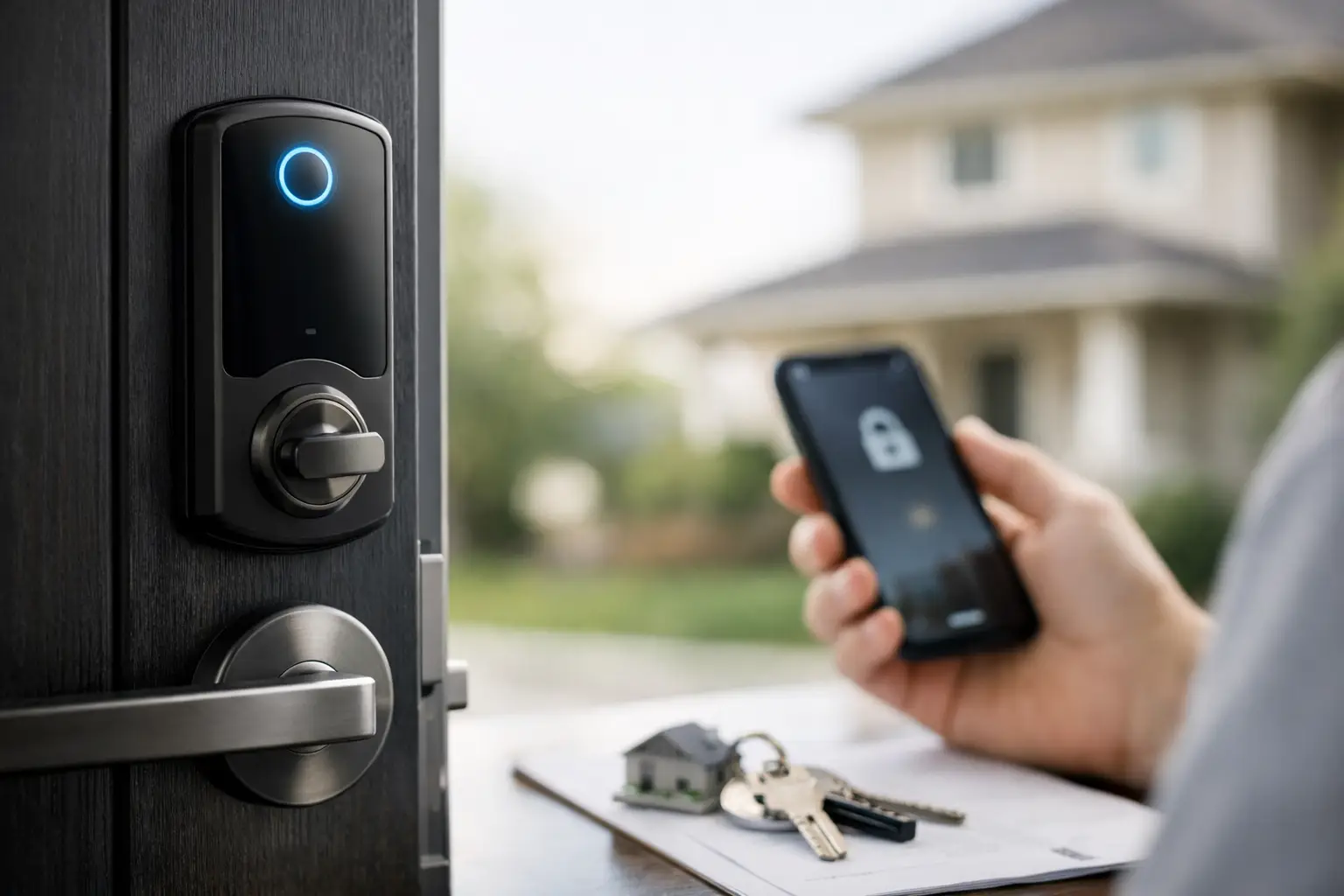
A smart lock can be convenient when a contractor needs access, a family member arrives early, or an employee leaves after hours. But convenience should not come at the expense of security. Are smart locks safe? For most homes and professionally managed properties, yes - provided the lock is a quality product, installed correctly, and managed as part of a broader security plan.
A smart lock is not automatically safer than a traditional deadbolt simply because it connects to an app. Its security comes from a combination of mechanical strength, encrypted communication, account controls, door condition, and the way people use it. A well-installed smart lock can improve control over who enters a property and when. A poorly chosen or poorly managed one can create avoidable weak points.
Are Smart Locks Safe? The Practical Answer
Smart locks are generally safe when they use a quality deadbolt, current security protocols, and a manufacturer that provides ongoing software updates. They can be particularly useful because they remove common problems tied to physical keys: copied keys, lost keys, forgotten rekeying after turnover, and no record of who had access.
Instead of handing out a spare key, an owner can assign an individual code or mobile credential. That access can be removed when a tenant moves out, a vendor finishes work, or an employee leaves. Many models also provide activity history, scheduled access, and lock-status alerts. These features create better oversight than a key ring with unknown duplicates.
That said, a smart lock is still a lock. If the door frame is weak, the strike plate is attached with short screws, or the deadbolt does not fully extend into the frame, the electronic features will not compensate for the physical vulnerability. The best result comes from treating the lock, door, frame, account settings, and network as one system.
What Makes a Smart Lock Secure
The first requirement is mechanical quality. Look for a deadbolt from a recognized manufacturer with an appropriate ANSI/BHMA grade for the application. Grade 1 hardware is typically the strongest choice for demanding residential and commercial use, while Grade 2 may be suitable for many homes. The correct choice depends on the door, traffic level, and security requirements.
The lock should also be installed on a solid door and properly reinforced frame. A heavy-duty strike plate secured with long screws that reach the framing behind the jamb can make a meaningful difference against forced entry. Door alignment matters as well. If the bolt rubs against the strike or fails to extend fully, the lock may drain its battery faster, fail to secure consistently, or suffer unnecessary wear.
Digital security is the next layer. Reputable smart locks use encrypted Bluetooth, Wi-Fi, Z-Wave, or other supported wireless communication methods. Encryption helps prevent unauthorized parties from simply intercepting commands between a phone, hub, and lock. It does not eliminate every risk, but it makes casual interception far less practical.
Account security matters just as much. If someone gains control of the account associated with a smart lock, they may be able to manage credentials remotely. Use a unique, long password for the lock account and enable multi-factor authentication whenever the manufacturer offers it. Avoid sharing one account among family members or staff. Individual accounts make it easier to see who has access and remove it quickly.
Are Smart Locks Safe From Hacking?
“Hacking” is often treated as the main concern, but it is not the most common real-world failure point. Most unauthorized access problems begin with weak passwords, reused credentials, an unsecured home network, outdated software, or access codes that were never deleted.
A connected lock can only be as well protected as the account and network around it. If the lock connects through Wi-Fi, secure the router with a strong administrator password and modern wireless security settings. Keep the router firmware current, and avoid placing security devices on an old network that has not been maintained. If the lock operates through a hub, keep that hub updated as well.
Bluetooth locks have a different profile. They often communicate directly with a nearby phone and may not require continuous internet access for basic operation. That can reduce exposure to internet-based threats, but it may limit remote management or real-time alerts. Wi-Fi locks offer direct remote access, while hub-based systems can centralize several smart devices. There is no single best option for every property. The right approach depends on how much remote control is needed and who will manage the system.
Software updates deserve attention. Manufacturers may release updates that correct security issues or improve reliability. A lock that is no longer supported should not remain a long-term security device, especially at a main entrance or business location. Before buying, confirm how updates are delivered and whether the manufacturer has a track record of supporting its products.
The Risks That Need Active Management
Battery failure is one of the most practical concerns. Most smart locks provide low-battery notifications, but those alerts only help if someone receives and acts on them. Establish a simple maintenance process: replace batteries on a schedule, keep compatible spare batteries on site, and test the lock after replacement. Many locks include a physical key override or an emergency external power option, but the details vary by model.
Internet outages are another trade-off. In many cases, a smart lock will still lock and unlock locally with a code, key, or Bluetooth connection when Wi-Fi is down. Remote functions such as app control, notifications, and off-site user management may not work until service returns. Property owners who rely on remote access should understand which functions remain available during an outage.
Physical attacks remain possible too. A lock can be drilled, pried, bypassed, or defeated through a damaged door or frame. Smart locks should be paired with basic physical security: quality exterior doors, reinforced strikes, proper lighting, door viewers or cameras where appropriate, and a monitored alarm system when the risk level calls for it.
For Florida properties, exterior conditions also deserve consideration. Heat, humidity, salt air near coastal areas, and heavy rain can affect exposed hardware and electronics over time. Select a lock rated for the intended environment, use weather protection where needed, and inspect exterior hardware for corrosion or binding.
Smart Lock Setup That Reduces Risk
A secure setup does not need to be complicated, but it does need to be deliberate. Start by creating separate access codes or user accounts for each person instead of using one shared code. Use temporary codes for contractors, cleaners, dog walkers, or short-term visitors, then set an end date or remove access once the work is complete.
For a home, review active users every few months and after any major change in household access. For a rental, office, or managed building, make access removal part of the turnover process. Do not wait until the next incident or vacancy to identify old users.
A practical baseline includes the following controls:
- Use a unique password and multi-factor authentication for the lock account.
- Assign individual credentials rather than sharing a single door code.
- Update the lock app, lock firmware, hub, and router when updates are available.
- Replace batteries before they are depleted and keep a backup entry method available.
- Test the door regularly to confirm the deadbolt fully extends and the strike plate remains secure.
These steps address the issues most likely to affect day-to-day security and reliability.
When a Smart Lock May Not Be the Right Fit
A smart lock is not the best answer for every opening. A detached storage area with no reliable signal, an aging door that needs repair, or a location where nobody will manage users and batteries may be better served by a conventional lock until the underlying issues are fixed.
For commercial properties, a standalone smart lock may also be too limited. Businesses with multiple doors, frequent employee changes, visitor access, sensitive areas, or compliance requirements often need a properly designed access control system. That type of system can centralize credentials, schedules, door events, and administrative permissions across the property.
Life safety is another consideration. Any lock on an exit door must allow occupants to leave quickly and comply with applicable building and fire codes. This is especially relevant for offices, multifamily properties, schools, and facilities open to the public. Convenience features should never interfere with safe egress.
For homes, businesses, and managed properties in Miami, Orlando, and Tampa, 1 Stop Security can help evaluate whether a standalone smart lock, a connected access system, or a broader security installation fits the property and operating needs.
The useful question is not whether a smart lock is perfectly risk-free. No lock is. The better question is whether the lock is strong, properly installed, actively managed, and matched to the people and property it protects. When those pieces are handled well, smart locks provide a practical way to improve access control without adding unnecessary complexity.