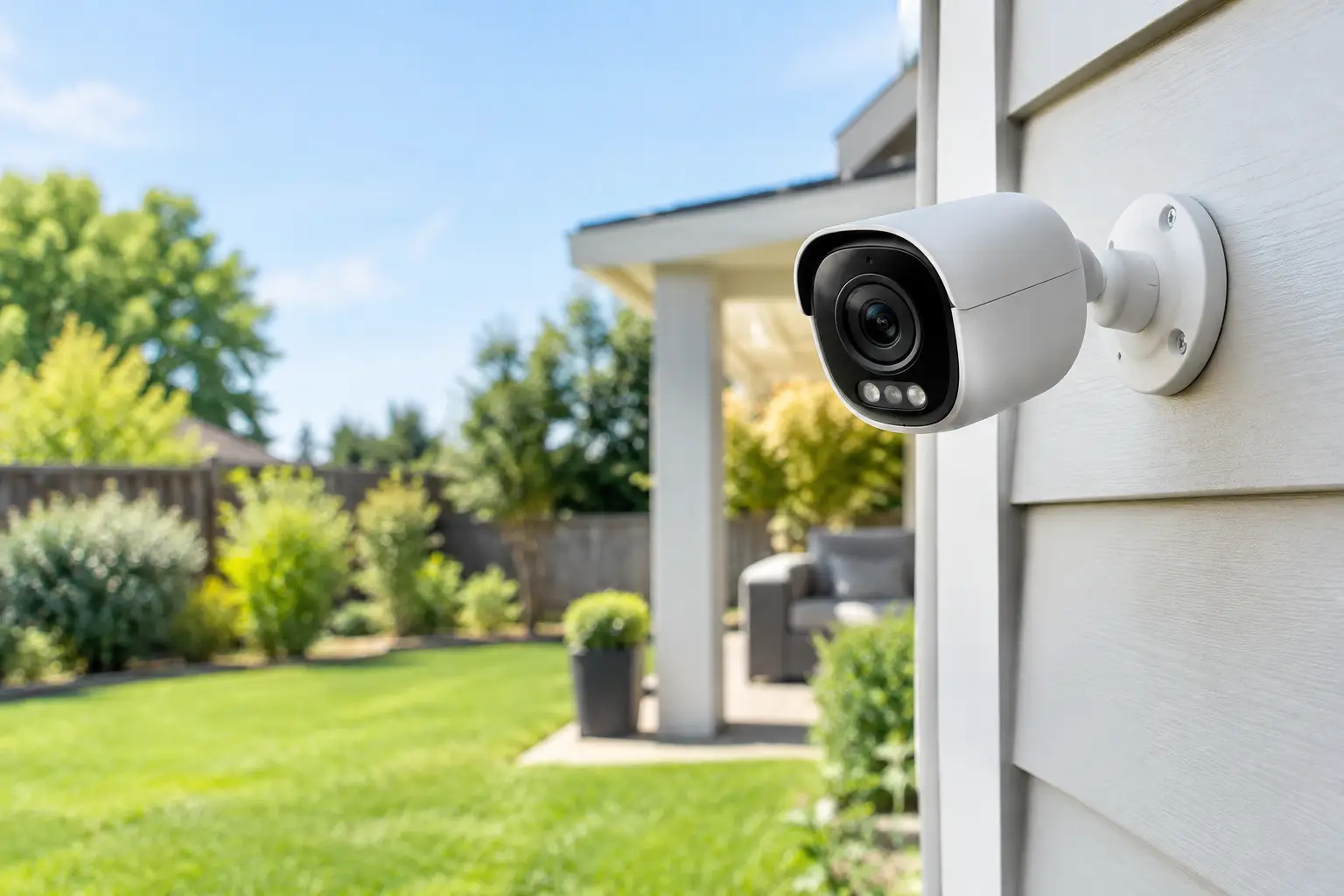
A camera mounted outside a property has one job: provide usable information when something happens. The best outdoor camera features are not the ones with the longest spec sheet. They are the features that keep the camera online through heat and rain, capture a clear face or vehicle at the right moment, and send the right alert without creating a stream of false alarms.
For homeowners, that may mean confirming a delivery or checking activity near a side gate. For a property manager or business owner, it may mean documenting an after-hours entry, monitoring a loading area, or investigating damage in a parking lot. The right setup depends on the risk, the layout, and how quickly someone needs to act on an event.
Best Outdoor Camera Features for Reliable Coverage
Weather resistance built for the installation location
An outdoor camera needs a weather-resistance rating appropriate for direct exposure. Look for an IP rating, which measures protection from dust and water. IP65 is generally suitable for windblown rain and dust. IP66 or IP67 provides a higher level of protection and can be a better fit for exposed walls, gates, driveways, and commercial exteriors.
The rating is only part of the decision. Florida installations also need to account for prolonged sun, humidity, salt air near the coast, and heavy rain. A camera under a covered entry has different demands than one aimed across an uncovered lot. Heat tolerance, corrosion-resistant hardware, protected cable connections, and correct mounting all affect long-term reliability.
A low-cost camera may technically be rated for outdoor use but still struggle when its power connection, mount, or network equipment is left exposed. A professional installation considers the whole path, not just the camera housing.
Resolution that matches the area being monitored
Higher resolution can improve detail, but more megapixels do not automatically produce better evidence. What matters is pixel density at the point of interest. A wide-angle camera covering an entire front yard may show general activity clearly while still being unable to identify a face at the sidewalk.
For entrances, gates, cash-handling areas, and vehicle access points, camera placement and lens selection often matter more than selecting the highest available resolution. A narrower field of view can capture more useful detail at distance. A wider view can provide context, such as where a person came from or which direction a vehicle traveled.
This is why many properties benefit from more than one camera type. One camera can cover the overall scene, while another is positioned to capture identifying detail at a doorway, driveway, or controlled access point. Trying to make one camera do both jobs often leaves gaps.
Night vision that works without washing out the image
Most security events do not happen in perfect daylight. Effective night coverage should be a core requirement, not an add-on. Infrared night vision can provide black-and-white video in low light, while color night vision uses available light or built-in illumination to retain color detail.
Each option has a trade-off. Infrared works well in darkness but can reflect off glass, light-colored walls, vehicle surfaces, or nearby landscaping. Color night vision can make clothing, vehicles, and other details easier to distinguish, but it may require ambient lighting or activate a visible light that is not appropriate for every location.
Before selecting equipment, assess the actual nighttime conditions. A well-lit storefront entrance may benefit from color recording. A dark side yard may need infrared coverage with the camera aimed away from reflective surfaces. Proper angles and lighting control prevent common issues such as blown-out faces, glare, and dark zones.
Smart alerts that reduce unnecessary notifications
Motion detection is useful only when it is managed correctly. An outdoor camera facing a street, a busy sidewalk, or moving trees can generate constant alerts if it is not configured with activity zones and object detection.
Look for cameras that can distinguish people, vehicles, and, when relevant, packages. This helps users focus on events that need attention instead of checking every shadow or passing car. Detection zones allow the system to ignore public sidewalks, neighboring property, or sections of the frame where motion is expected.
Smart detection should support the response process, not replace it. It can identify a likely person or vehicle, but it should not be treated as a guarantee of identity or intent. For commercial sites, alert rules should also align with who is responsible for responding after hours and how an incident is documented.
Power and connectivity designed for uptime
Battery-powered cameras can be useful where running cable is difficult. They are often practical for temporary coverage, detached structures, or locations where a full wired installation is not currently possible. The trade-off is maintenance. Batteries need charging or replacement, and frequent activity can shorten runtime significantly.
Wired cameras generally provide more consistent operation. Power over Ethernet, commonly called PoE, is especially effective for permanent installations because one network cable supplies both power and data. It avoids dependence on Wi-Fi signal strength at the camera and supports centralized recording more reliably.
Wi-Fi cameras can work well when the wireless network is properly planned. However, exterior walls, distance, competing devices, and weather can affect signal quality. A camera may appear online during testing but become unreliable during peak network use or after a router change. For locations where continuous recording or evidence retention matters, a wired connection is usually the stronger operational choice.
Storage with a clear retention plan
A camera is less useful if recorded footage disappears before anyone knows an incident occurred. Storage decisions should be based on how much video is recorded, how many cameras are installed, the required retention period, and whether the system records continuously or only during events.
Cloud storage can offer off-site access and convenient event review, but it may require recurring fees and reliable internet service. Local storage, such as a network video recorder, can support continuous recording and keep footage under the property owner's control. Many commercial systems use local recording with remote access, while some properties add cloud backup for selected clips or critical events.
Retention should be intentional. A homeowner may need a few weeks of event history. A business, association, or managed property may need longer retention based on operational policy, insurance needs, or investigation timelines. Storage capacity, camera resolution, and recording settings must be planned together.
A usable mobile app and role-based access
Remote access is a major reason people install connected cameras, but the experience should remain controlled. The app should make it easy to view live video, search events, review clips, and manage alerts without exposing the entire system to every user.
For households, separate access can be helpful for family members, caregivers, or service personnel. For commercial properties, role-based permissions are more important. A site manager may need live viewing and playback access, while another employee may only need alerts for a specific entrance. Centralized user management also makes it easier to remove access when staff changes.
Convenience should not come at the expense of security. Use strong account credentials, enable multi-factor authentication when available, keep devices updated, and avoid sharing one general login across multiple people.
Audio, deterrence, and privacy controls
Two-way audio can be useful at a front door, gate, or service entrance. It allows a resident or staff member to communicate with a visitor without opening the door. Some cameras also include sirens or visible lights that can discourage loitering or draw attention to an active event.
These features need to fit the environment. A bright deterrent light may be helpful behind a business after closing but disruptive near a neighbor's bedroom window. Audio recording laws and privacy expectations also vary by location and use case. Cameras should be aimed at areas the owner is entitled to monitor, not into neighboring private spaces.
Privacy masking is a valuable feature when part of the frame should be blocked from recording. It can help exclude a neighboring window, public area, keypad display, or other sensitive zone while preserving coverage where it is needed.
Choose Features Around the Risk, Not the Box
The best system starts with a site assessment: where people enter, where vehicles stop, what happens after dark, where power and network connections are available, and how long footage must remain accessible. A front door camera, a warehouse perimeter camera, and a parking lot overview camera should not be selected or positioned the same way.
At 1 Stop Security, planning can bring cameras, access-related systems, network requirements, and ongoing service into one organized project. That matters when a property needs more than a single device and the owner wants clear accountability from installation through support.
A well-chosen outdoor camera should be easy to use on an ordinary day and dependable on the day its footage matters. Focus on coverage, uptime, image quality, and response workflow first. The right features will follow from those requirements.