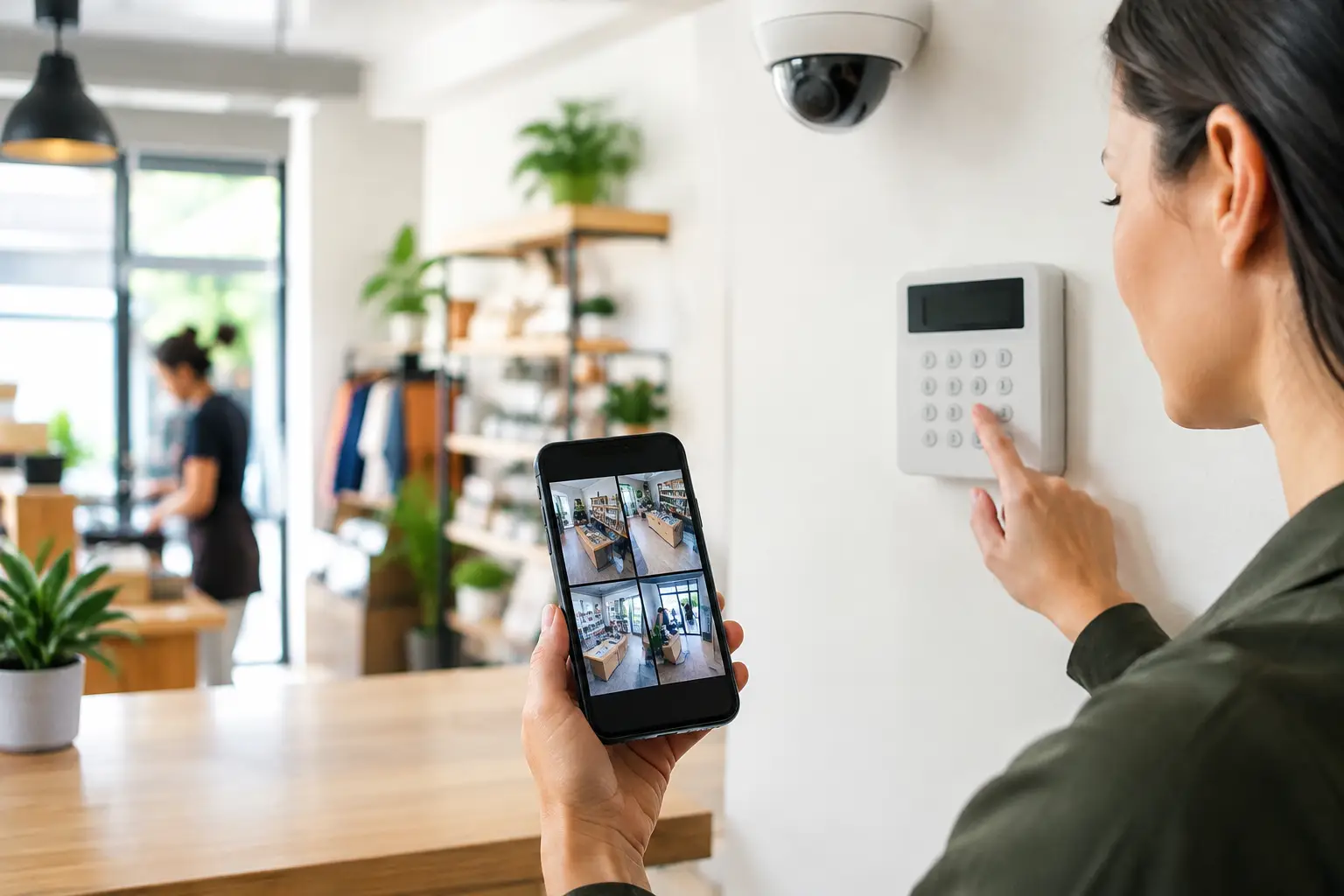
A small business alarm should do more than make noise after a door is forced open. The best small business alarm features give owners and managers a clear view of what is happening, a fast way to respond, and enough flexibility to fit how the property actually operates. That matters whether you manage a Miami storefront, an Orlando office, a Tampa warehouse, or several locations with different schedules.
The right system is not necessarily the one with the longest feature list. It is the one that protects the most likely entry points, reduces unnecessary alerts, and gives authorized staff simple control without creating more work for management.
Start With the Risks at Your Property
Before selecting equipment, identify what needs protection and when it is vulnerable. A retail business may need strong coverage for front doors, rear delivery entrances, cash-handling areas, and after-hours access. A professional office may place more value on credential-controlled entry, interior motion detection, and notifications when someone enters outside normal business hours.
Warehouses, medical offices, restaurants, and multi-tenant commercial properties each have different traffic patterns. The alarm design should reflect those patterns. Installing sensors everywhere without a plan can increase cost and create recurring false alarms. Leaving a secondary door or accessible window uncovered can create a weak point that defeats the purpose of the system.
A site walkthrough should account for doors, windows, overhead doors, glass panels, equipment rooms, employee-only areas, and exterior gates. It should also consider daily workflow: who opens, who closes, who receives deliveries, and who is authorized to disarm the system.
Best Small Business Alarm Features That Deliver Value
Professionally monitored intrusion detection
Professional monitoring is the foundation for many small businesses. When an alarm event occurs, a monitoring center can follow the established response procedure, contact designated personnel, and request emergency dispatch when appropriate. This is especially useful when an owner is unavailable, traveling, or responsible for more than one site.
Self-monitoring through a phone app can be useful, but it places the full response burden on the business owner or staff member receiving the alert. For a location that is unattended overnight, professional monitoring provides a more dependable escalation path.
Monitoring plans vary. Confirm what happens during an intrusion, panic, fire, or environmental alarm, and make sure your emergency contact list stays current. An outdated call list can delay a response at the exact moment the system is needed.
Door, window, and glass-break protection
Perimeter protection detects unauthorized entry at the building envelope. Door contacts identify when a protected door opens, while window contacts protect accessible windows. Glass-break sensors can add coverage for glass doors, storefront windows, and sidelights where an intruder could enter without opening a door.
This combination is often more useful than relying on motion sensors alone. A perimeter alarm can alert staff as soon as an entry point is breached, while interior motion detection confirms activity inside protected spaces.
Not every opening needs the same sensor. A solid rear service door, a roll-up door, and a glass storefront have different risks and hardware requirements. A properly designed system matches devices to the opening instead of applying a one-size-fits-all layout.
Interior motion detection with thoughtful placement
Motion detectors help cover hallways, open sales floors, storage rooms, and areas where valuable inventory or equipment is kept. They provide another layer if someone enters through an unprotected point or remains inside after closing.
Placement matters. Motion devices should account for HVAC vents, moving signage, high shelves, pets, and areas where employees may work after the business is armed. Poor placement can lead to false alarms, which waste time and may result in local fines.
For businesses with staff working late, partitioned arming is valuable. It allows one section of the property to remain armed while an authorized employee works in another area. This can be useful in offices, mixed-use facilities, and businesses with separate warehouse and retail spaces.
Mobile alerts and remote control
Remote access gives business owners practical control when they are off-site. Through a secure app or web portal, authorized users can receive alarm notifications, check system status, arm or disarm the system, and review event history.
The event history is often as useful as the real-time alert. It can show whether the system was armed at closing, when a door was opened, and which user disarmed the property in the morning. That information supports better accountability without requiring managers to chase updates by text message.
Remote control should never replace clear operating procedures. Limit app access to staff who truly need it, remove former employees promptly, and use unique user codes rather than a shared code for everyone.
Cellular backup and power protection
An alarm system needs a reliable communication path to send events. Internet-based communication is common, but internet service can fail during an outage or be disrupted during an attempted break-in. Cellular backup provides an alternative route so the system can continue reporting alarms.
Battery backup is equally important. A properly installed panel should continue operating for a defined period during a power outage. The appropriate backup duration depends on the system design, local requirements, and the level of risk at the property.
Ask how the system reports low batteries, communication trouble, and power loss. A system that reports only active burglar alarms can leave you unaware that it is no longer fully operational.
User codes, schedules, and access accountability
Individual user codes are a simple but high-value feature. Instead of sharing one code among every employee, assign a unique code to each manager, employee, or vendor who needs access. If a person leaves the business or no longer needs access, that code can be removed without changing the process for everyone else.
Schedules can also improve consistency. A system can remind users to arm the building, report if the site is still disarmed after closing, or automatically arm designated areas based on approved operating hours. Automatic arming needs careful setup because staff may occasionally work late, but it can reduce the common problem of a building being left unprotected overnight.
For properties with frequent employee turnover, integrate alarm user management with access control whenever practical. Centralized management makes it easier to add, modify, and remove permissions without losing track of who can enter the property.
Video verification and camera integration
Security cameras do not replace an alarm system, and an alarm system does not replace cameras. Used together, they provide better context. When an alarm occurs, video can help verify whether there is an actual threat, identify where activity occurred, and support a faster, more informed response.
Video verification can be particularly useful for reducing the uncertainty around motion events. A manager can check a camera view after receiving an alert rather than driving to the property for every notification. Depending on the monitoring setup and local procedures, verified events may also help support emergency response decisions.
Camera integration should be designed around practical coverage, not just the number of cameras. Prioritize entry and exit points, cash-wrap areas, loading zones, inventory storage, and any location where a clear view would help explain an alarm event.
Environmental detection and panic options
Some of the most expensive incidents are not burglaries. Water leaks, smoke, heat, carbon monoxide, and freezer failures can interrupt operations, damage inventory, and create safety concerns. Environmental sensors can report these conditions early, even when the building is closed.
A restaurant may benefit from temperature monitoring for refrigerated inventory. A property manager may prioritize leak detection near water heaters, mechanical rooms, or vacant units. An office may need smoke and heat detection coordinated with the building's fire system requirements.
Panic buttons or duress features can also be appropriate for businesses that handle cash, serve the public, or have staff working alone. These devices require employee training and a clear response plan. A panic device that employees do not understand is not a meaningful safety measure.
Avoid Features That Create More Work Than Protection
A feature is not automatically useful because it is available. Overly sensitive devices, too many people with administrator access, and alerts sent to every employee can create confusion. The result is alert fatigue, where real events are ignored because staff have become used to non-urgent notifications.
Keep the operating plan simple. Decide who receives intrusion alerts, who can disarm the system, who manages user codes, and who contacts the security provider when business hours or staff roles change. Test the system regularly and review event history after any false alarm or unexpected activity.
For businesses with multiple technology needs, a unified plan can reduce handoffs between separate vendors. 1 Stop Security can coordinate alarm, surveillance, access-related systems, and connected property technology as part of one organized project, making it easier to manage the finished system over time.
Choose Features Around Operations, Not Just Equipment
The best alarm design is built around the way your business opens, closes, receives deliveries, manages staff, and responds after hours. Start with the highest-risk areas, protect the communication path, and make sure the people responsible for the property can use the system without hesitation. A well-organized alarm system does not just react to a break-in - it gives your business a clearer, more controlled way to handle security every day.