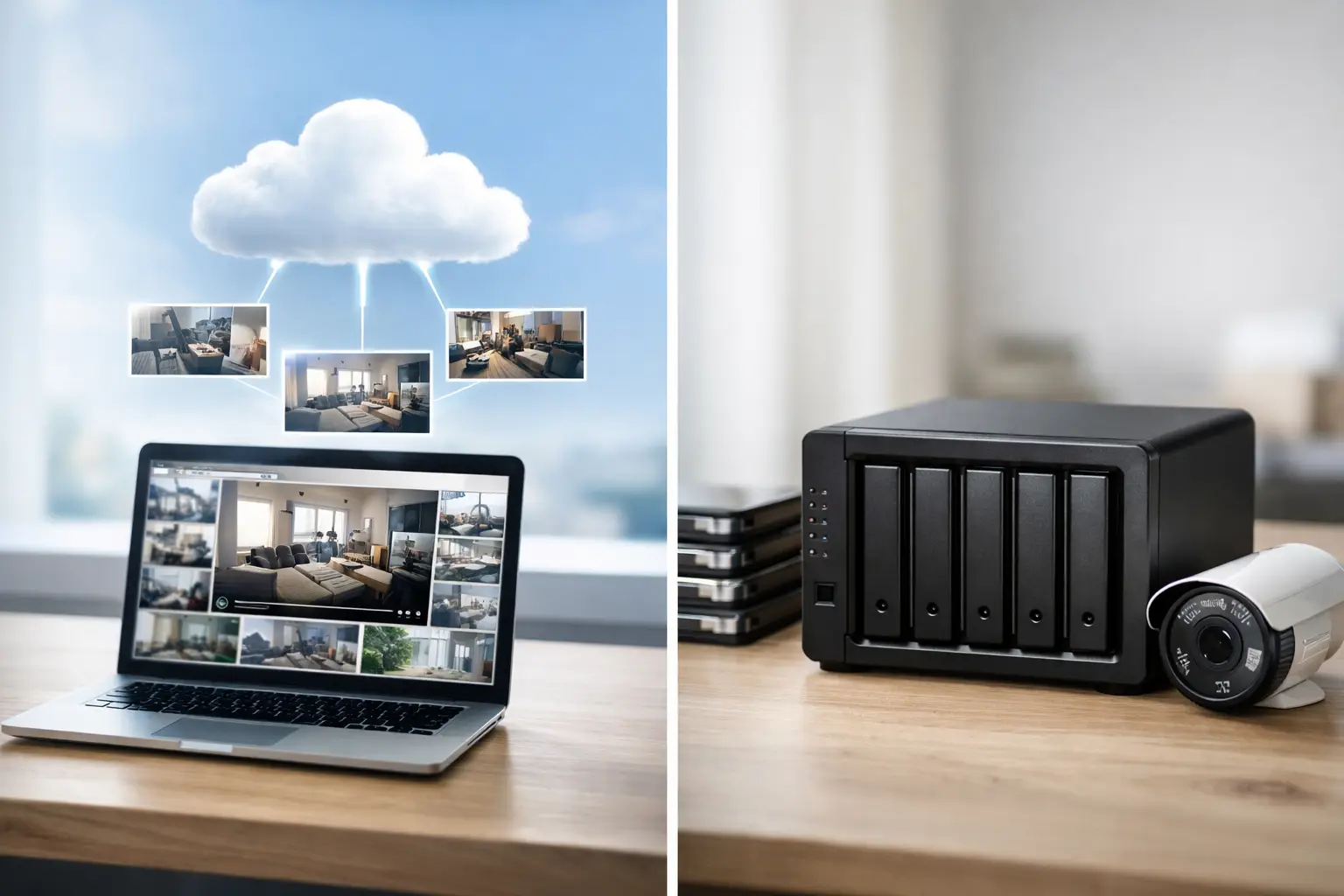
A camera system is only as useful as the footage you can actually retrieve when something happens. That is where the cloud vs local video storage decision matters. The right choice affects how long video is kept, how fast you can review it, what happens during internet outages, and how much ongoing management your system requires.
For homeowners, property managers, and business operators, this is not just a technical setting buried in an app. It is an operational decision. If you need reliable evidence, remote visibility, and a system that stays organized over time, your storage method needs to match the way the property is used.
Cloud vs local video storage: what is the difference?
Cloud storage sends video from your cameras to secure off-site servers over the internet. You log in through an app or dashboard and view live footage, recorded clips, alerts, and stored events from almost anywhere. In most cases, cloud storage is sold as a monthly or annual subscription based on camera count, retention period, and features.
Local storage keeps video on-site. That could mean a recorder such as an NVR or DVR, a hard drive inside a dedicated appliance, or in some cases a microSD card inside the camera itself. The footage stays at the property unless someone exports it manually or the system is configured for remote access.
At a basic level, cloud prioritizes accessibility and off-site protection. Local prioritizes direct control and often lower recurring cost. Neither is automatically better. The better option depends on the property, the risk level, and how the system will be managed after installation.
When cloud video storage makes more sense
Cloud storage is a strong fit when remote access is a priority. If you travel often, manage multiple locations, oversee rental properties, or want to check incidents without going on-site, cloud systems are usually easier to work with. Video is available through a central account, and event clips can often be pulled up in seconds.
That convenience matters in real situations. If a delivery goes missing from a front porch in Miami, or a gate incident happens at a commercial property in Tampa, the ability to review and share footage quickly can save time. You are not waiting for someone to access a recorder in a locked office or sort through a hard drive on-site.
Cloud can also reduce the risk of losing footage if equipment is damaged or stolen. If a burglar takes the recorder, local footage may be gone with it unless backups exist. With cloud storage, the video has already been sent off-site. For higher-risk properties, that extra layer can be worth the subscription cost.
Another advantage is lighter on-site hardware. Many cloud-based systems do not require a large recorder in the building. That can simplify installation in smaller homes, retail spaces, or managed properties where equipment space is limited.
Still, cloud is not friction-free. It depends heavily on internet stability and upload bandwidth. High-resolution cameras recording continuously can put real pressure on a network, especially at busy commercial sites. Subscription costs also add up over time. A system that looks affordable in year one may cost more than expected across three to five years.
When local video storage is the better fit
Local storage is often the right choice when you need longer retention, more control over footage, or a lower recurring cost. For many businesses and larger properties, an on-site NVR is still the most practical way to record multiple cameras continuously at high quality.
This setup works well in offices, warehouses, multifamily buildings, and facilities where surveillance is part of daily operations. If you want 30, 60, or 90 days of recording across several cameras, local storage is usually more cost-effective than paying cloud subscription fees for every channel.
Local systems also handle continuous recording well. That matters when motion-only clips are not enough. In parking areas, common areas, loading zones, and perimeter coverage, continuous video provides a more complete record of what happened before and after an event.
There is also a control advantage. With local storage, you decide how the recorder is configured, how much storage is installed, and how footage is exported or archived. For organizations with internal procedures, compliance requirements, or a preference for keeping data on-site, that can be important.
The trade-off is management. Recorders, hard drives, firmware, remote access settings, and network health all need attention. If nobody is monitoring the system, issues can go unnoticed until you need footage and find out recording stopped days ago. Local storage can be reliable, but it should not be treated as set-it-and-forget-it.
Cloud vs local video storage for homes
For most homes, the decision comes down to convenience versus ownership. A cloud-based doorbell or camera system is simple to use, easy to access remotely, and usually a good fit for basic perimeter awareness. If the goal is to receive alerts, check clips quickly, and avoid managing hardware, cloud is often the cleaner option.
Local storage makes more sense in larger homes or in systems with several exterior cameras where monthly cloud fees start stacking up. It is also a good fit when the owner wants continuous recording instead of short event clips. That can be useful for driveway coverage, pool areas, side yards, and detached structures.
Internet quality matters here more than many homeowners expect. In parts of Florida where weather events can affect connectivity, relying only on cloud recording may create gaps if service drops. A local recorder can keep capturing footage during an outage, as long as the cameras and network equipment still have power.
Cloud vs local video storage for businesses and managed properties
Commercial properties usually need a more deliberate approach. A small office with two or three cameras may do fine with cloud storage. A multi-tenant property, restaurant, warehouse, or retail site usually needs stronger retention, better camera density, and more predictable recording performance.
Local storage is often the foundation in these cases because it handles continuous recording and higher camera counts more efficiently. But pure local is not always enough. If a manager needs to review incidents from another location, or if ownership wants centralized visibility across sites, cloud-enabled access becomes valuable.
That is why many commercial deployments use a hybrid approach. The recorder stays on-site for primary storage, while selected event clips, health monitoring, or remote access features are supported through the cloud. This creates better operational coverage without forcing all footage into a monthly cloud plan.
For property managers, hybrid can be especially practical. It supports local recording at each building while allowing authorized users to review incidents without chasing keys, recorder passwords, or maintenance staff.
The key trade-offs to weigh
Cost is the first one most people look at, but it should not be the only one. Cloud usually has lower upfront cost and higher long-term recurring cost. Local usually has higher upfront equipment cost and lower recurring cost. The right answer depends on how many cameras you have and how long you need to retain footage.
Performance is another factor. Local recording generally handles continuous, high-resolution video better, especially on larger systems. Cloud is often better for quick remote review and app-based convenience.
Security cuts both ways. Cloud protects video from on-site theft or damage, but it introduces account security and vendor dependency. Local keeps footage under your physical control, but it can be vulnerable if the recorder is tampered with, stolen, or neglected.
Then there is administration. Cloud tends to be easier for end users. Local tends to require stronger setup, better network planning, and ongoing support. If you want a system that stays organized and dependable, installation quality matters just as much as the storage type.
So which one should you choose?
If you want a simple system, strong remote access, and minimal on-site hardware, cloud is usually the better fit. If you want continuous recording, longer retention, and lower long-term cost for a larger camera count, local is usually the smarter move.
If you need both dependable on-site recording and convenient remote oversight, a hybrid design is often the most practical answer. That is especially true for businesses, multifamily properties, and larger homes where convenience alone is not enough.
The best storage plan is the one that fits the property, the risk level, and the way the system will actually be used six months after installation. Good surveillance is not just about cameras. It is about making sure the footage is there, accessible, and useful when you need it most.