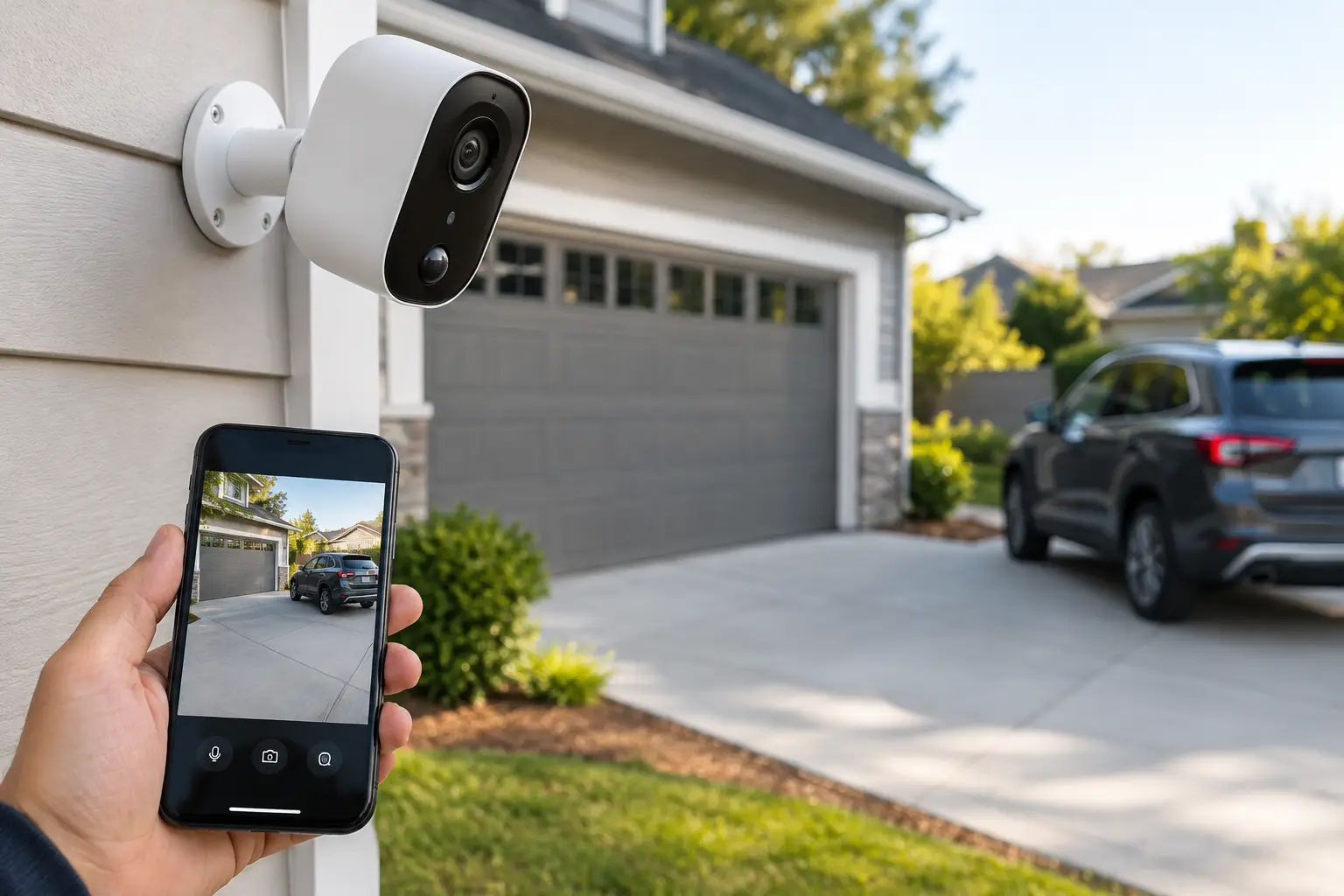
A driveway is often the first point of contact for visitors, deliveries, contractors, and vehicles entering a property. Driveway cameras give homeowners and property managers a clear record of that activity before someone reaches the front door, loading area, garage, or gate. The value is not simply having video. It is having useful coverage that identifies what happened, when it happened, and which vehicle or person was involved.
For Florida properties, planning also has to account for heat, heavy rain, humidity, glare, and fast-moving weather. A camera that looks good on a spec sheet but is installed in the wrong location can still leave major gaps. The best result comes from matching camera placement, field of view, lighting, recording, and network design to the actual driveway layout.
What Driveway Cameras Should Cover
A driveway camera should answer practical questions without forcing you to search through hours of footage. Can it show a vehicle entering or leaving? Can it capture a face at a reasonable distance? Can it document a package drop-off, service call, gate event, or suspicious stop near the property?
For a typical home, coverage usually starts at the driveway entrance and extends toward the garage or front approach. On a larger residential property, a second camera may be needed at a gate, turnaround area, detached garage, or side access point. For commercial sites, the goal may include documenting deliveries, employee parking, visitor traffic, loading zones, and after-hours vehicle movement.
One camera rarely handles every task well. A wide-angle view can show the entire driveway but may not provide enough detail to read a license plate at the street. A tighter camera aimed at an entrance can capture better identification but may miss activity near the garage. System design should balance overview coverage with identification coverage rather than treating every camera as interchangeable.
Best Places to Install Driveway Cameras
Placement determines whether footage is useful when it matters. Mounting a camera high on the garage can provide a broad view, but it may look down too sharply to capture faces clearly. Mounting it too low makes it easier to tamper with and more vulnerable to headlights, landscaping, or parked vehicles.
At the Garage Corner
A garage corner is often a strong location for a driveway overview camera. It can cover vehicles arriving, people walking toward the home, and activity around parked cars. Position the camera to look across the driveway rather than directly into the setting or rising sun whenever possible.
This location works especially well when paired with adequate exterior lighting. If the camera faces vehicle headlights at night, look for wide dynamic range and test the image after dark. Bright headlights can wash out details on lower-quality cameras.
At the Driveway Entrance or Gate
An entrance camera records vehicles before they reach the building. It is useful for long driveways, gated properties, multi-building sites, and properties where street-side activity is a concern.
The trade-off is distance. If the entrance is far from the home, a standard wide-angle camera may only show that a vehicle arrived, not enough detail to identify it. A purpose-selected camera with a narrower lens or optical zoom may be needed. This area also may require underground conduit, a stable wireless bridge, or a dedicated network connection.
Near a Side Yard or Secondary Access Point
Vehicles do not always use the main driveway. Side gates, rear parking areas, alley access, and service entrances can become blind spots. A secondary camera may be appropriate if those areas provide access to equipment, tools, pool areas, storage, or building entrances.
Avoid pointing cameras at neighboring homes or public areas beyond what is necessary for property protection. Coverage should be purposeful, and privacy considerations should be part of the design from the start.
Features That Matter Most in Driveway Cameras
Camera specifications can be confusing because every feature sounds useful. The right priorities depend on the property, but several capabilities consistently make a difference.
Resolution matters, but it is not the only factor. Higher resolution can improve digital zoom and preserve detail, yet poor lighting, a bad angle, or an obstructed view can still ruin an image. A properly placed 4K camera may be a good fit for a broad driveway view, while a dedicated identification camera may need a different lens rather than simply more pixels.
Night performance should be evaluated under real conditions. Infrared night vision works well in dark areas, but reflective surfaces, nearby walls, rain, and headlights can affect the picture. Color night vision can be valuable where there is sufficient ambient light or properly planned security lighting. For a property with no usable light at the entrance, infrared may be the more dependable option.
Motion detection should be configured to reduce unnecessary alerts. A driveway beside a busy street, sidewalk, or tree line can generate constant notifications if the detection zone is too broad. Smart detection that distinguishes people and vehicles can reduce false alerts, but it still needs proper setup. Notifications should bring attention to meaningful activity, not become background noise.
Other features worth considering include:
- Wide dynamic range for scenes with strong sun, shade, or headlights.
- Local network video recording for continuous, centrally managed footage.
- Mobile access for live viewing and event notifications.
- Weather-rated housings suited to outdoor exposure.
- Audio, where appropriate and legally permitted, for monitored entry areas.
For properties where vehicle identification is a priority, discuss license plate capture as a separate requirement. General surveillance cameras are not automatically license plate cameras. Reliable plate capture depends on distance, camera angle, vehicle speed, lighting, shutter settings, and lane control.
Wired vs. Wireless Driveway Camera Systems
Wireless cameras can be useful where running cable is impractical, particularly for a detached gate or temporary coverage need. They can be quick to deploy, but they depend on consistent signal strength, power, battery management, and cloud or local recording settings. A weak signal at the driveway entrance may create delayed alerts, dropped video, or unreliable recording.
For permanent installations, wired cameras are usually the more controlled option. Power over Ethernet can deliver power and data through one cable, supporting stable recording and centralized management. It also avoids regular battery charging and reduces dependence on outdoor Wi-Fi conditions.
That does not mean wired is always the right answer. A long driveway may require trenching, conduit, or specialized network equipment, which affects project cost. The practical choice depends on the distance, construction type, access to power, expected recording needs, and how critical the coverage is.
Recording and Retention Need a Plan
A live camera feed is useful, but recorded video is what helps after an incident. Before installation, decide how long footage should be retained and who needs access to it. A homeowner may be comfortable with several days or weeks of recorded events. A property manager or business may need longer retention, multiple user permissions, and a clear process for reviewing incidents.
Continuous recording provides the most complete record, especially when an event occurs just outside a motion trigger. Event-based recording uses less storage and can be easier to review, but it can miss context if the alert begins late or motion settings are not properly adjusted. Many systems use continuous recording on key cameras and event alerts for faster review.
Storage capacity should reflect camera count, resolution, recording schedule, and retention target. Adding cameras later without reviewing recorder capacity can shorten retention unexpectedly. This is one reason a planned system is easier to manage than a collection of standalone cameras.
Installation Details That Affect Results
Good hardware cannot overcome poor installation. Camera views should be tested during the day and at night before finalizing mounting positions. Check for glare, tree branches, reflected infrared, vehicle headlights, and seasonal changes in landscaping. A view that appears clear in the afternoon may become unusable at sunset.
Network security also matters. Cameras should use strong unique passwords, current firmware, and properly managed user access. For larger properties or commercial sites, separating security devices from general business traffic can improve organization and reduce avoidable network issues.
Professional installation is especially useful when driveway coverage needs to work with gates, access control, alarm systems, exterior lighting, and a central recorder. A coordinated design reduces duplicate equipment and makes the system easier to operate. 1 Stop Security can plan these components as one connected low-voltage project rather than treating each device as a separate task.
A Better Way to Plan Your Coverage
Walk the property before choosing equipment. Note where vehicles enter, where they park, where people approach, and where packages or deliveries are left. Then identify the questions the footage must answer: Was a vehicle on-site? Which direction did it travel? Could you identify the driver, visitor, or plate? Did an event occur near the garage, gate, or service entrance?
From there, build coverage around real risks and operating needs, not just camera quantity. The most useful driveway camera system is the one that produces clear, retrievable footage at the places where your property actually needs oversight.