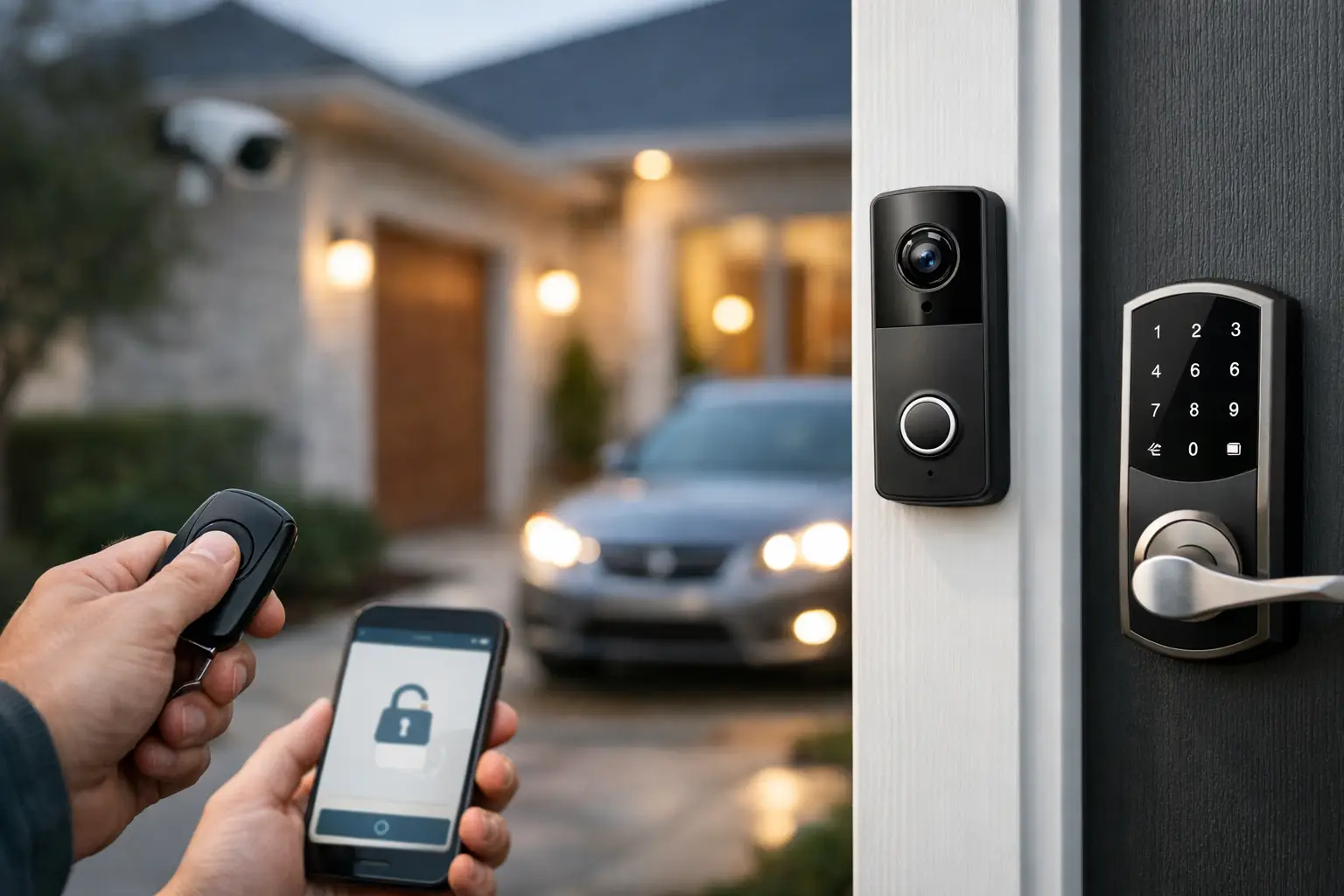
A lost house key creates a simple but frustrating question: who can still get in? Home access control replaces that uncertainty with a clear record of who has access, when they entered, and how quickly permission can be changed. For homeowners, landlords, and property managers, the value is not just a smarter lock. It is a more organized way to manage the front door, gates, garages, service access, and other entry points.
The right system should make daily routines easier without creating another device that needs constant attention. That means starting with how people actually use the property, then selecting hardware, credentials, and automation that support those routines.
What Home Access Control Actually Does
Traditional locks do one job: they secure a door until someone uses the correct key. An access control system adds identity and management. Entry can be granted through a keypad code, mobile credential, key fob, card, biometric reader, or a physical key used as a backup. The system can log events, send alerts, apply schedules, and allow an authorized owner or manager to change permissions remotely.
At a single-family home, this may mean assigning separate codes to family members, dog walkers, cleaners, and contractors. At a larger residence or a managed community, it may also include pedestrian gates, pool areas, package rooms, equipment closets, parking gates, and common entrances.
The benefit is accountability. Instead of making extra keys and hoping they are returned, the property owner can issue access for a defined person and remove it when the job, lease, or visit ends. That reduces key turnover, simplifies staff coordination, and gives the owner a clearer picture of activity at the property.
Start With the Entry Points That Matter Most
Not every opening needs the same level of control. A front door used by the family several times a day has different requirements than a side gate used by a landscaper once a week. Good system design separates convenience from security needs instead of applying the same device everywhere.
Begin by identifying the doors and gates that create the most operational friction. Common priorities include the primary entrance, driveway or pedestrian gate, garage access, rear entry, and doors used by household staff or service providers. For rental properties, unit doors and shared amenities may be the priority. For larger homes, a detached guest house, storage room, wine room, or dock gate can also warrant controlled access.
Then consider what happens when the internet is down, power fails, or a family member's phone battery dies. A well-planned system includes appropriate backup options. Depending on the opening, that may include a mechanical key override, local keypad code, battery backup, or a properly configured fail-safe or fail-secure lock. These details matter more than a long list of app features.
Choose Credentials Around Real Users
Mobile access is convenient for people who carry smartphones and want remote control from one app. It is especially useful for temporary guests and service providers because credentials can be sent and removed without meeting in person.
Keypads are practical for children, household staff, and recurring vendors. Unique codes make it easier to see which code was used and to remove access without affecting anyone else. Fobs and cards are often a good fit for gates, garages, and residents who prefer a physical credential. Biometric readers can be useful in specialized applications, but they are not always necessary for a residence and require careful consideration of placement, privacy, and budget.
The best credential is the one people will use correctly. A system that is technically advanced but difficult for family members or visitors to operate can lead to propped doors, shared codes, and workarounds that weaken security.
Home Access Control Should Work With Other Systems
Access control is most useful when it coordinates with the systems already protecting the property. A door event can trigger a camera recording, send a notification, disarm an approved alarm partition, or turn on entry lighting. At a gate, a video intercom can let a resident see and speak with a visitor before releasing the latch.
Integration should be purposeful. A front-door camera paired with an electronic lock and intercom can solve a real visitor-management problem. Connecting every light, thermostat, and speaker to an entry event may add complexity without delivering much value. The goal is a system that gives the owner useful information and predictable control.
For Florida properties, equipment selection and installation quality deserve particular attention. Exterior devices face heat, humidity, heavy rain, salt air in coastal areas, and frequent power disruptions. Outdoor readers, locks, enclosures, cabling, and connections need to be rated and installed for the location. An attractive device installed in the wrong environment can become an expensive maintenance issue.
Plan for Visitors, Deliveries, and Vendors
Most homes do not have a problem with family access. The recurring challenge is everyone else: guests arriving early, packages at the gate, a cleaner on a different day, or a contractor needing access while the owner is away.
A practical setup gives each group a defined path. Visitors can use an intercom or video call point. Delivery drivers may receive instructions for a secure drop location rather than broad gate access. Recurring vendors can receive time-limited codes or credentials that work only on approved days and hours. Contractors can be given temporary access that expires automatically after the project.
This approach is better than sharing one permanent code. Shared codes are convenient until they are not. Once multiple people know the same code, there is no reliable way to identify a user or remove one person's permission. Individual credentials take slightly more setup, but they create a manageable system instead of an informal arrangement.
Design for Reliability Before Convenience Features
A home access system has physical and digital components. The lock must align correctly. The door or gate must close consistently. Power must reach the equipment. Network connectivity must be stable enough for the functions that depend on it. The app is only one part of the system.
This is why a site review matters. A heavy metal gate may require a different locking method than a wood side gate. A glass entry door, older door frame, hurricane-rated opening, or decorative gate can affect hardware selection and installation approach. Fire and life-safety requirements must also be considered where applicable, particularly at shared or commercial-residential properties.
Before selecting equipment, ask direct operational questions: Who needs entry? Which doors must remain usable during an outage? Does a visitor need to call a resident? Are there existing cameras, alarm systems, or smart-home platforms to integrate? Who will administer users after installation? Clear answers prevent a system from becoming overbuilt, underpowered, or difficult to support.
Avoid the Most Common Management Problems
The technology can be straightforward. The mistakes usually come from loose administration. A homeowner or manager should know who can add users, where credentials are stored, and how access is removed when circumstances change.
Keep a simple access policy, even for a private residence. It should identify approved administrators, distinguish permanent users from temporary users, and establish when vendor codes expire. Review active credentials after a move, staffing change, renovation, or extended rental period. If a phone is lost or a fob goes missing, remove that credential immediately rather than waiting for the next review.
Passwords and account recovery also matter. Use individual administrator accounts where possible instead of one shared login. Enable available multi-factor authentication. Document the equipment, warranty information, support contact, and any physical override procedure in a secure location. These are small administrative steps, but they prevent confusion when access needs to change quickly.
When Professional Installation Makes Sense
A battery-powered smart lock can be a reasonable solution for a single door and a limited number of users. It may be enough for a homeowner who wants basic code-based access and is comfortable managing the device independently.
Professional planning becomes more valuable when the property includes gates, multiple structures, integrated cameras or alarms, hardwired locks, intercoms, or several users with changing access needs. It is also useful when the homeowner wants one team to coordinate low-voltage wiring, device placement, programming, testing, and ongoing service.
At 1 Stop Security, the focus is on organizing access-related systems as part of the broader property technology plan. That includes matching equipment to the opening, configuring permissions around real use cases, and making sure the owner has a clear process for support and future changes.
A well-designed system should not make the front door feel complicated. It should let the right people enter when they need to, keep others out, and give the owner a dependable way to make changes as the property and its routines evolve.