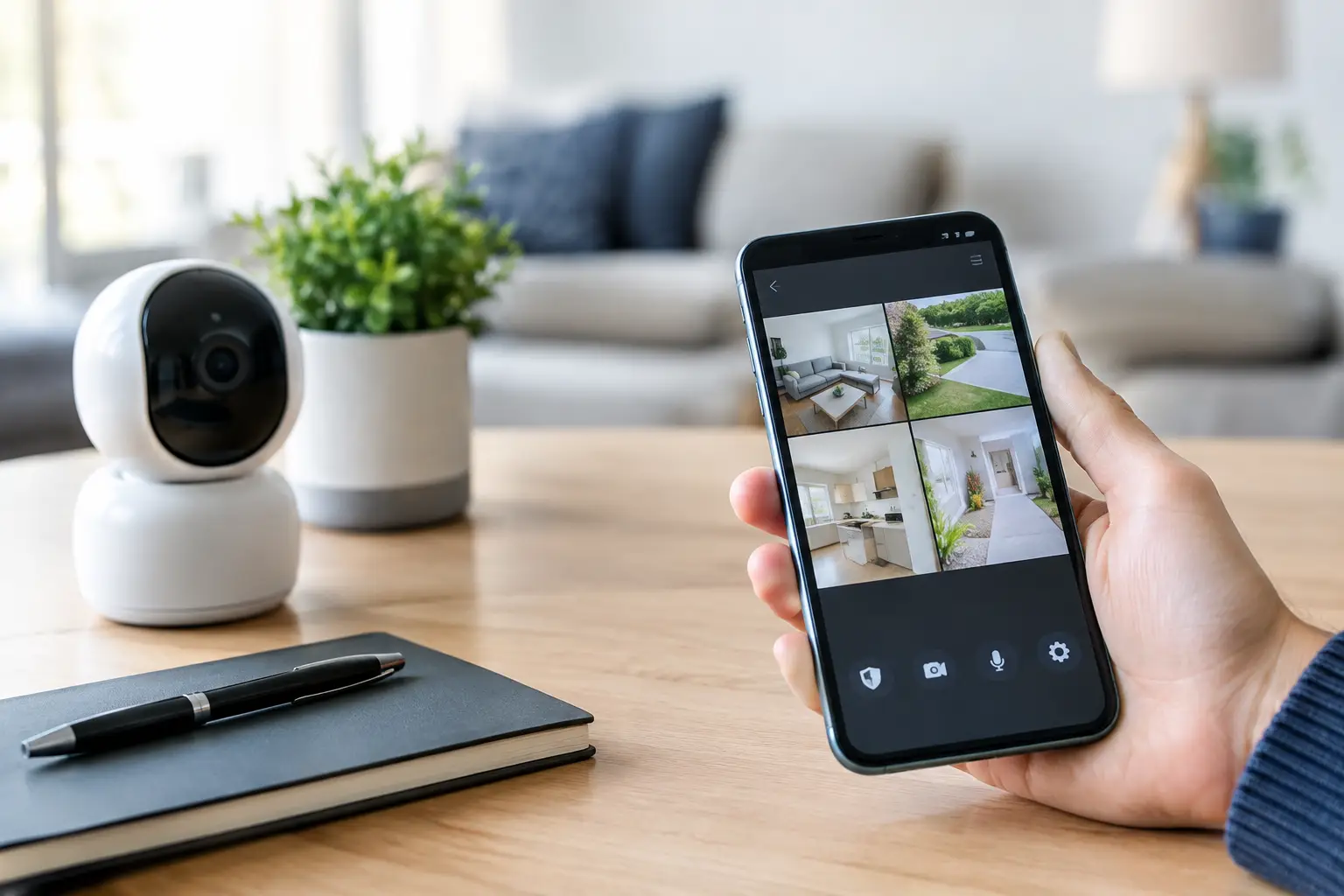
A home security monitoring review should begin with what happens after an alarm - not with a monthly price. When a sensor is triggered at 2 a.m., the value of monitoring depends on whether the system communicates clearly, the monitoring center follows the right protocol, and your equipment is working as designed. For homeowners and property managers, those details determine whether a security system is a useful operational tool or simply a collection of devices on the wall.
What Professional Monitoring Actually Provides
Professional monitoring connects your alarm panel, sensors, cameras, and life-safety devices to a trained monitoring center. When the system reports an event, operators follow a defined response plan. Depending on the alarm type and your account settings, that may include contacting the property owner, calling designated emergency contacts, or requesting dispatch from local authorities.
Monitoring does not guarantee a police or fire response. Public safety agencies set their own dispatch policies, and many require alarm verification or an active permit before responding. What monitoring does provide is a staffed point of contact that can act when you are asleep, traveling, in a meeting, or unable to access your phone.
The best setup combines monitoring with equipment that fits the property. Door contacts, motion sensors, glass-break detection, smoke and carbon monoxide devices, water sensors, surveillance cameras, smart locks, and access control can all play a role. Not every home needs every device, but the system should cover realistic risks rather than just the most visible entry door.
Home Security Monitoring Review Criteria That Matter
A good review compares operational details, not just advertised features. Two services may both offer 24/7 monitoring, mobile alerts, and professional installation, yet deliver very different experiences during an actual alarm event.
Response Workflow and Alarm Verification
Ask how alarm signals are processed and what happens before emergency services are contacted. Some providers call the account holder first. Others use text messages, app-based verification, two-way voice communication, or video verification when compatible cameras are installed.
Verification can reduce false dispatches, which matters in cities and counties with false-alarm fines. It can also improve the quality of information shared with first responders. However, the right process depends on the property. A homeowner may prefer a quick call list, while a property manager may need a documented escalation plan that reaches onsite staff, maintenance teams, and designated decision-makers in a specific order.
Confirm whether you can update contacts, passcodes, and response instructions without a service call. Those changes should be organized and easy to manage, especially for rental homes, offices, retail locations, and properties with changing staff.
Communication Paths and Backup Protection
An alarm system needs a dependable path to communicate with the monitoring center. Many modern systems use cellular communication rather than relying only on a landline or internet connection. Cellular service can continue working if the broadband connection fails, though signal quality at the property still needs to be tested.
For higher-risk properties, ask about dual-path communication. This typically combines cellular and internet connectivity so one path can back up the other. Battery backup is equally important. A monitored system should remain operational during a power outage for the duration specified by its equipment and configuration.
Florida weather makes this practical, not theoretical. Storms can interrupt power and internet service, while seasonal travel can leave a home unattended for days or weeks. A properly designed system accounts for those conditions rather than assuming the network will always be available.
Equipment Quality, Placement, and Installation
Monitoring quality cannot compensate for poor equipment placement. A motion detector aimed at an air vent, a camera facing direct afternoon glare, or a contact sensor installed on a loose frame can create nuisance alerts and blind spots. Installation is where many low-cost, self-installed packages fall short.
Review the proposed device locations before work begins. Exterior doors, accessible windows, interior pathways, garages, detached structures, and utility areas all deserve consideration. Cameras should be positioned for usable identification, not merely a wide view of the yard. For a commercial site, entry points, cash-handling areas, equipment rooms, and access-controlled doors may require separate planning.
It is also worth asking whether the alarm panel, cameras, smart locks, and access equipment can operate within one managed system. A unified setup can reduce app switching and simplify service coordination. Integration is useful only when it remains easy for the owner or manager to operate day to day.
Contracts, Equipment Ownership, and Service Terms
Monthly monitoring rates do not tell the full cost story. Review the agreement for installation charges, activation fees, equipment financing, contract length, early cancellation terms, price increases, and service visit policies. A lower monthly rate may be tied to a longer agreement or equipment that is not fully owned until the term is complete.
You should also understand what happens if you move, sell the property, or change internet and cellular service. Can the system transfer to a new owner? Can it be relocated? Will the existing equipment work with another monitoring provider? These questions are especially relevant for landlords, second-home owners, and businesses that lease space.
Service availability matters as much as the initial install. Sensors need batteries, cameras occasionally need adjustment, and software updates can affect connected devices. Choose a provider with a clear process for troubleshooting, scheduling service, and documenting changes to the system.
App Control and Day-to-Day Management
A useful mobile app should make routine management faster, not create another system to maintain. At a minimum, confirm that authorized users can arm and disarm the system, receive event notifications, view relevant camera footage, and manage user access where supported.
For larger households or managed properties, permissions are critical. A housekeeper may need a temporary access code. A tenant may need control of their unit but not shared building cameras. An office manager may need access to business hours and alarm activity without authority to change the master account. Clear roles reduce the chance of shared codes, accidental disarming, and confusion during an alarm.
Notifications also need to be configured carefully. Too many camera alerts train people to ignore them. Focus alerts on events that require attention, such as a door opening after hours, an alarm activation, a water leak, or a person detected in a restricted area.
Match Monitoring to the Property, Not the Package
A primary residence, vacation home, apartment building, and retail business do not need the same monitoring plan. For a typical home, burglary, fire, carbon monoxide, and water detection may be the priority. A seasonal property may benefit from environmental alerts, camera checks, and cellular backup. A business may need intrusion monitoring combined with access control, video coverage, opening and closing schedules, and a documented contact hierarchy.
Property managers should consider how the system will function between tenants and during maintenance work. A system that depends on one person's phone or a single shared code becomes difficult to manage quickly. Commercial operators should also account for employee turnover, restricted areas, key control, and alarm procedures for opening and closing staff.
The most effective approach is a site-specific design followed by a monitoring plan that supports the way the property is actually used.
Questions to Ask Before You Sign
Before choosing a provider, get direct answers to the operational questions that affect long-term reliability:
- What communication method does the system use, and is there cellular or dual-path backup?
- What is the exact alarm response sequence for burglary, fire, panic, and environmental alerts?
- Who can update emergency contacts, user codes, and notification settings?
- What fees apply for installation, activation, repairs, false alarms, cancellation, or relocation?
- Is the equipment owned, leased, or financed, and can it be transferred to another provider?
- Who handles service after installation, and how are appointments and system changes documented?
A provider that answers these questions clearly is more likely to manage the system clearly after installation. If the response is vague before the agreement is signed, support may be equally difficult when an issue needs attention.
For homes and facilities that need security, surveillance, smart access, and monitoring to work together, one coordinated design can prevent gaps between separate installers and separate support channels. The goal is not to add technology for its own sake. It is to build a system that reports the right events, reaches the right people, and remains manageable long after the installation crew leaves.