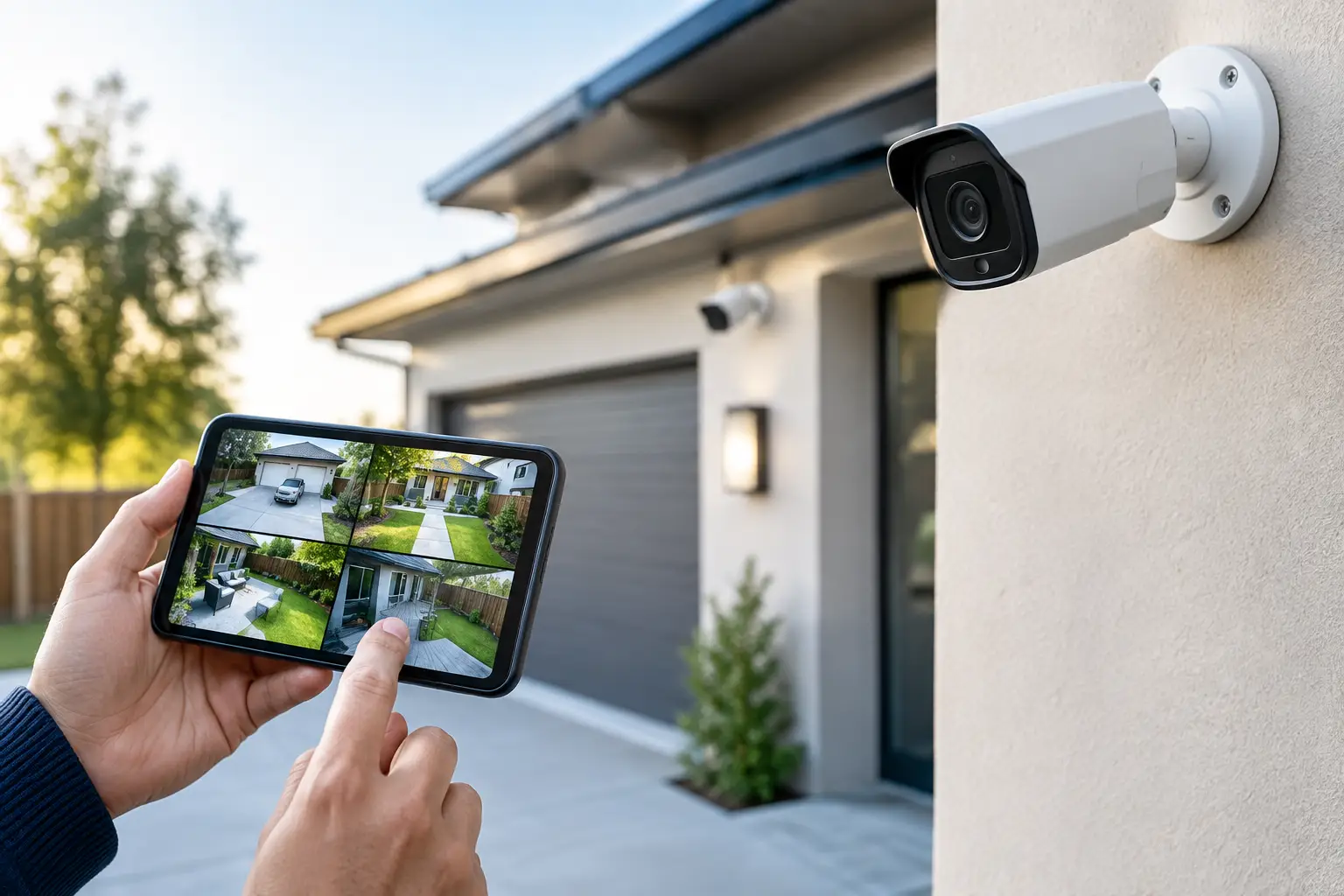
A camera pointed at the front door does not solve a blind side gate, an exposed pool area, or an unmonitored delivery entrance. The real question is not simply how many security cameras are needed. It is which areas need coverage, what needs to be identified on video, and how the system will be used after installation.
For most properties, the right answer comes from a site plan rather than a standard camera package. A small condo may need two cameras. A larger home with multiple access points may need six to eight. A retail space, office, warehouse, or multifamily property can require far more, especially when entrances, parking, inventory, and restricted areas must all be covered.
How Many Security Cameras Are Needed for a Typical Property?
As a starting point, most homes need between four and eight cameras. That range usually covers the front entry, driveway, rear yard or patio, side access, and key exterior doors. The final count changes with the property layout, fencing, detached structures, and the number of ways someone can enter or leave without being seen.
A single-story home on a compact lot may be well covered with four cameras: one at the front door, one covering the driveway, one watching the backyard, and one placed to cover a side gate or secondary entry. A two-story home, corner lot, waterfront property, or residence with a pool, guest house, or detached garage may need six to ten cameras for complete coverage.
Commercial camera counts vary more widely. A small office may need four to eight cameras, while a restaurant, medical office, retail location, warehouse, or managed community can need a system designed around several zones. Entrances and exits are only the beginning. Managers may also need visibility at cash handling areas, loading zones, hallways, elevators, parking lots, equipment rooms, and access-controlled doors.
The goal is not to put a camera in every corner. It is to cover the points where activity, risk, or accountability matter most.
Start With Entry Points, Not Camera Quantity
A practical security plan begins by mapping every way a person, vehicle, or package can reach the property. This includes obvious entrances, but it also includes side gates, rear doors, garage doors, service entrances, pool gates, and paths from a parking area.
For a home, the front door is usually the highest-priority location. A video doorbell can document visitors at close range, but it often does not replace a wider-angle camera that shows the walkway, driveway, or approach to the entry. If a visitor parks near the street or walks in from the side, one narrow doorbell view may not capture enough context.
For businesses, place cameras to document both faces and movement. A camera at an entry should be positioned for usable facial identification, not just a high, wide view of people passing through. A second camera may be necessary to show the approach, parking area, or the direction someone traveled after entering.
This is where many systems fall short. Owners count doors, install one camera per door, and assume the job is complete. In practice, coverage must account for what happens before and after someone reaches that door.
Decide What Each Camera Must Capture
A camera can provide general awareness, identification, or detail. Those are different jobs, and they affect placement and quantity.
A wide exterior camera may show that a vehicle entered a driveway. It may not reliably capture a license plate, the driver’s face, or an item removed from the vehicle. A camera facing a gate can show that the gate was opened, while another camera may be needed at the driveway to capture the vehicle route.
Before selecting locations, define the purpose of each view. Common purposes include:
- Identifying visitors, employees, or unauthorized persons at doors and gates
- Monitoring vehicles entering, exiting, or parking on the property
- Documenting deliveries, package drop-offs, and service activity
- Watching high-value assets, registers, inventory, equipment, or storage areas
- Confirming activity around pools, patios, playgrounds, and other liability-sensitive areas
This approach prevents both undercoverage and duplicate coverage. Two cameras looking at the same broad area may be useful if one captures a face and the other captures the full scene. Two cameras with nearly identical views usually add cost without adding meaningful protection.
Plan Around Blind Spots and Real-World Conditions
Camera specifications matter, but physical conditions matter just as much. A camera that works well in a showroom can perform poorly when installed above a sunny Florida driveway, beneath a porch light, or facing heavy rain and reflected water.
At each planned location, consider the direction of the sun, nighttime lighting, tree growth, roof overhangs, and whether vehicles will block the view. Cameras aimed directly toward the rising or setting sun can produce glare that limits identification. Bright exterior lights can create the same problem at night if the camera is not positioned correctly.
Height is another trade-off. Mounting cameras high makes them harder to tamper with and can provide a broad overview. But a camera placed too high may only record the top of a hat rather than a usable face. For critical entry points, the installation should balance tamper resistance with the angle needed to capture identifying details.
Do not overlook coverage between buildings. Detached garages, storage sheds, boat docks, back gates, and pool equipment areas are frequent blind spots because they sit outside the home’s main footprint. A wireless camera may be an option in some cases, but power availability, Wi-Fi strength, recording reliability, and maintenance requirements should be evaluated before making it the default choice.
A Practical Camera Count by Property Type
There is no universal formula, but these ranges provide a useful planning baseline.
Condos and apartments
Two to four cameras may be appropriate when the building controls exterior common areas. Coverage often focuses on the unit entry, interior entryway, balcony or patio, and a parking space where permitted. Building rules, association requirements, and neighbor privacy should be reviewed before installation.
Single-family homes
Four to eight cameras is common. Most systems include the front entry, driveway, backyard, side yard, and secondary doors. Larger homes or properties with a pool, detached structure, long driveway, multiple gates, or waterfront access often need additional views.
Small offices and retail locations
Four to twelve cameras is a typical range, depending on layout. The priority is usually exterior doors, customer areas, point-of-sale locations, back rooms, hallways, and rear service entrances. Retail locations may also need coverage that helps investigate theft without creating unnecessary cameras in low-risk areas.
Warehouses, multifamily, and larger facilities
These projects should be designed by zones instead of using a fixed count. Exterior perimeter coverage, loading areas, parking, access points, interior corridors, storage zones, and critical equipment can quickly raise the number of cameras. Centralized recording, remote access, retention requirements, and network capacity become major planning factors at this scale.
Do Not Forget Recording, Network Capacity, and Privacy
Adding cameras affects more than the installation budget. Higher-resolution cameras and longer retention periods require more storage. Multiple cameras streaming at high quality also place greater demand on the network, particularly when users view live video remotely.
For a basic residential system, recording motion events may be enough. A business may require continuous recording for specific cameras, longer retention for incident review, or restricted user access by role. These decisions should be made before equipment is selected, not after storage fills up.
Privacy is equally important. Cameras should protect the property without pointing into neighbors’ private spaces or recording areas where people reasonably expect privacy. Interior cameras should never be installed in bathrooms, changing areas, or similar spaces. Businesses should also have clear policies for employee-facing cameras and monitoring practices.
When a Professional Site Assessment Makes Sense
A professional assessment is especially useful when there are multiple buildings, poor lighting, long cable runs, access control systems, gates, parking lots, or a need to connect cameras with alarms and smart property controls. It helps organize the project around coverage priorities instead of selling a preset number of devices.
At 1 Stop Security, camera planning can be coordinated with access-related systems, networking, smart technology, and ongoing service needs. That single-source approach reduces handoffs and helps ensure the system is designed for how the property actually operates.
The best camera count is the one that gives you clear, usable coverage at the moments that matter. Start with access points and high-risk areas, test every planned view against real lighting and traffic conditions, and leave room for the property to change over time.