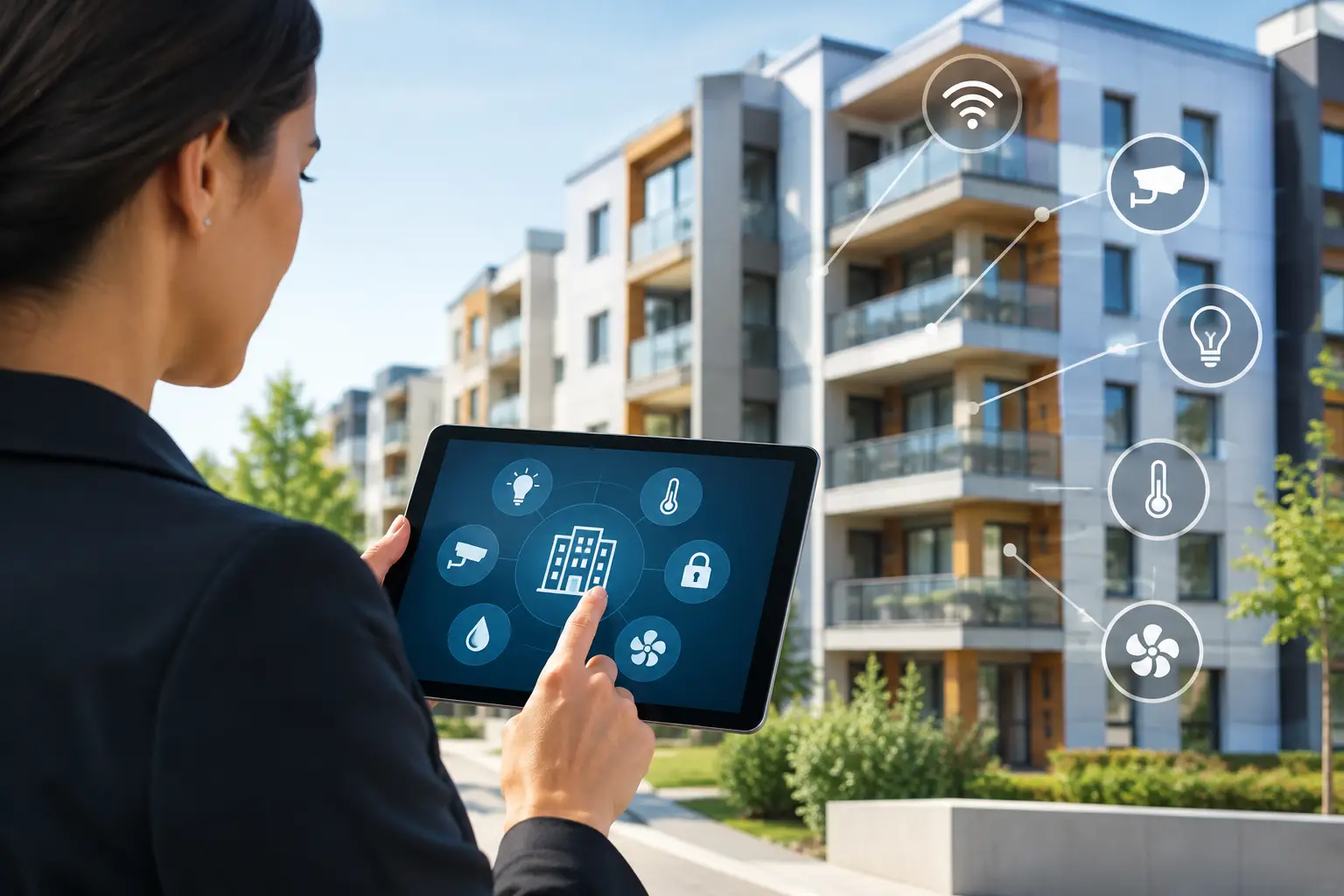
An apartment community can lose hours every week to small, repeatable tasks: issuing physical keys, letting vendors into utility rooms, responding to package-room questions, checking cameras after an incident, and adjusting common-area schedules. The practical answer to how to automate apartment buildings is not to buy every connected device available. It is to build one organized system that removes friction for residents and staff while keeping control in the hands of property management.
For owners and managers in Miami, Orlando, Tampa, and other active rental markets, automation must also account for turnover, remote management, severe weather, vendor access, and the high cost of avoidable service calls. The right plan starts with operations, then selects technology that supports it.
Start With the Building's Daily Workflows
Before choosing hardware, map how the property operates on an ordinary weekday and during an exception. Look at resident move-ins, deliveries, maintenance requests, visitor entry, parking, amenity reservations, staff access, after-hours incidents, and unit turnover. Each workflow exposes a place where staff time, physical keys, or incomplete information creates a problem.
For example, a maintenance supervisor may need access to multiple utility closets, vacant units, and occupied apartments during scheduled service windows. A traditional key system makes that difficult to track and easy to mismanage. Mobile credentials or programmed access codes can give the supervisor the right access for the right period, then expire automatically.
This is also where property size matters. A 12-unit building may need a straightforward video intercom, controlled entry door, and camera coverage. A 250-unit community may need resident credentials, visitor management, multiple controlled doors, package access, elevator control, amenity scheduling, and centralized management across several buildings. Automation should match the actual operating burden, not a generic feature list.
Build the Foundation Before Adding Smart Features
Apartment automation depends on infrastructure that is reliable when the building is busy, when internet service is interrupted, and when staff members change. Start with the low-voltage backbone: structured cabling, network equipment, power protection, secure equipment locations, and documented device connections.
Wireless devices can be useful, especially in retrofit projects where running cable is difficult. But they are not always the best answer for critical doors, exterior cameras, or equipment that needs continuous power and dependable communication. Hardwired connections generally offer stronger performance for these applications, while wireless can fill targeted gaps.
A site survey should identify door conditions, existing pathways, electrical availability, signal coverage, camera views, lighting levels, and network constraints. In older Florida properties, the survey may reveal corroded hardware, limited conduit space, or equipment rooms that need cleanup before new systems are installed. Addressing those items early is less expensive than redesigning the project after installation begins.
Automate Entry Without Losing Control
Access control is usually the highest-value starting point. It replaces unmanaged keys with credentials that can be issued, changed, and revoked from a central platform. Residents may use a mobile credential, key fob, PIN, or a combination of methods. Property staff can see access activity, manage move-outs quickly, and grant temporary access without meeting someone at the property.
Prioritize the right doors
Begin with the locations that create the most risk or staff workload: main entries, gates, leasing offices, pool gates, fitness rooms, package rooms, mechanical rooms, and maintenance storage. Then consider unit doors if the building's operating model and budget support smart locks.
Unit-level access can simplify turnover and emergency maintenance, but it requires a clear process for resident privacy, battery replacement, lock maintenance, and credential administration. It is not a set-it-and-forget-it system. Management needs defined rules for who can issue access, how emergency entry is documented, and when old credentials are removed.
Connect visitor entry to management rules
Video intercoms allow residents to verify visitors and release doors remotely. For many properties, that reduces calls to the leasing office and avoids leaving entry doors propped open. The system should provide a usable resident experience, including clear instructions for guests and a backup procedure if a resident's phone is unavailable.
For vendors, use scheduled access windows rather than permanent codes. A cleaning crew, landscaper, or inspection contractor may need access every week, but that does not mean the credential should work around the clock. Time-based permissions reduce exposure without slowing down legitimate work.
Use Video Surveillance for Verification, Not Just Recording
Cameras are most effective when they answer operational questions quickly. Did a delivery arrive? Which vehicle entered the gate? Was a package room accessed after hours? Did someone prop open a side door? Coverage should be designed around those questions.
Place cameras at entrances and exits, mail and package areas, parking access points, amenity spaces, loading zones, and other locations where incidents or disputes commonly occur. Avoid treating camera count as the measure of security. A poorly positioned camera with glare, weak lighting, or an obstructed view provides little value, no matter how high its resolution is.
A managed video system should make footage easy to retrieve by date, time, and location. Retention periods should reflect the property’s risk profile and available storage. Managers should also establish who can view footage, how requests are handled, and how long exported clips are retained. Camera footage involves privacy considerations, particularly around private areas, so placement and policies must be deliberate.
Add Automation That Reduces Operating Costs
Once access and security are organized, focus on systems that reduce routine waste and prevent costly events. Smart thermostats and building controls can schedule common-area temperatures, monitor equipment conditions, and limit unnecessary runtime. In vacant units, controlled temperature settings can protect finishes and reduce utility use without requiring a staff member to visit every day.
Water leak sensors are another practical addition, particularly near water heaters, mechanical rooms, laundry equipment, and vacant units. A small leak can become a major claim if it goes unnoticed over a weekend. Alerts do not replace inspections, but they give maintenance teams a faster chance to respond.
Lighting controls can improve safety and reduce consumption in hallways, garages, stairwells, and exterior areas. The best settings depend on the space. Motion-based lighting can work well in low-traffic rooms, while scheduled lighting may be more appropriate for busy corridors and exterior paths. Security should never be compromised simply to save a small amount of energy.
Centralize Management Across Systems
The real benefit of apartment automation comes from organized management. If access credentials are managed in one place, cameras in another, thermostat alerts in a third, and vendor schedules in a spreadsheet, staff still spend time chasing information.
Whenever possible, choose systems that can be administered through a clear, centralized workflow. That does not require every device to come from the same manufacturer. It does require defined ownership, compatible integration options, and a simple process for staff. The goal is to reduce duplicate work, not create a complicated dashboard that no one uses.
Create a short operating playbook before the system goes live. It should cover resident onboarding, move-outs, lost credentials, vendor access, emergency entry, camera review requests, alert response, and escalation contacts. Train leasing, maintenance, and management staff based on their actual permissions. A property manager should not need the same administrative authority as the installer or system owner.
Plan for Reliability, Privacy, and Support
Automation introduces new dependencies. Doors, cameras, and networked devices need power, connectivity, maintenance, and periodic software updates. Ask early how each system behaves during a power outage or internet interruption. Critical entry points may need battery backup, local operation, or mechanical override procedures.
Cybersecurity also belongs in the project scope. Change default passwords, limit administrator accounts, use unique credentials, keep firmware current, and separate building technology from open resident or guest networks where appropriate. These are basic controls, but they are often overlooked when projects are installed in phases.
Finally, define support before equipment is installed. Who handles a failed door reader on a Saturday? Who replaces smart-lock batteries? Who can add a new leasing employee to the access platform? A full-service low-voltage contractor such as 1 Stop Security can help organize system design, installation, configuration, and ongoing service so accountability does not get split among multiple vendors.
A well-planned apartment automation project should make ordinary work quieter and more predictable. Start with the doors, spaces, and processes that cause the most friction, build on reliable infrastructure, and give staff a clear way to manage the system after installation.