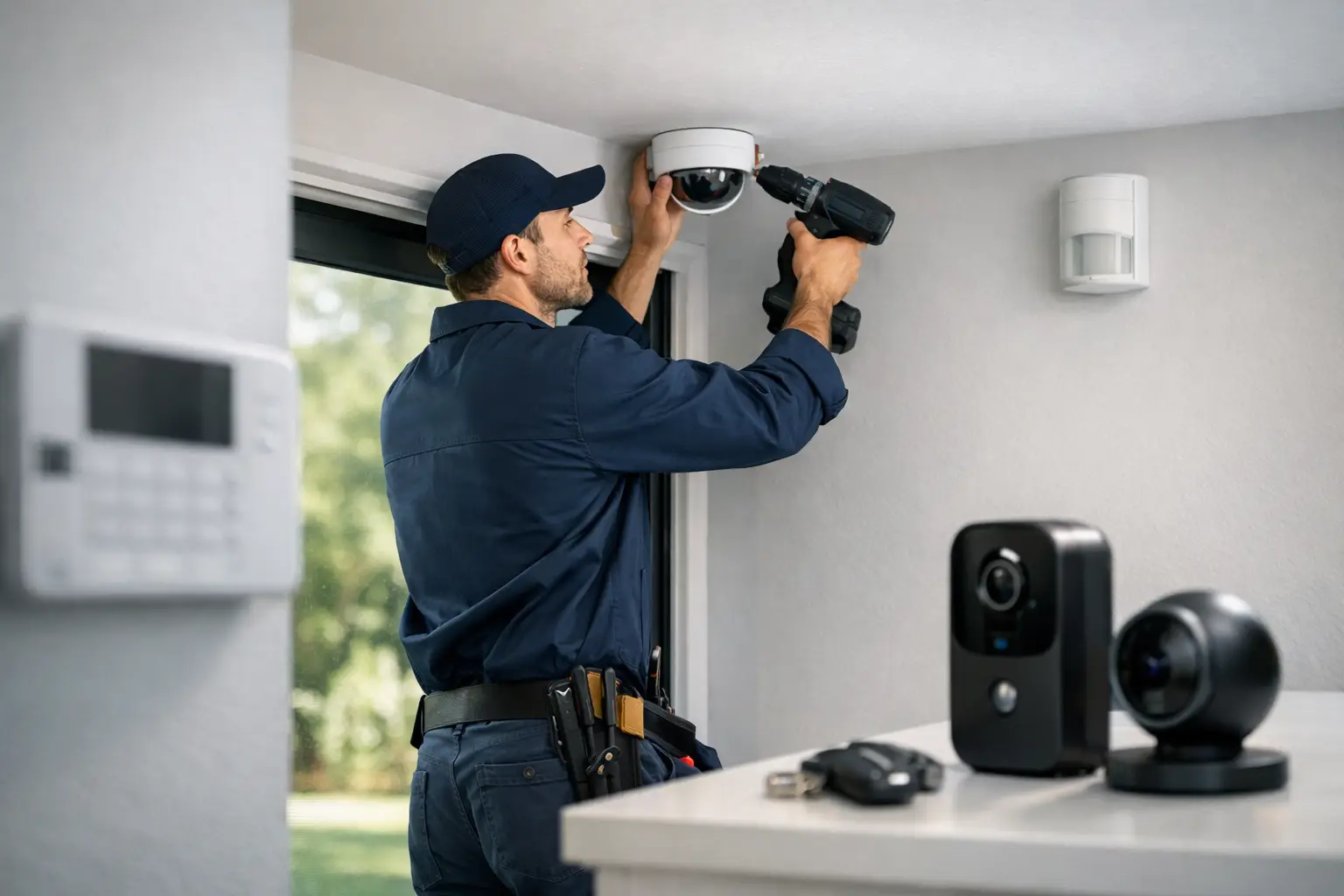
A lot of security problems start before the first camera or sensor goes on the wall. The real issue is poor planning - wrong device placement, weak Wi-Fi coverage, no clear access plan, or a system that does not match the property. If you are figuring out how to get security system installed, the fastest way to avoid rework is to treat it like a real project, not a quick purchase.
That matters whether you are securing a house, a retail space, an office, or a multi-unit property. The equipment is only part of the job. Good installation includes site planning, power and wiring decisions, device placement, app setup, testing, and a support path after the work is done.
How to get security system installed without wasting time
The first decision is not which brand to buy. It is whether you need a basic standalone setup or a more integrated system. A small home may only need door contacts, motion detection, smart locks, and a video doorbell. A business or larger property may need cameras, intrusion detection, access control, remote viewing, user permissions, and event history.
If you start with hardware before defining the goal, you usually end up paying twice. One install for what seemed good enough, then another to fix coverage gaps or add missing functions. A cleaner approach is to identify what you need the system to do every day. Do you want to deter break-ins, verify deliveries, manage employee entry, monitor vacant space, or control multiple locations from one app? Each use case changes the design.
This is also where budget should be handled honestly. Lower upfront cost can make sense for a simple residential setup, but the cheapest option is not always cheaper long term. Battery-powered devices may be faster to deploy, but hardwired systems often provide more consistency and less maintenance. Cloud storage may be convenient, while local recording can offer more control. It depends on the property, the level of risk, and how much hands-on management you want later.
Start with a site assessment
A proper installation starts with the property itself. Entrances, blind spots, lighting conditions, internet service, wall construction, and available power all affect the final result. In Florida, environmental factors matter too. Heat, humidity, storms, and outdoor exposure can shorten the life of poorly selected devices.
For homes, the most common priority points are front doors, rear access, first-floor windows, garages, driveways, and common interior paths. For commercial spaces, it often expands to stock rooms, employee entrances, cash handling areas, loading zones, parking areas, and perimeter access points.
A site assessment should answer a few practical questions. Where are the highest-risk entry points? Which areas need video versus intrusion detection? Is there enough network strength where devices will be installed? Will the system need to tie into door access, intercoms, gates, or smart automation? These are not technical details to figure out after the fact. They shape the install plan from the start.
Choose the right type of system
There is no single best security system for every property. The right setup depends on layout, risk level, user count, and how much control you need.
A typical residential system may include an alarm panel, door and window contacts, motion sensors, smoke or life-safety devices, cameras, and mobile app access. For many homeowners, ease of use matters as much as protection. If the app is confusing or the notifications are unreliable, the system gets ignored.
Commercial properties usually need more structure. That may include partitioned alarm areas, access credentials for different users, video retention requirements, and tighter control over who can arm, disarm, unlock, or review footage. A restaurant, warehouse, office, and apartment community all have different operational needs, even if they use some of the same hardware.
This is where working with a full-service low-voltage contractor can make the process easier. When one provider can handle security, surveillance, access-related systems, and connected technology together, there is less finger-pointing and fewer compatibility issues during installation.
DIY or professional installation?
If your setup is small and your expectations are simple, DIY may work. A wireless alarm kit and a few app-based cameras can be enough for a condo or smaller home. The trade-off is that you are responsible for placement, connectivity, configuration, and troubleshooting. If one sensor keeps dropping offline or a camera angle misses the actual point of entry, that becomes your problem to solve.
Professional installation is usually the better choice when the property is larger, the system includes multiple technologies, or reliability matters more than convenience. That includes businesses, gated properties, larger homes, rental properties, and any site where you need clean wiring, code-aware installation, organized user setup, and predictable performance.
The value is not just labor. It is system design, coordination, and testing. A professional installer should know where to place devices for actual coverage, how to route wiring cleanly, how to avoid network bottlenecks, and how to configure the platform so it works the way you expect on day one.
What the installation process should look like
If you are hiring a contractor, the process should feel organized from the start. First comes consultation and scope definition. That means understanding the property, identifying objectives, confirming device counts, and deciding whether the project includes alarms, cameras, access control, smart devices, or a combination.
Next is system design. This should cover placement, wiring strategy, power requirements, connectivity, and user access. At this stage, the installer should also flag any limitations, such as low network strength, older construction challenges, or areas where conduit or additional hardware may be needed.
Then comes the physical install. Devices are mounted, wiring is run where needed, the panel or control equipment is installed, and all components are connected and labeled. Good installation work is not just functional. It should also be clean and deliberate, especially in visible residential areas or customer-facing commercial spaces.
After hardware is in place, the system needs configuration. This is where devices are named correctly, app access is set up, schedules are created, notifications are adjusted, and user permissions are assigned. A lot of frustration comes from poor setup, not bad equipment.
Finally, the system should be tested end to end. Every sensor should trigger correctly. Camera views should be verified at day and night. Mobile access should work off-site. Entry permissions should match actual roles. If a provider installs equipment and leaves without full testing, the job is not finished.
Common mistakes when getting a security system installed
One of the biggest mistakes is over-focusing on equipment specs and under-focusing on coverage. A camera with high resolution does not help if it is pointed too high, aimed into glare, or mounted where faces cannot be identified. The same goes for motion sensors placed near airflow issues or door contacts installed on poor-fitting frames.
Another mistake is treating internet-dependent devices as if they will work perfectly anywhere. Wi-Fi coverage, bandwidth, and router placement matter. Some properties need hardwired connections, network upgrades, or dedicated equipment to support reliable performance.
There is also the issue of growth. A homeowner may want to add gates, smart locks, or more cameras later. A business may need employee access credentials, additional doors, or second-location oversight. If the original install does not account for expansion, upgrades become more expensive than they should be.
How to choose an installer
Look for a provider that can manage the full workflow, not just mount devices. You want clear scoping, organized scheduling, documented installation, proper configuration, and service support after the install. If you have to coordinate between separate camera, alarm, and access vendors, delays and communication problems are more likely.
Ask how they handle system design, whether they install and configure the equipment directly, and what happens if you need changes after activation. A good installer should be able to explain the process in plain language, not bury you in jargon.
For Florida property owners and managers, local experience matters. Climate, construction styles, storm exposure, and mixed-use property needs can all affect equipment selection and installation methods. Companies like 1 Stop Security are built around this kind of coordinated low-voltage work, which is often what makes the difference between a system that simply turns on and one that actually supports the property long term.
After installation, support still matters
The install is only the start of the system lifecycle. Users need to know how to arm and disarm correctly, review footage, manage alerts, and add or remove access. Over time, codes change, devices may need service, and property use can shift.
That is why ongoing support should be part of the decision. A well-installed system still needs an owner-friendly handoff and a service path when changes come up. Otherwise, small issues turn into bigger ones, and the system becomes harder to trust.
If you want the process to go smoothly, think bigger than hardware. The right question is not just how to buy a system. It is how to get a security system installed in a way that fits the property, works reliably, and stays manageable after the technicians leave.