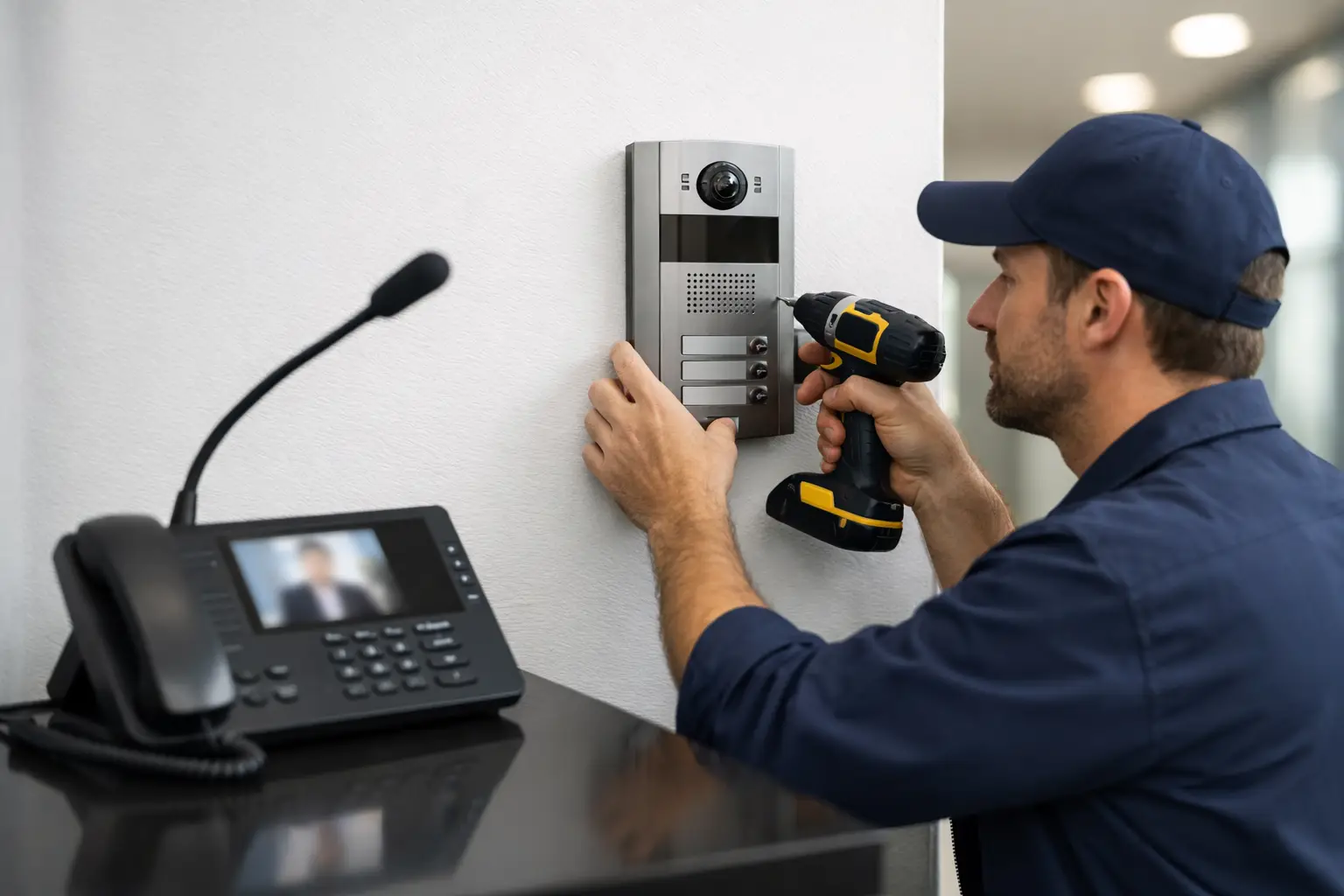
A front-door intercom is only useful when it reaches the right person, releases the right door, records the right event, and keeps working during a busy day. To install commercial intercom systems properly, businesses need more than a device at the entrance. They need a planned communication and access workflow that fits the building, staff responsibilities, visitor traffic, and future technology needs.
For offices, multifamily properties, medical facilities, warehouses, schools, and managed commercial sites, an intercom can become the first control point for the entire property. A rushed installation can create missed calls, poor audio, unreliable door releases, and service issues that cost more to correct later. Good planning prevents those problems before equipment is mounted.
Start With the Building's Entry Workflow
The first question is not which intercom model to buy. It is how visitors move through the property. Identify every entrance that needs to be monitored, including main lobby doors, employee entrances, loading areas, gates, parking access points, and restricted interior doors.
Then determine who answers calls at each location. A receptionist may handle the main entrance during business hours, while a mobile app, security desk, property manager, or after-hours call group handles visitors at other times. If nobody is assigned to answer a particular entry point, adding an intercom there may create a false sense of control rather than an effective process.
Consider what should happen after a call is answered. Some visitors may be granted access through a remote door release. Others may need to be visually verified, directed to a different entrance, or checked in by staff. Delivery drivers, vendors, residents, patients, and contractors rarely follow the same access process. The system design should reflect that.
For a commercial property, document these decisions before installation:
- Which doors, gates, and entries require intercom coverage
- Who receives calls during business hours and after hours
- Whether video verification is required at each entry
- Which users can release a door or gate remotely
- How visitor events should be logged, reviewed, or retained
This operating plan keeps the installation focused on real site needs instead of features that may never be used.
Choose the Right Commercial Intercom Architecture
Commercial intercoms generally use either IP-based network communication, traditional wired communication, or a hybrid approach. For most new commercial projects, IP intercoms offer greater flexibility because they can connect with network infrastructure, mobile devices, video systems, and access control platforms. That does not mean IP is automatically the right choice for every property.
A smaller building with one controlled door and a dedicated receptionist may need a straightforward wired station. A multi-tenant property or a facility with several entries may benefit from an IP video intercom that routes calls to designated staff, mobile devices, or tenant directories. The right system depends on the scale of the property and the level of control required.
Audio-only vs. video intercoms
Audio-only intercoms can work well at interior doors or controlled staff entrances where the person requesting access is already known. Video intercoms are usually a better fit for public-facing entrances, gates, delivery areas, and locations where staff must verify identity before releasing access.
Video adds cost, network requirements, and privacy considerations. It also gives personnel more information before they make an access decision. For many Florida commercial sites, bright sun, rain, humidity, and changing light conditions make camera placement and equipment ratings especially important.
Wired, wireless, and cellular options
Wired connections are typically the most dependable choice for permanent commercial installations. Cat6 cabling can support many IP intercoms and may provide Power over Ethernet, reducing the need for a separate local power supply. Cable pathways should be planned carefully to protect wiring and allow future service.
Wireless equipment can help in difficult retrofit conditions, but it depends on stable signal coverage and should not be treated as a shortcut around a poor site plan. Cellular intercoms can be practical for remote gates, construction sites, and locations without usable network connectivity. They also introduce recurring service costs and signal-dependency considerations.
Plan Cabling, Power, and Network Capacity Before Mounting Equipment
The cleanest-looking installation can still fail if the underlying infrastructure is undersized. Before mounting any door station, verify cable runs, power sources, network switch capacity, and the condition of existing pathways. This is particularly important in older buildings where prior security work may be undocumented.
IP intercoms often require dedicated network configuration. The equipment may need static addressing, VLAN separation, Quality of Service settings, secure remote access, or compatibility checks with an existing network firewall. A business should not assume a new intercom will work reliably on a crowded guest Wi-Fi network or an unmanaged switch in a closet.
Power planning is equally important. Door strikes, maglocks, electric panic hardware, and gate operators have different voltage and current requirements. The intercom may send the command to unlock a door, but the locking hardware needs correctly sized power, appropriate relays, and safe wiring practices to operate as intended.
Backup power should be evaluated early. If access control and intercom communication must remain available during short outages, the system may require an uninterruptible power supply or a dedicated backup-power strategy. The decision depends on the property type, life-safety requirements, and how the entrance behaves when power is lost.
Integrate the Intercom With Access Control Carefully
An intercom and an access control system serve different jobs. The intercom helps identify and communicate with a visitor. Access control manages credentials, schedules, permissions, and door activity. Combining them gives staff a more organized way to handle entry, but the integration needs to be designed correctly.
For example, a receptionist may use the intercom to speak with a visitor and release a lobby door. Employees may use cards, mobile credentials, keypads, or biometric readers to enter through the same door. The access platform should record these events separately where possible, so property management can distinguish between a credentialed entry and a remote release.
Do not rely on a single relay connection without considering door hardware, emergency egress, fire alarm interfaces, and local code requirements. A locked door that operates correctly in normal conditions may create a serious issue if it does not release or behave as required during an emergency. Commercial door hardware should be evaluated by qualified professionals who understand both low-voltage controls and applicable building requirements.
Install for Daily Use and Service Access
Placement determines whether an intercom is convenient or frustrating. A door station should be mounted at a usable height, visible to approaching visitors, and positioned so the camera captures faces rather than hats, backlighting, or the top of a head. At gates, account for vehicle position, truck access, keypad reach, and the distance from the driver to the station.
Avoid placing exterior units where direct sun repeatedly washes out the camera image or where water can collect around connectors. Use equipment rated for the environment, secure enclosures where needed, and properly sealed penetrations. A commercial system should look organized, but it also needs to remain accessible for maintenance.
Inside the building, place master stations or answering devices where staff can realistically respond. If the office team is often away from desks, mobile calling may be more useful than a wall station. If a security desk monitors multiple entrances, a centralized display or call management interface can reduce missed visitor requests.
Label equipment, cables, power supplies, and network connections during the installation. Clear labeling reduces troubleshooting time when service is needed months or years later.
Test Every Real-World Scenario
System testing should go beyond confirming that the call button works. Test each entrance during normal operations, low-light conditions, and after-hours routing. Confirm that audio is understandable in both directions and that video is usable at the location where calls are answered.
Test door release timing, gate activation, credentialed entry, mobile notifications, and event logging. If calls route to multiple people, verify the escalation order and make sure staff know who is expected to respond. Test what happens when the internet connection, local network, or primary power source is unavailable.
Training matters as much as configuration. The people who answer calls should know how to verify visitors, release access only when authorized, report a device problem, and avoid sharing credentials. Property managers should also know where to find basic settings, user permissions, and service documentation.
Plan for Changes After Installation
Commercial sites change. Employees come and go, tenants move, office layouts shift, and a once-secondary entrance can become the busiest door on the property. Select a system that can add users, stations, entrances, and integrations without forcing a complete replacement.
A single-source low-voltage contractor can be especially useful when intercoms need to work alongside cameras, access control, alarms, gate systems, and smart property technology. Rather than having separate vendors assign responsibility to one another, a coordinated installation helps keep ownership clear from system design through service.
Before approving the work, ask for an organized handoff that includes equipment details, user access information, basic operating instructions, warranty terms, and a service contact process. A well-installed intercom should make entry management easier on day one and remain manageable when your property changes next year.