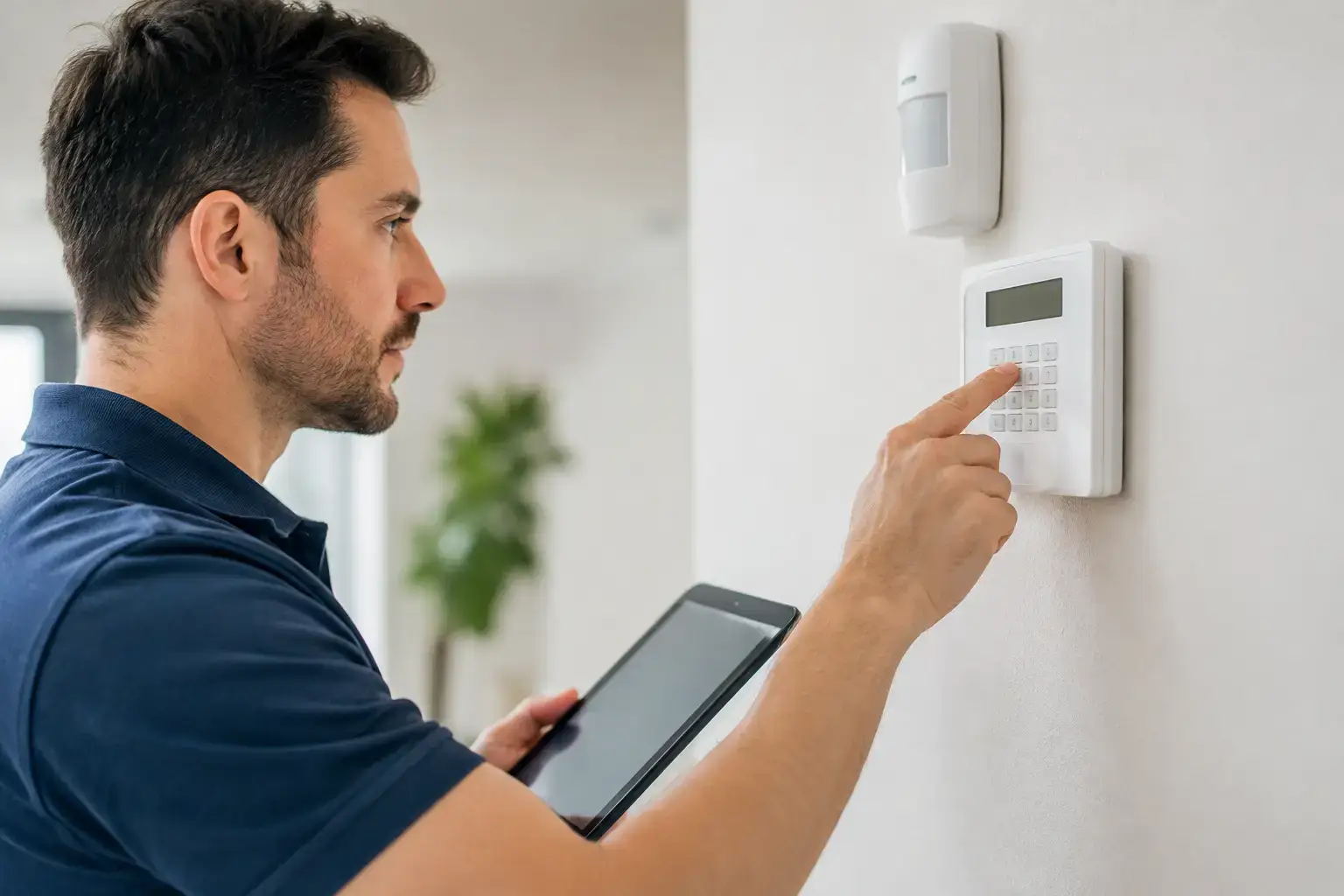
A security system can appear normal right up to the moment it is needed. That is why homeowners, property managers, and business operators should regularly test alarm sensors instead of assuming a green status light means every device is working. A short, organized test can identify a weak door contact, aging motion detector, disconnected glass-break sensor, or communication issue before it turns into a missed alarm.
The right testing routine depends on the equipment, the property, and whether the system is professionally monitored. Most systems make basic testing straightforward, but any test that could trigger an emergency response should be coordinated with the monitoring center first. That one call prevents false dispatches and lets you confirm that alarm signals are actually reaching the people who need to receive them.
Why Alarm Sensor Testing Cannot Be an Afterthought
Alarm sensors work in the background, which makes them easy to overlook. Door and window contacts may be opened and closed every day, while motion sensors can sit untouched for months. Heat, humidity, dust, construction work, battery decline, shifting door frames, and renovations can all affect performance.
This matters in Florida properties, where humidity and seasonal storms can expose weaknesses in batteries, wiring, enclosures, and network-connected equipment. A sensor that worked when it was installed may need adjustment later because a door no longer aligns correctly, a window has been replaced, or furniture now blocks a motion detector’s coverage area.
Regular tests also help distinguish a true system issue from a user issue. If a keypad displays a trouble condition, a professional can diagnose it faster when there is a clear record of which zone, device, or function failed during testing.
Before You Test Alarm Sensors
Start by checking the panel, keypad, or security app for active alerts. Common notices include low battery, sensor tamper, supervision loss, communication trouble, or an open zone. Do not ignore these messages just because the system still arms. They are often the first sign that a component needs attention.
If your system is monitored, place it in test mode through your monitoring provider before activating any alarm device. Confirm the time window for the test, the property address on file, and the callback number associated with the account. When the test is finished, contact the provider again and verify that the account has been returned to normal monitoring status.
For commercial properties, notify staff before testing audible alarms, panic devices, access-controlled openings, or sensors in occupied areas. Testing during a quiet period reduces disruption, but the system should still be checked under realistic conditions. A warehouse motion sensor, for example, should be tested with the shelving and equipment that are normally present.
Test Each Type of Alarm Sensor
A complete test is more than arming the system once and listening for a siren. Each device protects a different condition, so each needs its own method.
Door and Window Contacts
Arm the system in the appropriate test mode, then open each protected door and window one at a time. The keypad or app should identify the correct zone. If opening the front door displays a different opening, the labeling may be wrong or the system may need reprogramming.
Also inspect the contact and magnet. They should be firmly mounted and properly aligned when the door or window is closed. A small gap, loose adhesive, warped frame, or misaligned magnet can create intermittent alarms or leave an opening unprotected. If the device is wireless, look for a low-battery notice rather than removing the cover unnecessarily.
Motion Detectors
Motion sensors should be tested using the manufacturer’s walk-test method when available. Typically, this involves putting the detector or system into test mode, leaving the protected area briefly, and walking through the intended coverage zone. Check the system display to confirm the sensor registered movement.
Motion detection is not one-size-fits-all. Placement matters. A detector aimed toward direct sunlight, an HVAC vent, moving curtains, ceiling fans, or an area where pets roam may generate false alarms. On the other hand, a motion detector blocked by tall furniture, merchandise displays, or a new partition may no longer cover the space it was installed to protect.
Do not assume a sensor is defective because it does not trigger every time you move. Many detectors use timing logic to reduce false alarms. The question is whether it reliably detects movement within its designated coverage area during a proper walk test.
Glass-Break Sensors
Glass-break sensors should be tested with an approved glass-break test device or the specific method recommended for that model. Avoid breaking glass, striking windows, or relying on random household sounds. These devices are designed to identify particular sound patterns, and improvised testing can be unreliable.
Confirm that the sensor is positioned to cover the intended glass surfaces and that large furnishings, sound-absorbing materials, or closed interior doors have not changed the room’s acoustics. If windows have been upgraded or replaced, the original sensor placement may deserve a professional review.
Smoke, Heat, and Carbon Monoxide Devices
Life-safety devices require special care. Use the built-in test button according to the device instructions, and follow the system manufacturer’s process for verifying that the alarm signal reaches the panel and monitoring center. A test button confirms key functions, but it does not replace cleaning, battery maintenance, or replacement at the end of the device’s service life.
Smoke detectors can be affected by dust, insects, paint, humidity, and age. Heat detectors may need review after renovations that change airflow or room use. Carbon monoxide devices have a limited lifespan and should be replaced based on the manufacturer’s date guidance, even if they appear to function during a basic test.
Panic Buttons and Duress Devices
Panic buttons should only be tested with the monitoring center involved. For businesses, verify the location identifier that appears at the keypad or in the monitoring report. Knowing that a panic signal was received is useful; knowing exactly which office, cash-wrap area, or reception desk sent it is what supports a faster response.
Confirm the Signal Gets Out
A sensor can activate locally while the broader system fails to communicate. That is why professional monitoring verification is part of a meaningful test. Ask the monitoring center to confirm receipt of the alarm event, the event type, and the time it was received.
Communication paths may include cellular, internet, phone, or a combination of methods. Internet-connected panels can be affected by router changes, power outages, network equipment failures, and service interruptions. Cellular communicators need adequate signal strength and active service. If a property relies on a backup battery, test that backup as part of a planned maintenance visit rather than waiting for the next outage.
For commercial facilities, testing should also cover the practical response workflow. Verify who receives notifications, who has authority to cancel a false alarm, and whether current keyholder details are on file. A well-installed system still loses value when the contact list is outdated.
How Often Should You Test Your System?
A basic visual check can be done monthly. Look for trouble alerts, damaged devices, loose contacts, blocked sensors, and low-battery messages. A more complete functional test is commonly performed at least once or twice a year, with additional checks after major storms, remodeling, network changes, or repeated false alarms.
The schedule may need to be tighter for higher-risk locations. Retail stores, managed communities, vacant properties, medical offices, warehouses, and sites with frequent public access often benefit from a documented testing and inspection routine. The more devices and users a system has, the more valuable an organized service record becomes.
When to Call for Professional Service
Some problems are simple, such as replacing a listed battery or clearing an open window. Others should be handled by a qualified low-voltage technician. Schedule service when a device repeatedly loses supervision, a zone gives intermittent alarms, a panel reports communication failure, a sensor has physical damage, or the layout of the property has changed.
Professional service is also the right option when you need to test integrated equipment. Security systems may connect with cameras, access control, smart locks, automated lighting, gates, and mobile alerts. A change in one part of the system can affect another, particularly after network upgrades or new construction work.
1 Stop Security approaches these systems as connected property infrastructure, not isolated devices. That helps simplify testing, repair coordination, and future changes across residential and commercial sites.
A working alarm system should not be a matter of guesswork. Set a recurring reminder, keep a brief record of results, and address trouble conditions while they are still small. The best time to find a weak sensor is during a controlled test, not after a real event has already started.