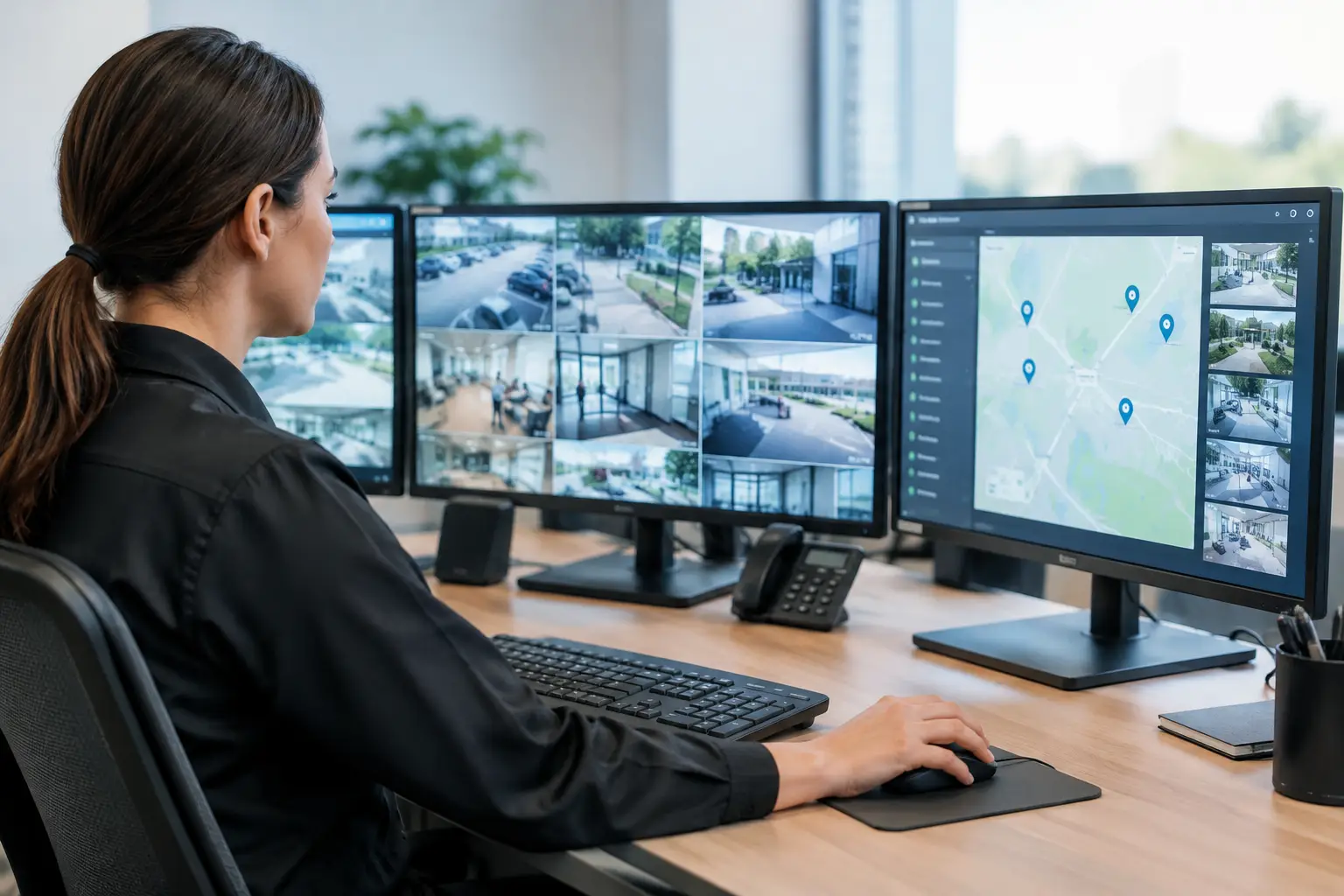
When a door alarm, camera alert, or access issue happens at one property, the real problem is rarely limited to that building. For owners and managers responsible for several locations, multi site security management provides the structure to see what happened, decide who should respond, and keep every site operating under the same security standards.
A scattered approach creates blind spots. One location may have current cameras, another may rely on outdated recorders, and a third may have access credentials that no one has reviewed in years. The result is more vendor calls, slower incident response, inconsistent procedures, and very little confidence that the entire portfolio is protected.
The goal is not to make every site identical. Different properties have different risks, operating hours, traffic patterns, and budgets. The goal is to create a system that is organized, visible, and manageable from a central point.
Why Multiple Locations Create Security Gaps
Security systems often grow one project at a time. A new office receives cameras after a theft. A warehouse adds card access after an employee turnover issue. A residential community upgrades its gate equipment when the existing system fails. Each decision may make sense on its own, but disconnected projects can leave management with a patchwork of equipment, logins, service contacts, and operating rules.
That patchwork becomes costly when something goes wrong. A manager may not know whether a camera is recording, whether footage can be retrieved remotely, or who has authority to change a door schedule. At the same time, a site supervisor may be given responsibility without receiving clear procedures or adequate training.
Florida properties can add another layer of complexity. Storm exposure, heat, humidity, seasonal occupancy, and heavy visitor traffic can affect equipment choices and service needs. A security plan for a Miami multifamily property may not look exactly like one for a Tampa warehouse or Orlando retail operation. Central management should account for those differences instead of forcing a one-size-fits-all setup.
What Multi Site Security Management Should Deliver
A well-planned program gives decision-makers a clear operating picture without requiring them to become security technicians. It should centralize oversight while preserving the local controls each site needs to function.
Consistent standards, not identical hardware
Consistency starts with a documented baseline. That may include camera coverage expectations, access permissions, alarm response procedures, retention periods, naming conventions, and required system testing. New locations can then be evaluated against the same standard before equipment is selected.
This does not mean replacing every existing device immediately. In many cases, the practical choice is to stabilize what is already installed, identify the highest-risk gaps, and upgrade in phases. A newer access control platform may be the priority at one site, while improved exterior camera coverage is the urgent need at another.
Central visibility with proper permissions
Authorized users should be able to review the information they need without sharing one generic login across the organization. Corporate leadership may need portfolio-level reporting. A property manager may need access to cameras and doors at assigned buildings. A local supervisor may only need the ability to review live video or grant access during scheduled hours.
Role-based permissions reduce confusion and limit unnecessary exposure. They also create a cleaner record of who made changes, viewed activity, or issued credentials. This matters after an incident, during an internal review, and whenever staff responsibilities change.
Faster response to real events
A centralized platform is only useful if it supports action. Alerts should be configured around meaningful events, such as a forced door, a gate left open, video motion in a restricted area after hours, or loss of communication with critical equipment. If every minor activity generates a notification, users will eventually ignore the system.
Response procedures should be just as clear. Decide who receives an alert, what that person is expected to verify, when local staff should be contacted, and when police, a monitoring provider, or emergency services should be involved. Security technology provides information. A defined workflow turns that information into a response.
Build the Program Around Operations
The best security design starts with how each property actually operates. Before adding devices or migrating platforms, document the people, areas, and events that matter most.
For a commercial portfolio, that may include employee entrances, loading areas, server rooms, cash-handling areas, and visitor access. For residential properties, the focus may be gates, pool areas, package rooms, garages, common corridors, and maintenance access. A homeowner with multiple residences may need to manage vacation properties, service personnel, deliveries, and remote alerts without juggling separate systems.
Ask practical questions: Who enters this property, at what times, and through which doors? Which areas require recorded video? What happens when an employee, tenant, vendor, or resident should no longer have access? Where would a manager need evidence if there were a dispute or incident?
The answers create the design priorities. They also prevent a common mistake: buying security equipment first and trying to create a process around it afterward.
A Practical Rollout for Multiple Properties
Start with an inventory. Record existing cameras, recorders, access panels, intercoms, alarm equipment, network connections, software licenses, and user accounts at each location. Include the age and condition of equipment, known issues, and the contact information for current service providers. This step often reveals unused credentials, unsupported systems, and equipment that is no longer connected or recording correctly.
Next, classify locations by risk and operational importance. A high-traffic site with valuable inventory, frequent visitors, or sensitive records may need attention before a low-occupancy location. Prioritization protects the budget and avoids replacing equipment simply because it is old.
Then standardize the management layer. Where possible, move toward common procedures for user access, system naming, camera retention, alarm notifications, and service requests. If systems cannot be unified immediately, document the differences and establish a migration plan. The key is to reduce surprise, not to create unnecessary disruption.
A successful rollout also needs these four controls:
- A designated owner for security decisions, escalations, and vendor coordination.
- A site-level contact who can assist with access, testing, and incident verification.
- A written process for adding and removing users, credentials, and remote access.
- A maintenance schedule for testing cameras, access points, backup power, and network connectivity.
These controls are simple, but they prevent many avoidable failures. A camera cannot help after an incident if its view has been blocked for months. A former employee should not retain access because no one submitted a removal request. An alarm signal is of limited value if nobody knows who is expected to respond.
Integrate Security Systems Carefully
Connected property technology can reduce daily friction. Video, access control, intrusion detection, intercoms, gates, and smart building functions can work together to give managers a better view of activity. For example, an access event can help a manager quickly find the relevant video, or an intercom call can allow a remote team member to verify a visitor before granting entry.
Integration should be purposeful. Connecting every available device may increase complexity, licensing costs, and support requirements. A smaller system with dependable communication and clearly assigned users is often more effective than a feature-heavy installation no one understands.
Network readiness also matters. Cameras and cloud-managed systems depend on stable connectivity, appropriate bandwidth, protected credentials, and properly configured equipment. Security projects should account for the network from the beginning, especially when older buildings or remote locations are involved.
Plan for Service, Not Just Installation
Multi site security management is an ongoing responsibility. Equipment needs updates, staff changes, properties change hands, construction alters camera views, and operational policies evolve. A good service plan makes it easier to handle those changes before they become security gaps.
Look for a provider that can document the system, coordinate work across locations, keep service requests organized, and explain options in plain language. One point of contact can be especially valuable when a property manager is balancing security issues with leasing, maintenance, tenant needs, and daily operations.
For clients in Miami, Orlando, and Tampa, 1 Stop Security can support that process by bringing surveillance, access-related systems, and connected property technology into one coordinated project and service workflow.
The most useful next step is to review one location as if you had to manage an incident there tomorrow. Confirm who has access, whether cameras are recording, how alerts are handled, and who to call for service. Then apply that same discipline across the rest of the portfolio.