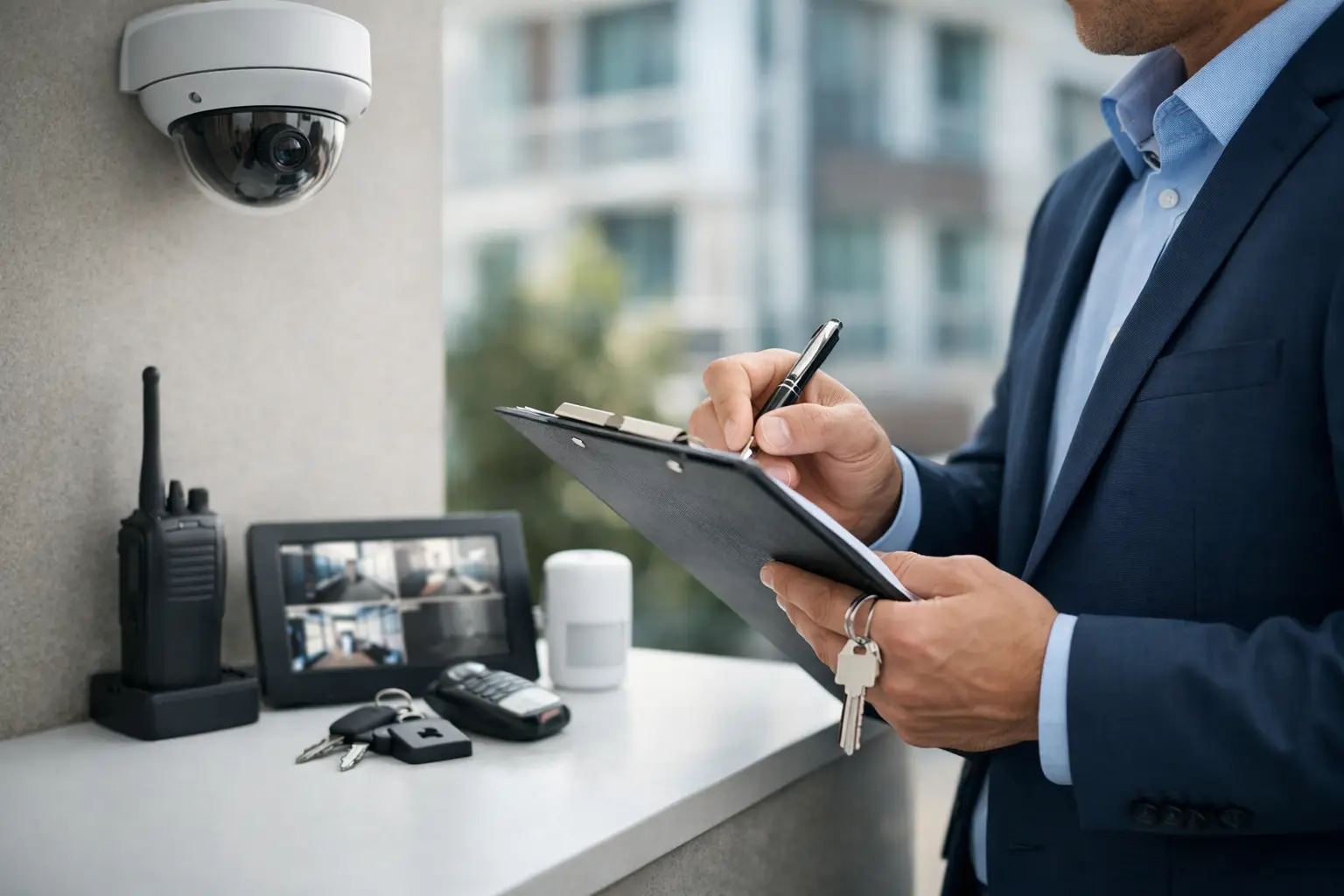
A missing gate code, one unreturned key fob, and a camera recorder nobody checked in months - that is how small oversights become expensive incidents. A property manager security checklist helps prevent that drift. It gives you a repeatable way to control access, monitor common areas, document issues, and keep security systems working across apartments, offices, mixed-use buildings, and community spaces.
For most properties, security problems are not caused by one major failure. They come from small gaps between leasing, maintenance, vendor access, resident turnover, and system upkeep. The fix is not more hardware by itself. The fix is a process that matches the property, the traffic, and the level of risk.
What a property manager security checklist should cover
A useful checklist starts with how the property actually operates. A small multifamily building has different needs than a gated community, retail plaza, or office complex. Still, the core categories are usually the same: access control, video surveillance, lighting, visitor management, alarm coverage, network reliability, and response procedures.
The goal is simple. You want to know who can enter, where they can go, what is being recorded, what happens after hours, and who responds when something goes wrong. If any of those answers are unclear, the property has a security management problem, not just an equipment problem.
Access control and entry points
Start with doors, gates, garages, and any secondary entrances. Every opening into the property should have a clear purpose, a defined group of authorized users, and a working method of control. In many buildings, the biggest weakness is not the front entrance. It is the side door propped open for deliveries, the pool gate with a bad latch, or the service corridor that vendors use without oversight.
Review whether credentials are current and assigned properly. Former tenants, old employees, contractors, and vendors should not retain access after their work ends. If the property still depends heavily on physical keys, rekeying policy matters. If it uses card access, mobile credentials, or key fobs, deactivation should be immediate when occupancy or staffing changes.
It also helps to separate convenience from security. Residents may want easy movement through the property, but unrestricted access between amenity spaces, parking areas, and residential corridors can create avoidable exposure. The right setup often means granting access by role, schedule, or area instead of giving everyone the same permissions.
Surveillance coverage that matches real activity
Cameras should cover the places where incidents are most likely to happen and where footage will actually help. That usually includes main entrances, parking areas, package rooms, elevator lobbies, mail areas, loading zones, and shared amenities. Coverage should also account for blind spots created by landscaping, architectural corners, or low light.
A common mistake is assuming installed cameras equal useful surveillance. Placement, image quality, storage retention, and remote access matter just as much as camera count. A camera pointed at glare, mounted too high, or recording at low resolution may not help when a manager needs to identify a vehicle, person, or timeline.
Retention policies depend on the property. A smaller site may be fine with a shorter archive if incidents are usually reported quickly. Larger properties, short-term rental environments, or sites with frequent deliveries may need longer retention. The key is matching storage to actual operational needs instead of guessing.
Property manager security checklist for daily operations
Security gets weaker when it is treated as a separate department instead of part of property operations. Leasing staff, maintenance teams, front desk personnel, and after-hours responders all affect the security outcome.
For day-to-day management, your checklist should include routine verification. Confirm that cameras are online, recorders are functioning, access events are logging properly, intercoms are responding, and gates are cycling as intended. These checks do not need to be complicated, but they do need to happen on a schedule.
Visitor access is another major operational point. Delivery drivers, dog walkers, cleaners, real estate agents, and contractors move through properties constantly. If the process relies on informal text messages or verbal approval, accountability is weak. A better system creates records of who entered, when they entered, and what credentials or permissions they used.
Package management also deserves attention, especially in Florida multifamily and mixed-use properties where delivery volume is high. Unsecured package rooms create theft opportunities and tenant complaints. Depending on the building, the answer may be better camera coverage, restricted access, lockers, or tighter front desk procedures. It depends on staffing and traffic patterns.
Lighting, visibility, and environmental conditions
Good lighting supports every other layer of security. It helps residents feel safer, improves camera image quality, and reduces hiding spots around walkways, dumpsters, parking lots, and stairwells. Burned-out fixtures should be treated as a security issue, not just a maintenance issue.
In Florida, weather conditions also matter. Heat, humidity, salt air, and storms can shorten the life of cameras, access hardware, gate operators, and network equipment. Outdoor devices need to be rated for the environment, and inspections should look for corrosion, moisture intrusion, and unstable mounting points. A system that worked well on install day may degrade fast if the property is near the coast or exposed to heavy rain.
Alarm and intrusion planning
Not every property needs the same intrusion setup, but every property should know where alarms are needed and who receives alerts. Management offices, storage areas, maintenance rooms, clubhouses, and vacant units are common targets because they often have lower visibility than resident corridors or main lobbies.
Your checklist should clarify arming schedules, user codes, false alarm procedures, and emergency contacts. If a break-in occurs at 2 a.m., the response should not depend on someone searching old emails for a panel code or vendor number. That information should already be organized and current.
Documentation and accountability
A strong property manager security checklist is only useful if someone owns it. Security tasks should be assigned, dated, and documented. Otherwise, everyone assumes someone else handled the camera outage, credential audit, or gate repair request.
Incident reporting should be standardized. When staff document suspicious activity, access issues, theft, vandalism, or resident complaints, reports should capture time, location, involved parties, video review status, and follow-up actions. This protects the property operationally and helps management identify patterns instead of treating every issue as isolated.
Vendor management matters too. If multiple contractors handle cameras, gates, intercoms, and networking separately, small problems often sit unresolved because responsibility is split. A single-source approach can simplify service coordination and reduce gaps between systems, especially when troubleshooting involves both hardware and connectivity.
When to update your property manager security checklist
Do not wait for an incident to review your plan. Update the checklist when occupancy changes, amenity areas are renovated, tenant complaints increase, new vendors are added, or technology is replaced. A property that adds remote access, smart locks, new cameras, or visitor entry tools should also update its procedures, not just its equipment list.
Annual reviews are a good baseline, but some properties need quarterly reviews. High-turnover communities, active commercial sites, and properties with frequent contractor traffic usually benefit from more frequent checks. Security is not static. The way people use a building changes, and the system should change with it.
This is also where professional support can make a difference. A contractor that understands surveillance, access control, alarms, and connected property systems can help property managers organize security as one operating system instead of a patchwork of devices. For owners and managers who want tighter oversight without adding complexity, that matters.
The best checklist is the one your team can actually use under pressure. Keep it current, keep it practical, and make sure it reflects how the property runs day to day. When security is organized before there is a problem, response gets faster, residents feel the difference, and management stays in control.