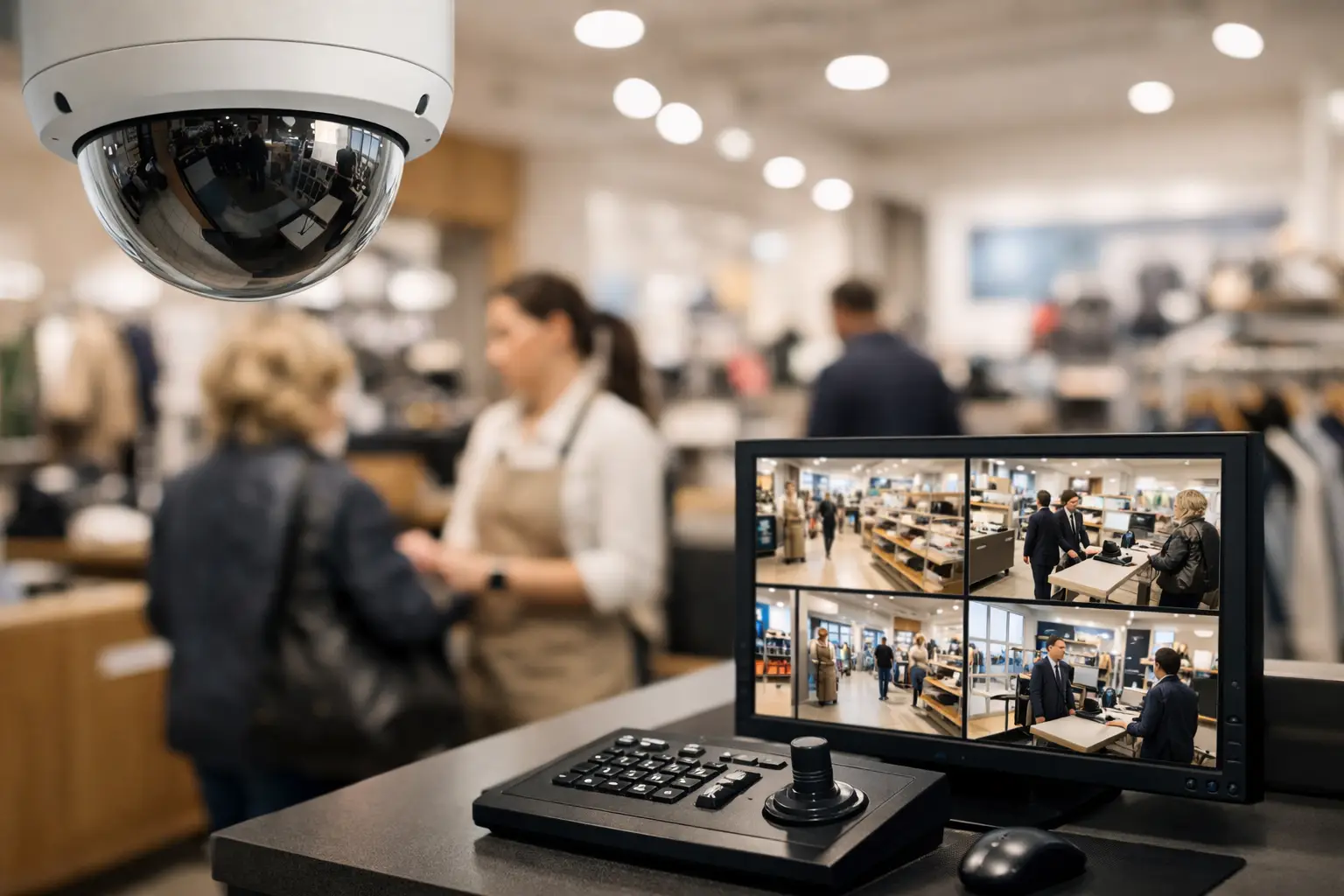
A missing item, a disputed refund, or an employee injury can turn into a costly problem when nobody can verify what happened. Retail surveillance gives store owners and managers a reliable record of activity at the places where loss, conflict, and safety issues are most likely to occur.
For a single storefront, the goal may be clear visibility at entrances, registers, and stockrooms. For a multi-location operation, the priority is often centralized access, consistent camera standards, and faster response across every site. The right system should support the way your store actually operates, not add another task for staff to manage.
What Retail Surveillance Should Accomplish
Retail cameras are often discussed as a theft-deterrence tool. That matters, but it is only one part of the job. A well-designed system helps document transactions, monitor customer flow, investigate incidents, protect employees, and verify opening and closing procedures.
For managers, the practical value is speed. Instead of relying on conflicting accounts after an incident, authorized staff can review the relevant footage, identify the timeline, and make an informed decision. This can be especially useful for return disputes, slip-and-fall claims, delivery questions, and reports of misconduct.
Visible cameras can also influence behavior. Customers are less likely to attempt opportunistic theft when they know a location is monitored. Employees benefit from having a factual record when handling confrontations or safety concerns. The system is not a replacement for trained staff, store policies, or proper access control, but it gives those processes stronger support.
Start With Store Risks, Not Camera Count
The question is not simply how many cameras a store needs. Coverage should follow the risks and workflows of the location. A convenience store, jewelry retailer, warehouse showroom, and apparel shop have very different exposure points.
Begin by walking the property at the times it is busiest and least staffed. Look at where people enter, where merchandise changes hands, where inventory is received, and where staff may be working alone. Pay attention to sightlines blocked by displays, shelving, signs, or seasonal fixtures. A camera that looked properly placed during construction may become less useful after the sales floor changes.
Most retail environments need deliberate coverage at entrances and exits, point-of-sale areas, sales floors, receiving doors, stockrooms, cash-handling locations, and exterior approaches. Parking lots and side entrances may be just as important as the front door, particularly for stores that open early, close late, or receive frequent deliveries.
Coverage does not mean recording every square foot from every angle. Too many poorly planned cameras can create clutter, increase storage costs, and make investigations slower. Fewer cameras with the correct field of view, lighting support, and placement are usually more valuable than a high camera count chosen without a site plan.
Match Camera Types to the Scene
Wide-angle cameras can provide an overview of a sales floor, while a more focused camera may be needed to capture usable detail at a register or doorway. Varifocal cameras are useful where installers need to fine-tune the viewing angle. Pan-tilt-zoom cameras can cover larger spaces, but they should not be the only camera watching a critical area because they record only where they are pointed at a given moment.
Low-light performance matters in back entrances, parking areas, and stores with uneven lighting. Cameras positioned toward bright windows or glass doors need proper adjustment to avoid dark, unusable faces. For exterior coverage, weather-rated equipment and carefully planned mounting locations are essential in Florida's heat, humidity, and heavy rain.
Image quality should be selected for the decision the footage needs to support. If staff only need to see general movement in an aisle, an overview may be enough. If they need to identify a person, read a label, or confirm cash handling at a register, the camera must be positioned and configured for that level of detail.
Design the System Around Daily Operations
A surveillance system is most effective when it fits into the store's daily workflow. That includes who can view footage, how video is searched, who receives alerts, and what happens when equipment goes offline.
Store managers may need live views of entrances and registers. Owners may want remote access to multiple locations. Loss-prevention staff may need permission to export clips for an investigation, while other employees should have limited access. Clear user roles protect privacy and reduce the risk of accidental changes to important settings.
Remote access is useful, but it needs to be managed carefully. Use individual user accounts rather than shared passwords, enable multi-factor authentication when available, and remove access promptly when a manager or employee leaves. The same attention should apply to the network supporting cameras. Business surveillance equipment should be installed and configured as part of an organized security plan, not treated like a standalone consumer device.
Retention time is another operational decision. Some incidents are reported immediately, while others are discovered weeks later during inventory review or insurance follow-up. The appropriate retention period depends on the business, available storage, camera resolution, recording schedules, and internal policies. A contractor can calculate storage needs before installation so the system does not begin overwriting footage sooner than expected.
Use Video With Access Control and Alarm Systems
Retail surveillance becomes more useful when it works alongside other security systems. Access control can document which authorized user opened a stockroom, office, or receiving door. Video can provide visual context when that door is accessed after hours. Alarm events can direct attention to the specific camera view associated with a triggered sensor.
This coordinated approach is valuable for businesses with restricted inventory, multiple shifts, or frequent vendor activity. It also reduces the time required to piece together an event from separate systems. The objective is not to monitor every employee constantly. It is to create accountable procedures for sensitive areas and after-hours activity.
For example, a receiving door may be protected by a door contact, an access credential reader, and a camera positioned to capture both the door and the surrounding loading area. If an event occurs, the manager has a more complete record than video alone can provide.
Privacy, Audio, and Policy Matter
Cameras should be installed in areas where there is a legitimate business and safety purpose. Restrooms, changing rooms, and other private spaces should never be under video surveillance. Breakroom coverage may also require careful consideration based on the purpose, the layout, and applicable laws.
Audio recording deserves separate attention. Rules around recording conversations can be more restrictive than rules around video, and requirements can vary by location and situation. Before enabling audio, businesses should seek appropriate legal guidance and confirm that their policies, notices, and system settings align with applicable requirements.
Good surveillance practices also include written internal policies. Define who can access video, when footage may be reviewed, how clips are shared, and how long records are retained. Employees should understand the policy, and customers should receive appropriate notice where required. Clear rules help ensure that surveillance supports a professional operation rather than creating confusion or mistrust.
Plan for Installation and Ongoing Service
Retail locations cannot always pause operations for security work. Installation planning should account for store hours, customer traffic, ceiling access, cabling routes, network capacity, and coordination with other trades. In occupied stores, phased work may be preferable to a single disruptive installation.
A professional system design also considers future changes. A retailer may add registers, reorganize merchandise, open a second location, or extend coverage to a parking area. Choosing equipment and storage capacity with reasonable room to expand can prevent a complete redesign later.
Ongoing service is just as important as the initial installation. Cameras can be moved, obstructed, damaged, or disconnected. Firmware needs management, storage health should be checked, and user access must stay current. A useful service plan establishes who handles support, how issues are reported, and how quickly critical equipment problems are addressed.
1 Stop Security can help retail operators organize surveillance, access-related systems, and connected property technology through one coordinated project process. That gives owners and managers a clearer path from site assessment to installation, configuration, and support.
The best time to evaluate camera coverage is before a loss event exposes a blind spot. Walk the store with your real workflows in mind, identify the moments that matter most, and build a system your team can actually use when answers are needed.