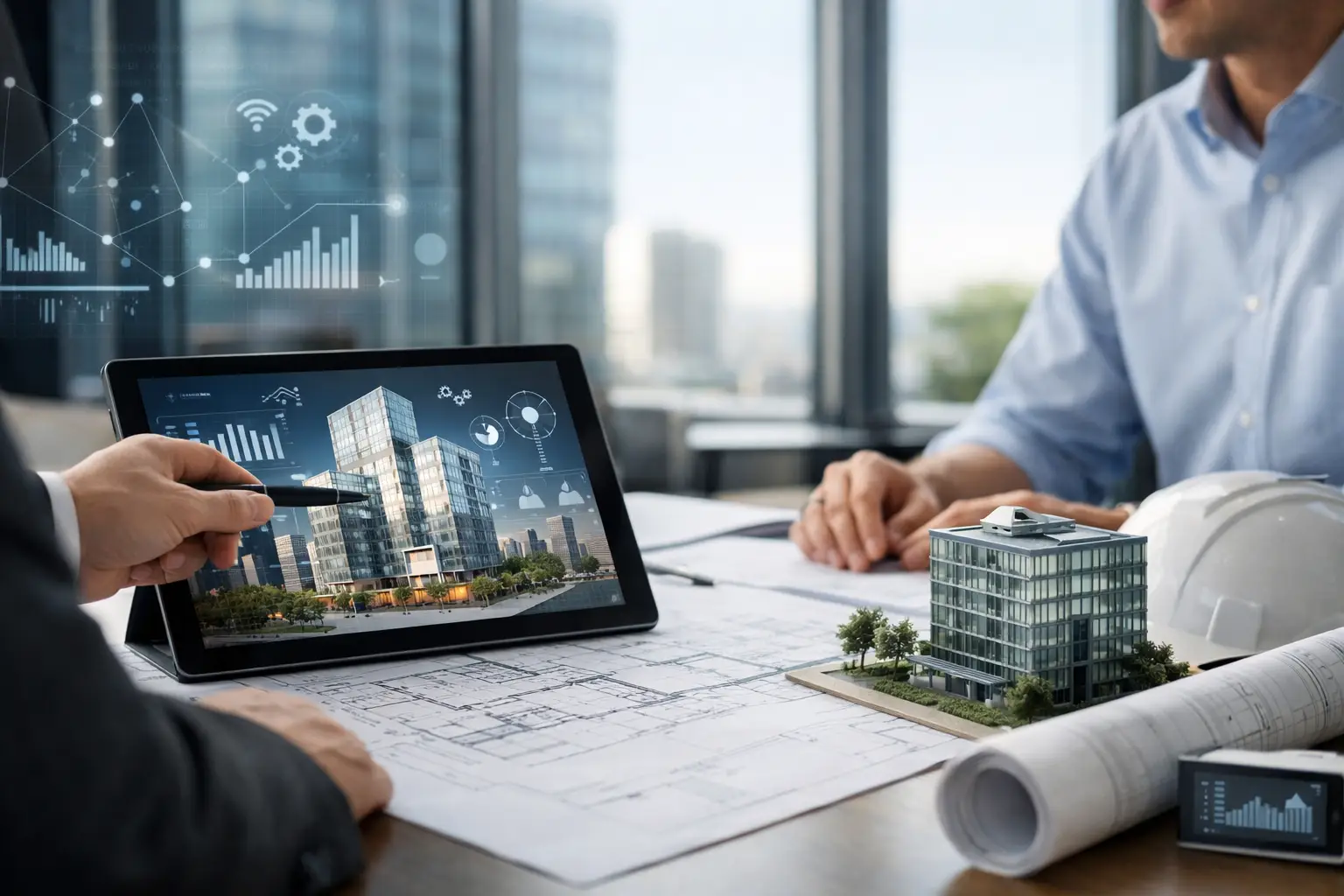
A smart building retrofit is rarely about replacing every device in a property. It is about fixing the gaps that create daily friction: doors that cannot be monitored, cameras with blind spots, disconnected alarm systems, manual visitor access, and equipment that no one can manage from one place. For owners and facility teams, the goal is practical control without the cost and disruption of a full rebuild.
The strongest retrofit projects start with operations, not products. Before selecting a camera, reader, sensor, or automation platform, identify what the building needs to do better. That may mean reducing unauthorized access after hours, giving managers remote visibility across locations, improving response to an alarm, or creating a more manageable experience for tenants, employees, and visitors.
What a Smart Building Retrofit Should Accomplish
A retrofit adds connected technology to an existing building while making the most of usable infrastructure already in place. In a commercial property, that can include access control, surveillance, intrusion detection, intercoms, occupancy monitoring, lighting controls, and automated alerts. In a residence or multifamily community, it may center on perimeter security, smart locks, video doorbells, gates, common-area cameras, and centralized control.
The right scope depends on the property. A warehouse with multiple loading doors has different priorities than a medical office, apartment complex, or single-family home. Trying to install every available feature often creates a system that costs more, is harder to support, and does not solve the real operational problem.
A well-planned project should produce clear outcomes: better awareness of what is happening on-site, faster access decisions, documented activity, fewer manual workarounds, and systems that staff or residents can actually use. Technology only creates value when it reduces the burden on the people responsible for the property.
Start With a Building Assessment
Existing conditions determine both cost and design. Older buildings may have limited pathways for new cabling, inconsistent power, outdated electrical rooms, concrete walls, or network equipment that was never intended to support security and automation devices. Florida properties also require attention to heat, humidity, storm exposure, and outdoor equipment placement.
A site assessment should document entry points, sensitive areas, network closets, available power, cable pathways, Wi-Fi coverage, and current low-voltage systems. It should also identify what can remain in service. A functional camera run, door hardware set, conduit path, or equipment rack may reduce installation time and avoid unnecessary replacement.
The assessment should include the human workflow. Ask who grants access, who reviews video, who receives alarms, and who handles calls when a system goes offline. If the answer is unclear, the technology will not correct the issue on its own. A retrofit needs defined ownership from the start.
Identify the highest-risk gaps first
Every project benefits from a short priority list. Begin with areas where a failure has real consequences: exterior doors, gates, server rooms, medication storage, cash-handling areas, loading docks, parking areas, and common spaces with repeated incidents.
For example, a property manager may not need cameras in every corridor before gaining reliable visibility at vehicle gates, package rooms, and resident entrances. A business owner may get more value from managed door access and event reporting than from adding smart lighting controls in the first phase. This is where a phased approach protects the budget and produces measurable gains early.
Build the Network Before Adding More Devices
Connected building systems depend on a dependable network. Cameras, access control panels, intercoms, sensors, and mobile management platforms all generate traffic and require stable communication. When a retrofit ignores the network, the result is usually slow video playback, unreliable remote access, devices that drop offline, and time-consuming service calls.
A practical network review looks at bandwidth, switching capacity, power over Ethernet availability, wireless coverage, segmentation, backup power, and remote management. Security devices should generally be organized separately from everyday office or resident traffic. This improves reliability and helps contain risk if another device on the network is compromised.
Wired connections remain the best choice for fixed cameras, access panels, and other critical equipment when cabling is feasible. Wireless devices can be useful where construction limits access or where a short-term deployment is needed, but they introduce trade-offs. Battery maintenance, signal interference, and changing Wi-Fi conditions need to be considered before wireless becomes the default solution.
Do not overlook power planning. A camera that loses power during an outage or an access system that cannot maintain door operations may create a more serious problem than a temporary inconvenience. Battery backup and properly sized power supplies should reflect the property’s required operating time and the life-safety rules that apply to the opening.
Design Systems Around Daily Operations
The value of connected property technology comes from coordination. Video verification can support an access event. An intercom call can let an authorized user speak with a visitor before releasing a door. An alarm notification can point staff to a camera view or a specific zone. These connections give teams context instead of sending them a stream of isolated alerts.
That does not mean every system must sit on one platform. A single interface can be helpful, but forced integration can create limitations if it requires replacing reliable equipment or locking the property into an unsuitable ecosystem. The better question is whether the systems share the information operators need and whether they can be serviced without unnecessary complexity.
For access control, design the credential process as carefully as the hardware. Decide who can add users, how access is approved, when credentials expire, and how terminated employees or former vendors are removed. In a multifamily property, define move-in, move-out, package delivery, and contractor access procedures before activation. Organized administration is a security control, not paperwork.
Keep the user experience simple
A system that takes five steps to open a door or find a video clip will be bypassed. Managers need clear permissions, usable notifications, and a dashboard that shows what matters. Residents and employees need instructions that match their role, without access to settings they do not need.
Training should occur at turnover, not weeks later. The installer should confirm that the designated users can perform routine actions: issue a credential, review a recorded event, acknowledge an alert, request support, and identify which equipment serves which area. Basic documentation prevents small questions from becoming emergency calls.
Use a Phased Smart Building Retrofit When Needed
A phased smart building retrofit is often the most responsible option for occupied properties. It allows an owner to address urgent security gaps while preserving budget for later improvements. It also reduces disruption for residents, customers, and staff.
Phase one commonly covers the core infrastructure and highest-priority openings or camera locations. Phase two can expand coverage, add intercoms, connect additional areas, or introduce automation features after users are comfortable with the new system. Later phases may address analytics, energy-related controls, or portfolio-level management.
Phasing only works if the first phase is designed for expansion. Equipment capacity, network ports, rack space, licensing, cable pathways, and power should be considered upfront. Installing a small system that must be replaced a year later is not a cost-saving strategy.
Schedule planning matters as much as hardware selection. Work in active offices, retail locations, condominiums, and healthcare settings may require after-hours installation, temporary access procedures, noise controls, and coordination with building management. A contractor should provide a clear sequence for installation, testing, user training, and final turnover so operations are not left guessing.
Measure Performance After Installation
Commissioning is the point where a retrofit becomes an operating system rather than a collection of installed devices. Test every camera view under realistic lighting conditions. Confirm that doors lock, unlock, alarm, and report correctly. Verify event notifications, remote access, battery backup, and user permissions. If an integration is part of the design, test the actual workflow that staff will use.
After the first 30 to 90 days, review whether the system is meeting the original objective. Are unauthorized-entry incidents easier to investigate? Are managers spending less time issuing keys? Are visitors handled more consistently? Is remote visibility helping supervisors respond faster? These answers can guide adjustments and determine whether the next phase is justified.
Ongoing service should be part of the plan. Credentials change, tenants move, staff turns over, and property layouts evolve. Cameras need cleaning and occasional repositioning. Software, firmware, and account permissions require attention. A centralized provider such as 1 Stop Security can help coordinate those moving parts across security, surveillance, access-related systems, and connected technology.
The best retrofit is not the one with the most devices. It is the one that gives the right people reliable control over the spaces they are responsible for, while leaving room for the property to change.