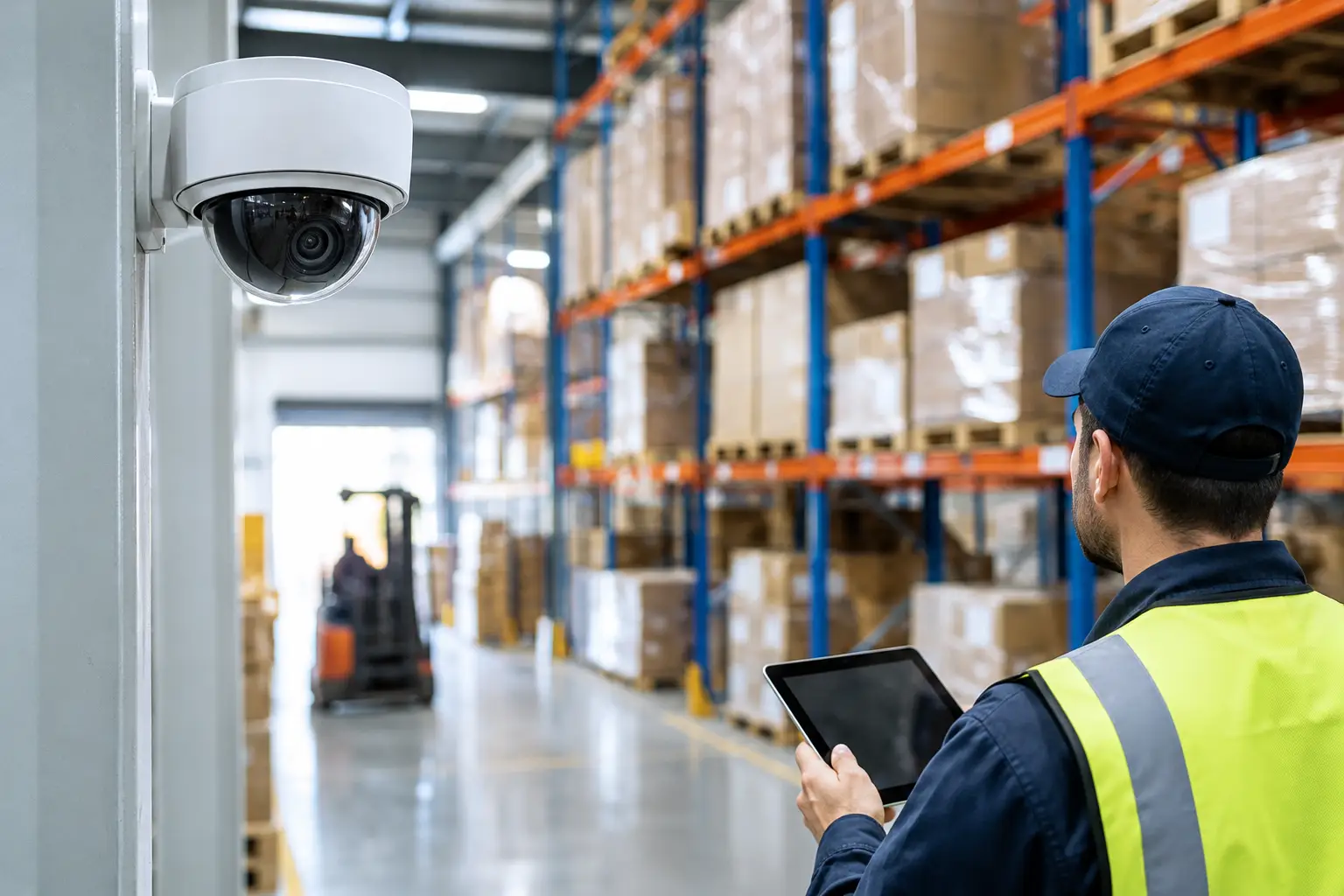
A warehouse can lose thousands of dollars through one unsecured loading door, an unverified after-hours entry, or a camera that fails to capture a license plate. Warehouse security technologies are not just about recording incidents after they happen. When planned correctly, they help facility operators control movement, verify activity, protect inventory, and respond faster when something is wrong.
For warehouse operators, the practical question is not which device has the longest feature list. It is which combination of systems addresses the actual risks at the dock, in storage areas, around high-value goods, and across employee and vendor access points.
Start With How the Facility Actually Operates
Security planning should follow the workflow of the building. A small distribution warehouse with one shift has different needs than a high-volume facility with multiple carriers, temporary labor, and 24-hour receiving. The same camera and access control package will not fit both sites.
Walk the property from the perimeter to the shipping floor. Identify where people, vehicles, and inventory enter and leave. Review the areas where staff work alone, where contractors wait, where returns are processed, and where goods sit before shipment. These are the points where control often breaks down.
A useful security plan separates risks into four connected areas:
- Perimeter protection for fences, gates, parking lots, and exterior doors.
- Entry management for employees, delivery drivers, vendors, and visitors.
- Interior oversight for aisles, cages, offices, docks, and inventory staging.
- Response and evidence for alarms, live alerts, recorded video, and incident review.
The goal is not to put a camera in every corner. It is to create reliable coverage at decision points: who entered, where they went, what was moved, and whether a door or gate was used outside approved conditions.
Access Control Keeps Credentials Organized
Mechanical keys are difficult to manage in an active warehouse. They can be copied, passed between employees, and retained after a worker leaves. Electronic access control gives managers a clearer way to assign, remove, and review entry permissions.
Badge readers, key fobs, mobile credentials, and keypad entry can be used at exterior doors, manager offices, IT rooms, inventory cages, and other restricted spaces. Each opening does not need the same level of control. A break room may only need basic employee access, while a pharmaceutical cage or high-value storage room may require a named credential and an entry record.
Scheduling is where access control becomes especially useful. A facility can limit access by shift, department, or day of the week instead of leaving every authorized user active around the clock. When an employee is terminated or a contractor finishes work, their credential can be removed without rekeying multiple doors.
For larger operations, access records can also help resolve routine disputes. If a shipment discrepancy is reported, managers can compare door activity with camera footage and receiving records. That does not eliminate every question, but it creates a more organized audit trail.
Video Surveillance Must Deliver Usable Evidence
Cameras are often the first technology considered, but coverage quality matters more than camera count. A wide view of a loading dock may show activity, yet fail to identify a person, read a trailer number, or confirm what was removed from a pallet. Camera placement should match the type of evidence the area requires.
At docks, position cameras to show both the truck approach and the transfer point between trailer and warehouse. At employee entrances, use an angle that captures faces under normal lighting conditions. In parking areas and gate lanes, camera placement should account for headlights, shadows, and vehicle speed.
Warehouses also need cameras that can handle their environment. High ceilings, low-light aisles, dust, vibration, humidity, and large overhead doors affect image quality and equipment reliability. Outdoor cameras need appropriate weather protection, especially in Florida conditions where heat, heavy rain, and storm preparation are part of facility operations.
Remote viewing gives owners and managers operational visibility when they are off-site, but it should be configured carefully. Limit user permissions, use secure credentials, and determine who is responsible for reviewing alerts. A system that sends constant notifications for normal motion will quickly be ignored. Analytics should be tuned to meaningful events, such as a person at a closed loading dock, a vehicle entering after hours, or movement in a restricted cage.
Retention time also deserves attention. A facility may need video available for several weeks, while another may need longer storage due to customer requirements, claims, or internal investigations. Retention depends on camera resolution, activity level, recording settings, and available storage. This should be planned before installation, not discovered after an incident.
Intrusion Detection Covers the Gaps Cameras Cannot
Video verifies activity. Intrusion detection creates an immediate alert when a protected area is breached. Door contacts, motion detectors, glass-break sensors, and gate monitoring can help secure offices, storage rooms, exterior openings, and areas that should remain empty after a shift ends.
The best alarm design avoids unnecessary alarms. For example, an interior motion detector near an active night-shift path may create problems unless the system is divided into separate zones. A restricted inventory cage can be armed while the rest of the warehouse remains in use. This zoning gives operators more control and helps response teams understand exactly where activity occurred.
Alarm monitoring adds another layer when no manager is available to respond. The right process should define who receives notifications, who can verify an event through video, and when law enforcement or a security team should be contacted. Equipment alone is not a response plan.
Integrate Warehouse Security Technologies Around One View
The strongest systems connect access events, alarms, and video rather than operating as isolated tools. When an access credential opens a door after hours, the associated camera can provide visual verification. When an alarm activates, operators can check the relevant video feed instead of searching through an entire camera list.
Integration also reduces daily friction. A manager should not need separate logins and separate processes to investigate a dock door alarm, revoke access for a departing employee, and review exterior camera footage. Centralized management improves oversight, particularly for operators responsible for multiple warehouses or properties.
That said, integration should be purposeful. Adding every available feature can increase cost, training needs, and support requirements without improving the actual security outcome. Start with systems that solve a defined problem, then leave room for future expansion as operations change.
Plan the Infrastructure, Not Just the Devices
A warehouse security project depends on more than cameras and card readers. Network capacity, cable pathways, electrical power, backup power, equipment locations, and cybersecurity all affect system performance. Poorly planned infrastructure can lead to dropped camera feeds, inaccessible records, and expensive rework when the facility expands.
During design, confirm where network switches and recording equipment will be located, how outdoor runs will be protected, and whether critical components need battery backup. Consider gate controllers, intercoms, emergency exits, fire-rated pathways, and the movement of forklifts around exposed equipment. Installation should support warehouse operations rather than create new obstructions or maintenance issues.
It is also smart to decide who owns routine system administration. Someone should be responsible for adding users, removing credentials, checking camera health, testing alarm communications, and documenting incidents. A professional installer can configure and support the technology, but the facility still needs clear internal ownership.
Avoid Common Security Gaps
Many warehouse systems fall short for simple reasons: cameras are installed too high for identification, doors remain propped open for convenience, former employees retain active credentials, or recordings are never tested until after an incident. These are operational issues as much as technology issues.
Set procedures that match the installed system. Train supervisors on basic access management. Check that camera views have not been blocked by new racking or stored materials. Test alarms and backup power on a schedule. Review whether gate and door activity aligns with current shift patterns.
A facility does not need to solve every risk in one project. Start with the openings, inventory zones, and operational blind spots that create the greatest exposure. A properly designed system can then expand in a controlled way as the warehouse grows, changes tenants, or adds new shipping activity.
For warehouse operators in Miami, Orlando, Tampa, and beyond, the most useful security investment is one that fits the building, supports the workflow, and remains manageable after installation. That is how security becomes part of reliable daily operations rather than another system competing for attention.