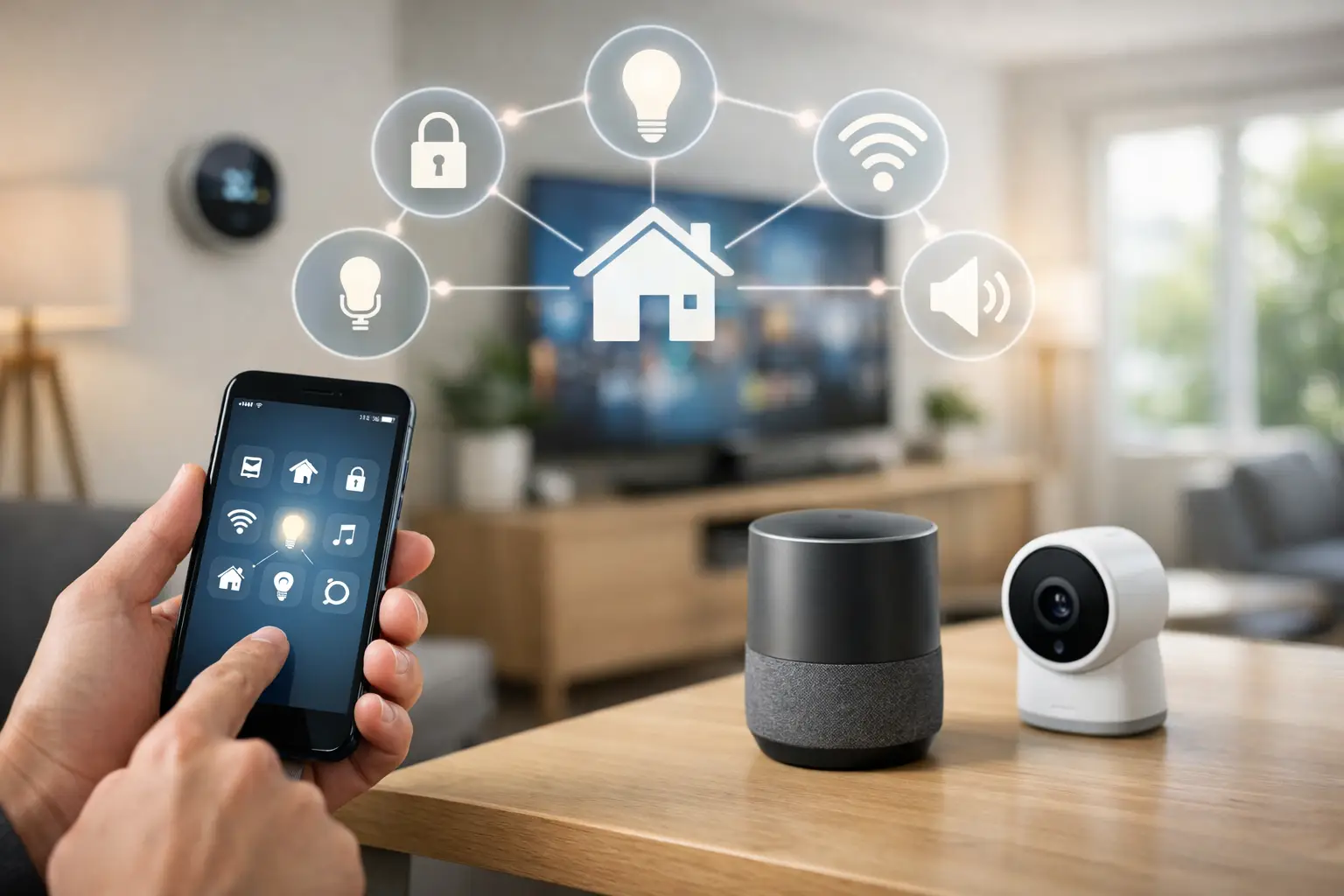
If you have one app for your cameras, another for the alarm, a third for the thermostat, and still need to walk room to room to make everything work, the setup is not integrated. What is smart home integration? It is the process of connecting your home’s devices, controls, and automation into one organized system that works together instead of operating as separate pieces.
For homeowners, that usually means simpler control and better day-to-day convenience. For property managers and business owners, it often means better visibility, more consistent operation, and fewer service headaches. The real value is not that a device is “smart.” It is that the system is planned so lighting, locks, cameras, alarms, audio, climate, and access controls can respond in a coordinated way.
What is smart home integration in practical terms?
In practical terms, smart home integration means your devices share information and actions through a common platform, automation rules, or control interface. Instead of treating each product as a standalone purchase, the system is designed as a whole.
A basic example is a front door lock that disarms the alarm and turns on entry lights when an authorized user arrives home. Another is a camera system that sends a relevant alert, records activity, and triggers exterior lighting after motion is detected. These are not isolated functions. They are connected actions based on conditions, schedules, or user commands.
This is the difference between having smart devices and having a smart home. You can buy a video doorbell, a thermostat, and a few smart bulbs without creating an integrated system. Integration starts when those products are configured to work together reliably and in a way that matches how the property is actually used.
The systems that usually get integrated
Most integrated smart home projects center on a few core categories. Security is usually first. Alarm panels, sensors, surveillance cameras, video doorbells, and smart locks are common starting points because they affect both safety and daily access.
Climate control is another major category. A connected thermostat can adjust based on schedules, occupancy, time of day, or whether the alarm system is armed. Lighting also plays a big role, especially for security, energy management, and routine automation.
In larger homes and mixed-use properties, integration may also include garage doors, gate operators, intercoms, access control, audio, networking equipment, shades, and leak detection devices. Commercial properties often go further with managed access permissions, common-area surveillance, and broader control of multiple entry points.
The right combination depends on the property. A condo in Miami has different needs than a single-family home in Orlando or a small office in Tampa. Good integration is not about adding the longest feature list. It is about connecting the systems that improve control, reduce friction, and make the site easier to manage.
How smart home integration actually works
At the system level, integration depends on communication. Devices need a way to exchange status and commands, either through Wi-Fi, hardwired low-voltage connections, specialized wireless protocols, or a central controller. The underlying method matters because it affects speed, reliability, expansion options, and ongoing maintenance.
Some systems are built around one manufacturer’s ecosystem. That can make setup easier and improve compatibility, but it may limit your future choices. Other systems combine products from multiple brands. That gives you more flexibility, but it also increases the importance of proper design and configuration.
Control usually happens through one or more interfaces: a mobile app, wall-mounted keypad, touch panel, voice assistant, or browser-based dashboard. Automation rules sit behind that interface. Those rules tell the system what to do when certain events happen, such as locking doors at a set time, adjusting temperatures after business hours, or sending alerts when a restricted area is accessed.
The network is part of the system too. Many smart home issues that look like device failures are actually caused by weak Wi-Fi coverage, poor device placement, bandwidth congestion, or inconsistent power. That is one reason professionally integrated systems tend to perform better over time. The devices are only part of the project. The infrastructure matters just as much.
Why integration matters more than individual devices
The main benefit of smart home integration is control. When systems are organized under a unified plan, you spend less time switching between apps, troubleshooting mismatched settings, or repeating the same task in multiple places.
There is also a security benefit. Integrated systems can create stronger response chains. A door event can trigger recording. A camera alert can activate lighting. A security schedule can lock certain areas automatically. That kind of coordination can improve awareness and reduce the chance that a critical step gets missed.
For property owners managing multiple users, integration can also simplify permissions. Instead of handing out keys, alarm codes, and separate app invitations across different platforms, access can be structured more cleanly. That matters in rental properties, commercial spaces, and households with staff or frequent visitors.
Energy management is another practical advantage, though results vary. A well-set system can reduce unnecessary lighting and HVAC use, but savings depend on the property, occupancy patterns, and whether automation rules are realistic. Integration helps most when it supports consistent behavior, not when it relies on people to keep changing settings manually.
Where DIY works and where it starts to break down
Some homeowners can build a workable entry-level system on their own. If the goal is a few lights, a smart lock, and a video doorbell, many consumer products make that possible. For a small apartment or a very simple home, that may be enough.
The problems usually start when the system grows. Multiple brands may not cooperate well. App management becomes fragmented. Notifications become noisy or irrelevant. Devices compete for network resources. And when something stops working, it is not always obvious whether the issue is the product, the network, the power supply, or the automation logic.
That is where integration shifts from product shopping to system design. A larger home, a gated property, a site with surveillance and alarm requirements, or a commercial building usually needs more than plug-and-play setup. It needs planning around coverage, wiring paths, user roles, control points, and future service.
Professional installation is also useful when the project involves access control, structured cabling, surveillance retention requirements, or a need to unify security and automation under one service provider. In those cases, the goal is not just convenience. It is dependable operation and easier support.
What to think about before you build a system
Before choosing products, it helps to define how the property needs to function. Start with the routines that matter most. That may be securing the site at closing time, managing deliveries, checking cameras remotely, controlling guest access, or reducing after-hours energy use.
Then look at who will use the system. A homeowner may want one-touch control and simple alerts. A property manager may need audit trails, scheduled access, and easier turnover between tenants or staff. A business owner may care more about perimeter awareness, restricted areas, and centralized oversight across multiple entry points.
It also helps to decide how much flexibility you want later. Some systems are easier to expand than others. Some are better for a single residence, while others are better for mixed-use or light commercial environments. If you expect to add cameras, gate access, intercoms, or more advanced automation in the future, that should be part of the design from the start.
Budget matters, but so does serviceability. A lower-cost setup that becomes difficult to maintain can cost more over time. The better question is not just what the equipment costs today. It is how well the system will perform, how easy it will be to manage, and how quickly problems can be handled when they come up.
What is smart home integration really buying you?
At its best, smart home integration buys you fewer moving parts from the user’s perspective. The technology may still be complex in the background, but the experience at the keypad, app, camera view, or front door should feel straightforward.
It also buys you structure. Instead of adding disconnected devices over time, you get a plan for how security, access, surveillance, and automation are supposed to work together. That is valuable in any property, but especially in homes and facilities where reliability matters more than novelty.
For many clients, the biggest benefit is not the app or the automation scene. It is knowing there is a clear system in place, with equipment that fits the property and support that does not require calling five different vendors. That is why integrated low-voltage planning has become a practical decision, not a luxury upgrade.
If you are considering smart technology for a home, rental, office, or managed property, start with the workflow, not the gadgets. The right system should make the property easier to run on day one and easier to support a year from now.