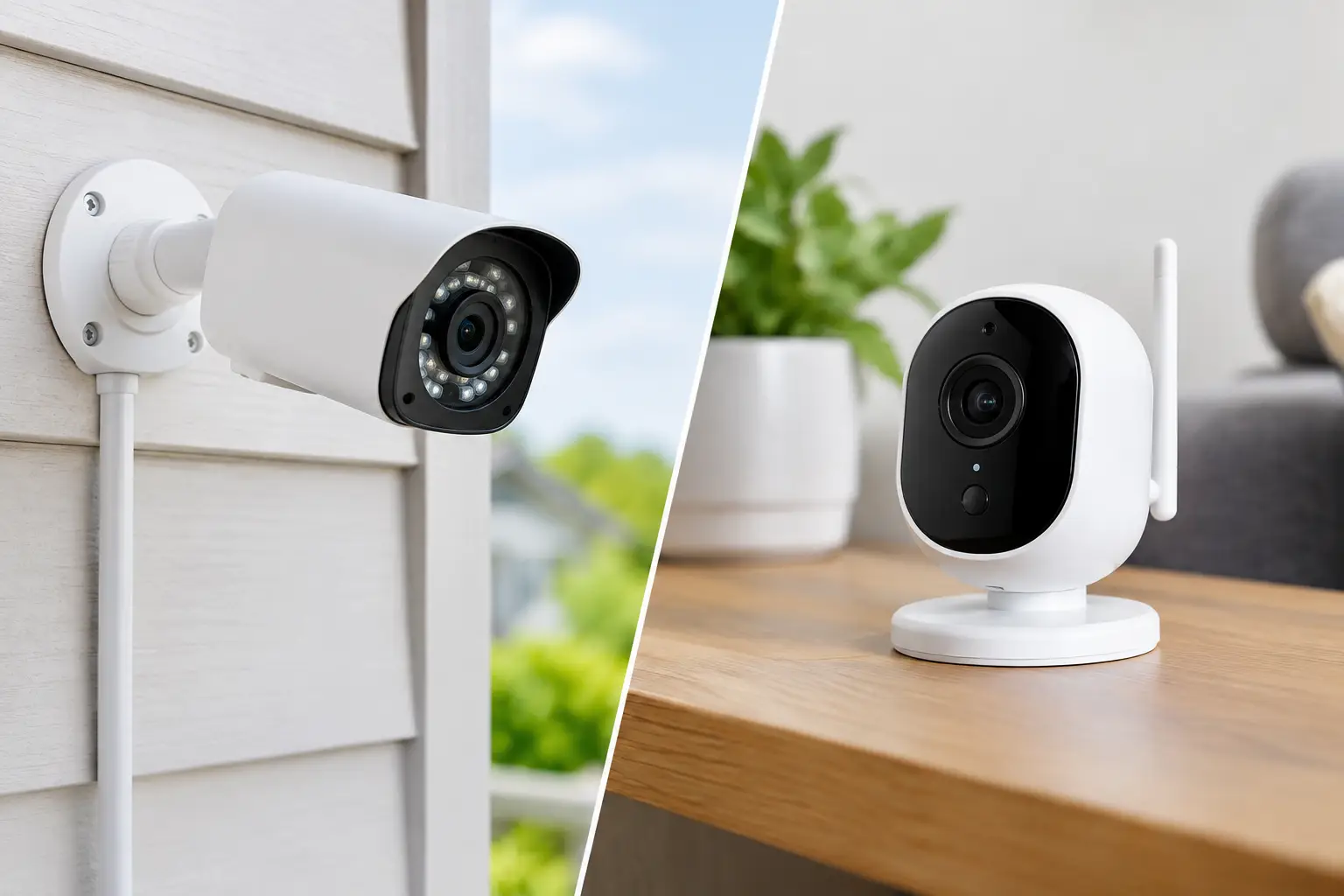
A camera that drops offline when you need footage is not much of a security system. When comparing wired versus wireless cameras, the real question is not which option is newer or easier to buy. It is which system will provide reliable coverage, usable video, and manageable maintenance for your property.
For a small entry point or a temporary monitoring need, wireless cameras can be practical. For larger homes, businesses, multifamily properties, and locations where consistent recording matters, a wired system often provides more control. The right decision comes down to power, network conditions, recording requirements, building layout, and how much disruption the installation can reasonably involve.
Wired Versus Wireless Cameras: The Core Difference
A wired security camera typically connects to the network and power through Ethernet cable. In many professional installations, this is Power over Ethernet, or PoE. One cable carries both the data connection and the power supply from the camera back to a network switch or recorder.
A wireless camera sends video over Wi-Fi rather than through a data cable. It may still need a nearby electrical outlet, unless it runs on rechargeable or replaceable batteries. That distinction matters. “Wireless” usually means wireless data transmission, not a camera with no wires at all.
Both types can deliver clear video, mobile alerts, remote viewing, and recorded footage. The difference is how consistently they can do it when Wi-Fi traffic rises, a battery runs low, or weather affects the property.
When Wired Cameras Are the Better Operational Choice
Wired cameras are built for properties that need dependable, continuous coverage. Because each PoE camera has a direct physical connection, it does not compete with phones, TVs, tablets, smart speakers, and other devices for Wi-Fi bandwidth. This makes a meaningful difference at busy homes and active commercial sites.
A wired system is generally the stronger choice when cameras need to record around the clock. A business may need continuous coverage of a register area, warehouse entrance, parking lot, loading zone, or access point. A homeowner may want uninterrupted recording around gates, driveways, pools, or a detached structure. In these situations, direct cabling supports stable video transmission and eliminates routine battery charging.
Wired cameras also make centralized recording easier to manage. A network video recorder can store footage locally, with recording schedules, retention periods, user permissions, and camera settings handled in one place. Cloud storage can still be part of the plan, but the system does not have to depend entirely on an internet connection to keep recording locally.
There is a trade-off: installation requires planning. Cable routes may need to run through attics, walls, conduits, ceilings, or exterior pathways. On a finished property, that takes more time than mounting a wireless camera near an outlet. A professional site assessment helps identify the cleanest routes, confirm mounting surfaces, and avoid placing cameras where glare, obstructions, or poor angles reduce their value.
Where wired systems perform especially well
Wired cameras are often the right fit for larger residences, retail spaces, offices, restaurants, warehouses, HOAs, medical offices, schools, and other properties with permanent security needs. They also work well where cameras are positioned far from a reliable Wi-Fi signal, such as exterior gates, long driveways, parking areas, or detached buildings.
In Florida, outdoor equipment also has to handle heat, humidity, rain, and storm conditions. Properly installed outdoor-rated cabling, weather-protected connections, secure mounting, and surge protection are part of building a system that remains dependable through changing conditions.
Where Wireless Cameras Make Sense
Wireless cameras solve a different set of problems. They are useful when running cable is impractical, when coverage needs are limited, or when the property is temporary. A tenant may need a camera at an apartment entry, for example. A homeowner may want a quick view of a side yard while planning a larger security project. A property manager may need short-term monitoring during renovations or vacancy periods.
Installation can be faster because there is no Ethernet cable to route back to a recorder or network closet. Cameras can often be mounted where the Wi-Fi signal is strong and power is available. Battery-powered models extend placement options further, although they add a maintenance requirement.
Wireless systems can also be a reasonable option for a small number of cameras where event-based recording is sufficient. Many are designed to wake up when motion is detected, send an alert, and record a short clip. That can work well for a front door, patio, or low-traffic side entrance.
The limitation is that performance depends on the wireless network. Thick concrete walls, metal structures, distance from the router, neighboring networks, and the number of connected devices can affect signal quality. A camera may look fine during initial setup but become inconsistent during high network use or poor weather.
Battery cameras require another layer of attention. High motion activity, frequent live viewing, hot temperatures, and weak Wi-Fi can drain batteries faster than expected. They are convenient, but they should not be treated as maintenance-free security equipment.
Reliability Is More Than Video Resolution
A camera’s advertised resolution is only one part of the result. A sharp image is useful only if the camera is online, aimed correctly, recording at the needed time, and retaining footage long enough to review it.
For this reason, a camera plan should begin with the security objective. Are you trying to identify a person at a door, monitor activity across a parking area, verify deliveries, oversee employee-only access, or document incidents at multiple entrances? Each goal affects camera location, lens selection, lighting needs, recording mode, and storage capacity.
Night performance also deserves attention. Infrared night vision can provide usable black-and-white footage in low light, but placement still matters. A camera pointed toward a streetlight, reflective surface, or bright window can lose detail. In darker exterior areas, supplemental lighting or a camera designed for low-light color recording may be more useful than adding more resolution.
For commercial properties, reliability also includes how footage is managed. Managers may need separate user access for owners, supervisors, or security personnel. They may need remote viewing without giving every user full administrative control. A properly configured system keeps that workflow organized rather than relying on a shared login and ad hoc settings.
Cost: Upfront Installation Versus Ongoing Maintenance
Wireless cameras usually have a lower initial cost because they are faster to deploy and may not require cable runs, PoE switches, or dedicated recording equipment. However, lower upfront cost does not always mean lower long-term cost. Cloud subscription fees, battery replacements, Wi-Fi upgrades, and the time spent troubleshooting connectivity can add up.
Wired systems commonly cost more at installation because labor and infrastructure are involved. But for a permanent property, that investment can reduce recurring maintenance and provide a more stable platform for expansion. Once cable is in place, adding or replacing compatible PoE cameras is often straightforward.
The best value depends on the property’s expected use. A temporary camera need should not automatically become a major cabling project. At the same time, a business should not rely on a collection of battery cameras if it needs dependable evidence from multiple critical areas every day.
A Practical Way to Choose
Start by identifying which locations require continuous coverage and which only need motion alerts. Next, look at the physical layout: where can cables run, where are power outlets available, and where is Wi-Fi strongest? Then determine how footage should be stored, who needs access, and how long video must be retained.
Many properties benefit from a hybrid design. A wired PoE system can cover priority areas such as entrances, cash-handling locations, driveways, and parking zones. Wireless cameras can supplement hard-to-reach areas or provide flexible coverage during construction, events, or property changes.
For homeowners and facility operators, the goal is not to install the most cameras. It is to create coverage that stays online, captures useful detail, and remains easy to manage. A site-specific design from a qualified low-voltage contractor can account for network capacity, power, camera angles, storage, and future expansion before equipment is selected.
Choose the system that matches the consequence of missing footage. If a camera is protecting a critical entry, transaction area, or remote perimeter, prioritize consistent power and recording. If it is filling a limited, low-risk gap, wireless convenience may be the right tool. A well-planned system gives you fewer surprises and better control when it matters.