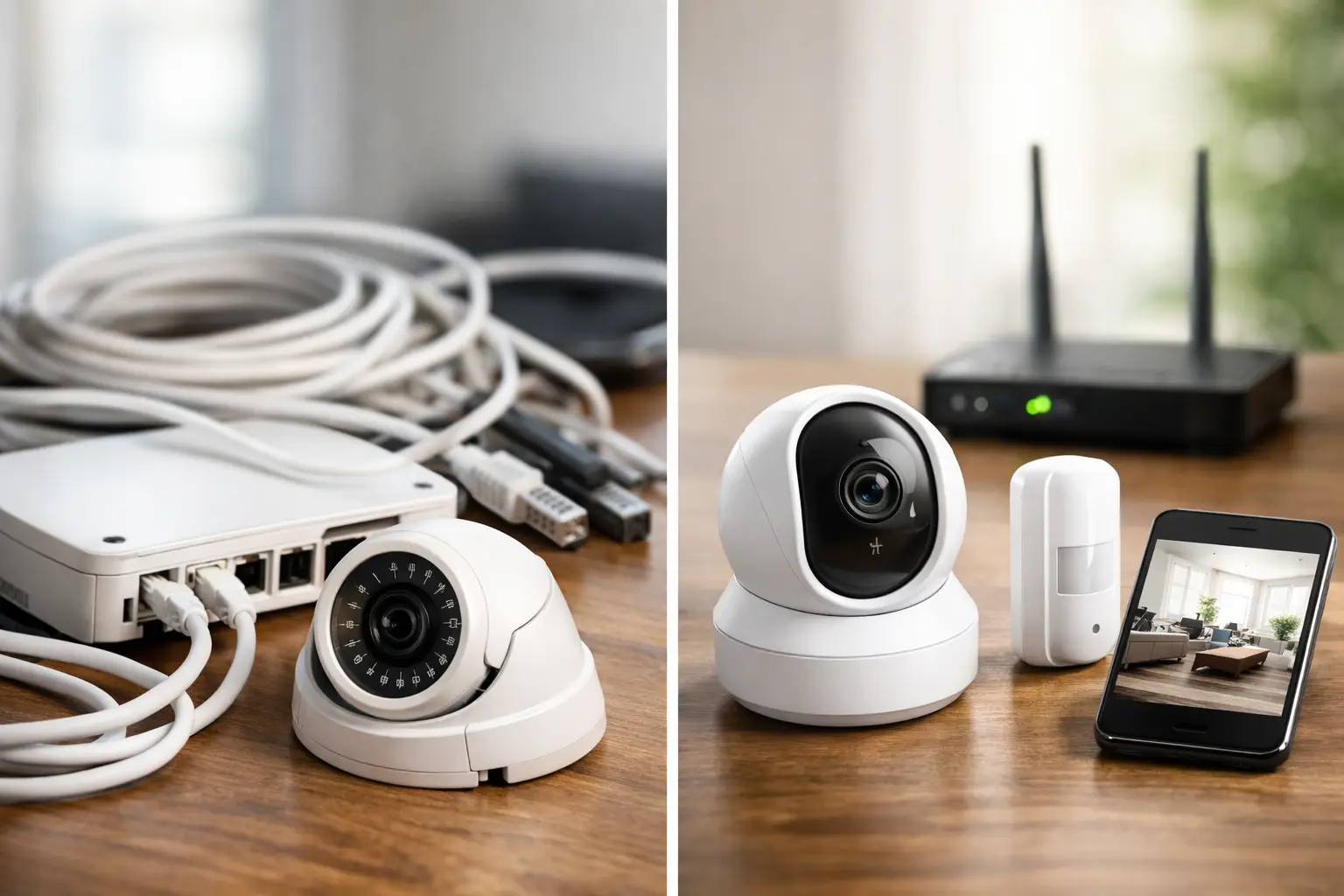
A security system is only useful when it fits the property, the people using it, and the way the site operates. The decision between wired vs wireless security systems affects more than the equipment on the wall. It determines installation scope, power planning, network requirements, maintenance needs, and how easily the system can expand later.
For a condo, a finished home, or a leased office, wireless equipment can reduce disruption and speed up deployment. For a large residence, warehouse, retail location, or property being built or renovated, a wired system may provide the coverage and long-term control that a wireless-only design cannot. The right answer is rarely about which technology is newer. It is about matching the infrastructure to the risk, layout, and operational requirements.
Wired vs Wireless Security Systems: The Core Difference
A wired security system uses physical cabling to connect sensors, cameras, keypads, access devices, and control equipment. Depending on the system design, those cables may carry power, data, video, or all three. Hardwired alarm contacts, for example, connect back to a security panel through low-voltage wiring. IP cameras often use Power over Ethernet, allowing one network cable to provide both connectivity and power.
A wireless security system relies on radio signals, Wi-Fi, cellular communication, or a combination of these technologies. Wireless door contacts, motion sensors, glass-break detectors, cameras, and keypads communicate with a control panel, hub, recorder, or cloud-based platform without a wire running to each device.
Both system types can support professional monitoring, mobile alerts, video verification, smart locks, automation routines, and remote management. The major difference is not what they can do on a feature list. It is how they deliver those functions under real-world conditions.
Where Wired Systems Make More Sense
Wired systems are usually the stronger option when a property needs permanent coverage, extensive video surveillance, or a higher level of physical reliability. Once installed correctly, wired devices do not depend on individual batteries or wireless signal strength to communicate with the main system.
This is especially valuable for commercial sites with multiple doors, long hallways, detached structures, exterior cameras, and areas where a missed signal or dead battery could create a problem. Hardwired intrusion devices can support a detailed zone layout, making it easier for operators to identify the exact location of an alarm event. A properly designed wired camera system also handles continuous recording more reliably than cameras that depend entirely on Wi-Fi.
Reliability and Power Planning
Hardwired equipment is generally less exposed to signal interference from concrete walls, metal framing, appliances, neighboring networks, or distance from the hub. That matters in many Florida properties, where concrete block construction, hurricane-rated materials, and larger footprints can make wireless performance less predictable.
Wired does not mean immune to failure. A cable can be damaged, a network switch can go offline, and a power outage can affect equipment. The difference is that these risks can be addressed at the system level through protected cable paths, battery backup, surge protection, uninterruptible power supplies, and properly configured network equipment. The installer has more control over the operating environment.
Best Timing for Installation
The best time to install wiring is before drywall is closed or while a property is already under renovation. Running cable through open walls and ceilings is faster, cleaner, and less expensive than retrofitting a finished structure.
For new construction, planning low-voltage wiring early can also support future needs. One cable run may serve a camera today, while conduit or extra cabling can make later upgrades far easier. This approach is useful for owners who expect to add access control, structured networking, audio, intercoms, or additional surveillance over time.
Where Wireless Systems Have the Advantage
Wireless security is often the practical answer for finished properties where opening walls would be disruptive or unnecessary. A homeowner can add door and window sensors without major construction. A property manager can improve security in a leased space without making extensive changes to the building. A business can add a temporary camera or monitored opening while waiting for a larger renovation.
Installation speed is the main advantage. Wireless devices can often be placed where they are needed without routing cable across finished ceilings, exterior walls, or high-traffic areas. This lowers labor time and can reduce the overall project scope.
Flexibility for Changing Spaces
Wireless devices are easier to move when a layout changes. If an office is reconfigured, a retail counter is relocated, or a homeowner converts a room into a nursery or home office, sensors and cameras can often be repositioned without new cable work.
That flexibility is helpful, but it should not be confused with unlimited placement freedom. A wireless camera still needs adequate power unless it uses a battery or solar option. A sensor still needs a dependable signal path. Devices installed too far from the panel, behind dense construction materials, or near sources of radio interference may produce inconsistent performance.
Battery Maintenance Is an Operating Task
Most wireless sensors use batteries. Modern devices can provide low-battery notifications well before a device stops operating, but someone still needs to respond. On a small home system, that may be simple. Across multiple rental units, offices, or facilities, it becomes a maintenance process that needs ownership and documentation.
Battery-powered cameras require even more attention. Frequent motion events, high traffic areas, extreme heat, and poor signal conditions can reduce battery life. For exterior surveillance, a wired power source is often the better choice when continuous recording, reliable live viewing, or frequent event capture is required.
Cost: Look Beyond the Initial Quote
Wireless systems often have a lower upfront installation cost because they require less cable, labor, and wall access. That can make them attractive for smaller projects and existing buildings. However, equipment costs may be higher per device, and batteries will need replacement over the life of the system.
Wired systems can require more labor upfront, particularly in finished buildings. Cable routing, access work, patching, and network setup add time. But the long-term operating cost may be lower for large deployments, especially when devices are powered centrally and maintained as part of a planned infrastructure.
The lowest initial price is not always the lowest cost of ownership. Consider how long the property will be occupied, whether the layout is likely to change, the value of the assets being protected, and the cost of downtime or missed video. For a permanent commercial location, investing in structured cabling may be easier to justify than repeatedly adapting a wireless setup.
Network and Cybersecurity Considerations
Wireless security systems depend heavily on the quality of the network. Strong Wi-Fi coverage, adequate bandwidth, secure credentials, firmware updates, and reliable internet service all affect performance. If cameras share a weak residential network with streaming devices, gaming systems, and smart appliances, video performance may suffer at the exact time it is needed.
Wired IP systems also use networks, but Ethernet connections provide more consistent bandwidth and avoid many Wi-Fi coverage issues. For camera systems, separating security devices from general user traffic through proper network design can improve both performance and management.
Neither approach should be installed as an afterthought. Change default passwords, use secure remote access settings, keep firmware current, and document where devices connect. A security system should not introduce avoidable network risk.
A Hybrid Design Is Often the Best Fit
Many well-planned properties use both technologies. A business may hardwire exterior cameras, access control doors, critical alarm points, and network equipment while using wireless sensors for interior offices or difficult retrofit locations. A homeowner may use wired cameras and a hardwired video doorbell while adding wireless contacts to select windows or detached structures.
A hybrid design prioritizes wired connections where reliability, power, and continuous data matter most. Wireless equipment then fills gaps without creating unnecessary construction. This is often a more efficient approach than forcing the entire property into one category.
Questions to Settle Before Choosing
Before selecting equipment, define what the system must protect and how the property operates. Consider whether the building is owned or leased, whether walls are open, how many access points and cameras are required, and whether the site needs continuous recording or only event-based clips.
Also consider who will manage the system after installation. A system with dozens of wireless batteries may be reasonable for an organized facility team but less suitable for a remote owner with limited site access. A wired system may be ideal for a long-term location but unnecessary for a short lease or temporary use.
A professional site review should account for construction materials, network conditions, electrical availability, camera angles, lighting, outdoor exposure, code requirements, and future expansion. This planning prevents the common mistake of choosing equipment first and solving infrastructure problems later.
For homeowners and businesses, the practical goal is not to buy the most devices. It is to create a security setup that stays dependable after installation day. A clear plan, the right mix of wired and wireless equipment, and an organized service process give the property owner more control when it matters.